
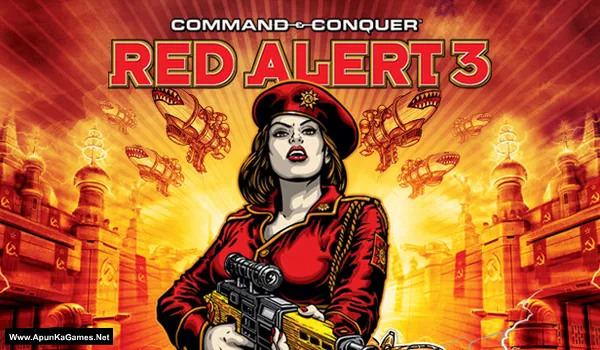
Command and Conquer: Red Alert 3 Game – Overview – Free Download – PC – Specs – Screenshots – Installation Video
Type of game: Strategy
Type of game: Strategy
PC Release Date: October 28, 2008
Developer/Publishers: EA Los Angeles/Electronic Arts
Command and Conquer: Red Alert 3 (2.03 GB) is a real-time strategy game developed by EA Los Angeles and published by Electronic Arts. Set in an alternate history where the Soviet Union alters the timeline, three factions the Soviets, Allies, and Empire of the Rising Sun battle for global control. Players build bases, gather resources, and command powerful land, sea, and air units. With cinematic missions, cooperative campaign mode, and strategic gameplay, Red Alert 3 delivers an exciting RTS experience.
Developer/Publishers: EA Los Angeles/Electronic Arts
Command and Conquer: Red Alert 3 (2.03 GB) is a real-time strategy game developed by EA Los Angeles and published by Electronic Arts. Set in an alternate history where the Soviet Union alters the timeline, three factions the Soviets, Allies, and Empire of the Rising Sun battle for global control. Players build bases, gather resources, and command powerful land, sea, and air units. With cinematic missions, cooperative campaign mode, and strategic gameplay, Red Alert 3 delivers an exciting RTS experience.
Before downloading make sure that your PC meets minimum system requirements.
Minimum System Requirements
- OS: Windows XP SP2, Windows Vista (32-bit)
- CPU: Intel P4 2.2GHz or equivalent
- RAM: 1 GB
- Hard Drive: At least 10 GB of free space
- Video Memory: nVidia GeForce 6 series/ATI X1800 or better.
- Sound Card: DirectX Compatible
- DirectX: 9.0c
- Keyboard and Mouse
- Multiplayer: 2 – 6 players with optional voice support, network or Internet connection required (Cable, DSL or faster connection).
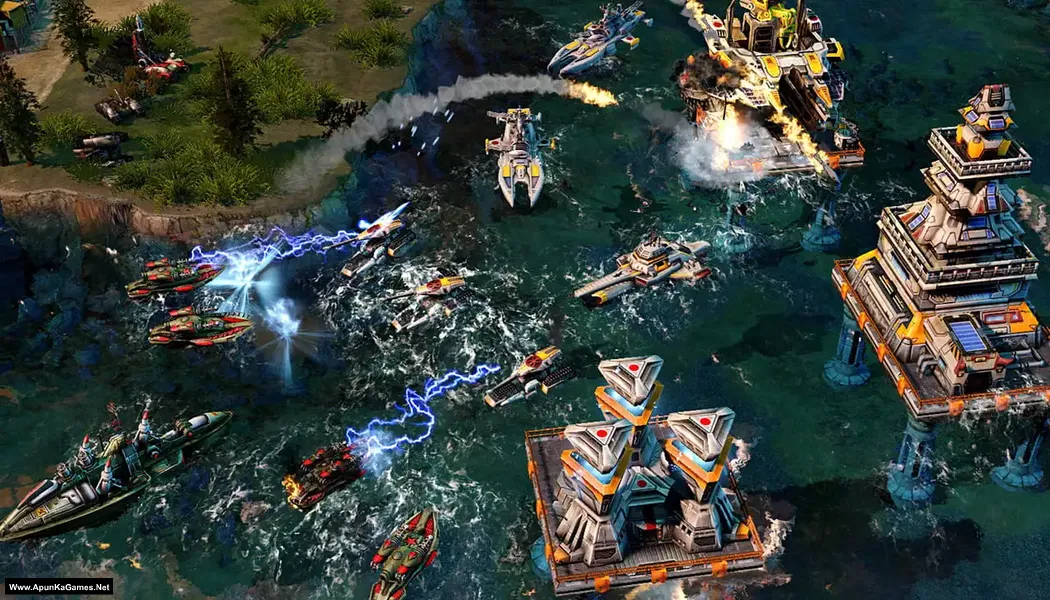
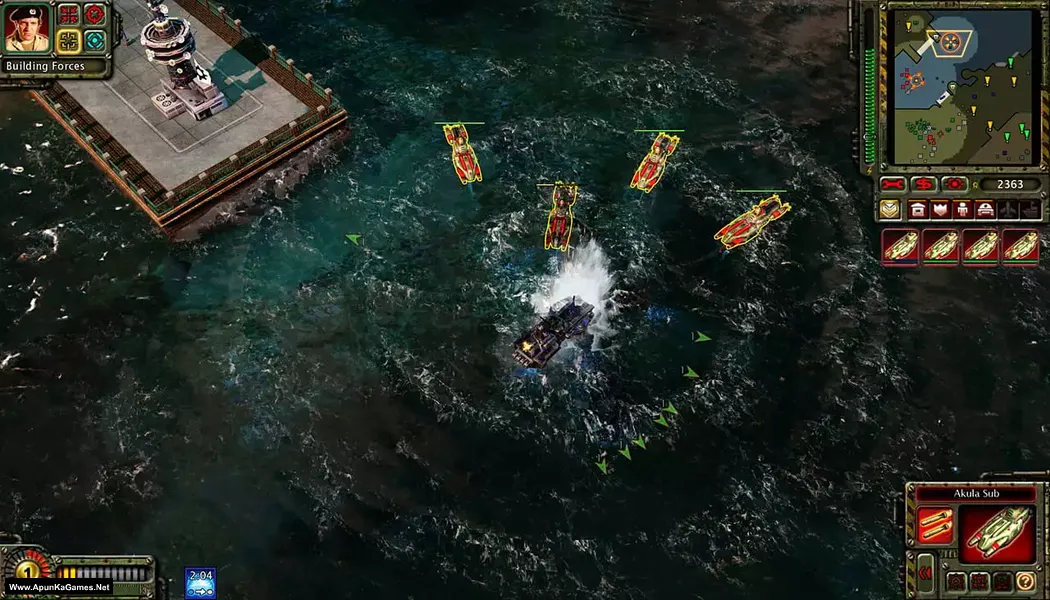
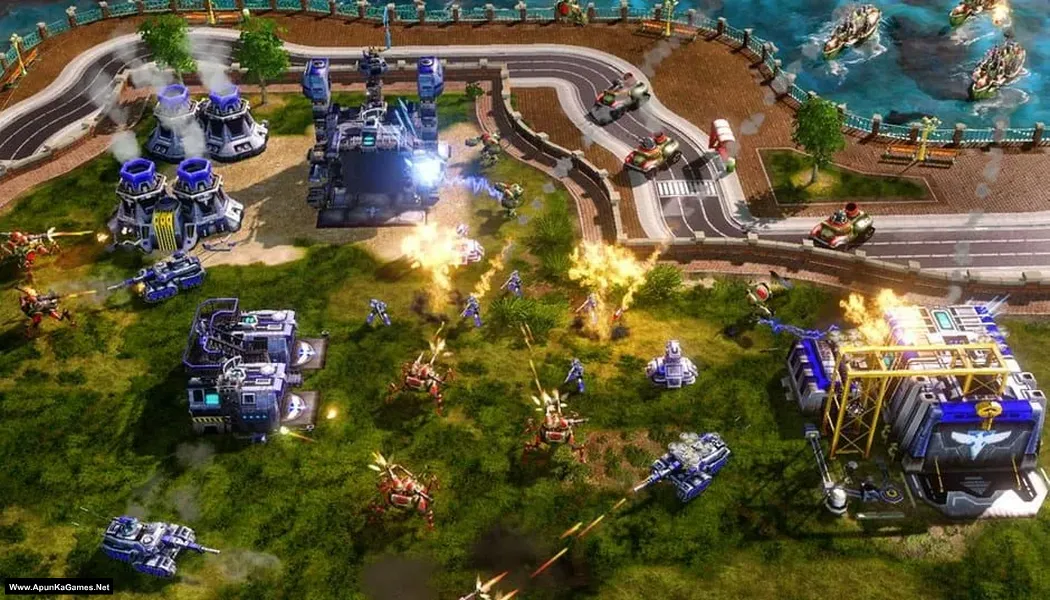
Screenshots
How to Install?
- Extract the file using Winrar. (Download Winrar)
- Open “Command and Conquer: Red Alert 3” >> folder, double click on “setup” and install it.
- After installation complete, go to the folder where you install the game.
- Open folder, double click on “RA3” icon to play the game. Done!
How to Download?
If your don’t know how to Download this game, just Click Here!
Game Size: 2.03 GB
Password: www.apunkagames.net or apunkagames
