
State of Decay – Lifeline Game – Overview – Download – Free – PC – Specs – Screenshots – Installation Guide
Type of game: Action-adventure, Survival Horror
PC Release Date: May 30, 2014
Developer/Publishers: Undead Labs, Xbox Game Studios
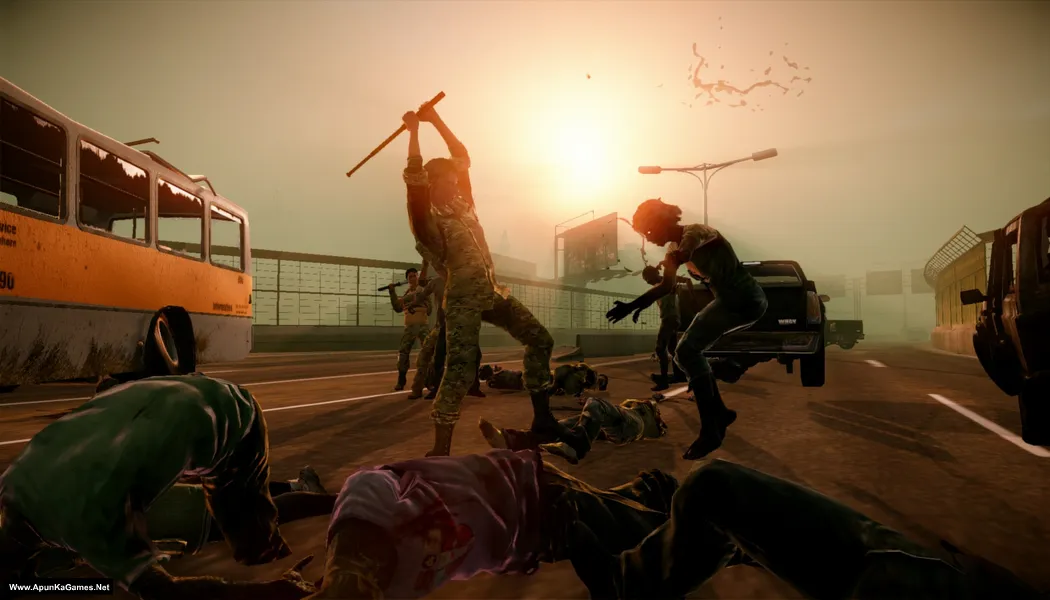
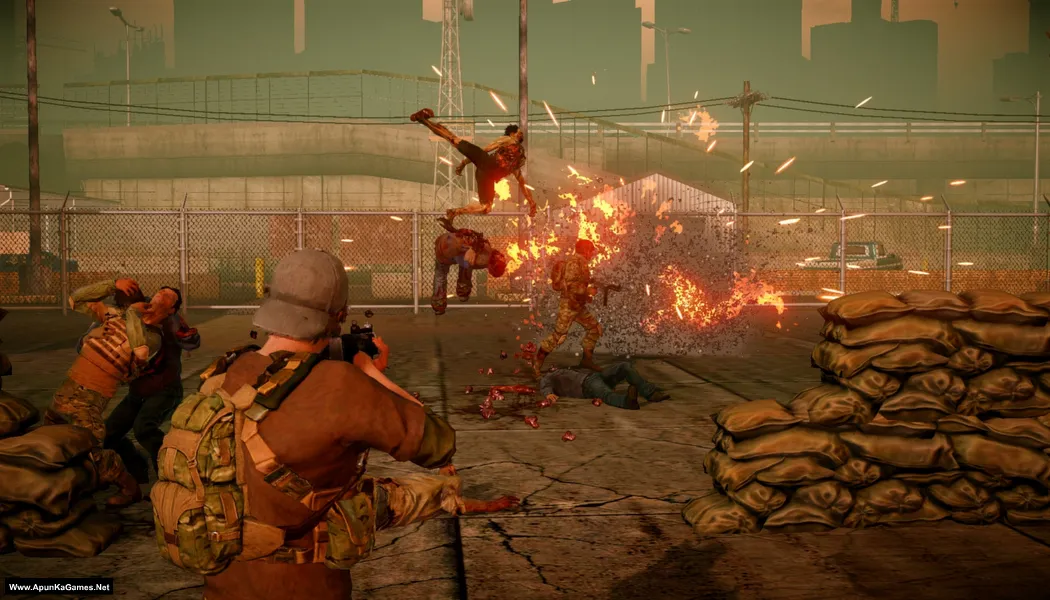
State of Decay – Lifeline (2.15 GB) is a standalone expansion that shifts the focus to a military unit trying to contain a zombie outbreak in a collapsing city. Players manage survivors, complete rescue operations, and coordinate defenses against massive zombie hordes. With a mix of strategy, base defense, and action gameplay, Lifeline offers a different perspective from the main game. Its challenging missions and resource management make it a tense and engaging survival experience on PC.
Type of game: Action-adventure, Survival Horror
PC Release Date: May 30, 2014
Developer/Publishers: Undead Labs, Xbox Game Studios
State of Decay – Lifeline (2.15 GB) is a standalone expansion that shifts the focus to a military unit trying to contain a zombie outbreak in a collapsing city. Players manage survivors, complete rescue operations, and coordinate defenses against massive zombie hordes. With a mix of strategy, base defense, and action gameplay, Lifeline offers a different perspective from the main game. Its challenging missions and resource management make it a tense and engaging survival experience on PC.
Before downloading make sure that your PC meets minimum system requirements.
Minimum System Requirements
- OS: Windows XP/Vista/7
- Processor: Core 2 Duo 2.4 GHz (E6600) / Athlon X64
- RAM: 2 GB
- Hard Disk: 3 GB available space
- Graphics Card: Radeon HD 2600 XT / GeForce 9600 GSO / Intel HD 3000
- DirectX: Version 9.0c
Screenshots

How to Install?
- Extract the file using Winrar. (Download Winrar)
- Open “State of Decay – Lifeline” folder, double click on “Setup” and install it.
- After installation complete, go to the folder where you extract the game.
- Open “CRACK” folder, copy all files and paste it where you install the game.
- Then double click on “StateOfDecay.exe” to play the game. Done!
Complete Installation Video Tutorial?
We provide complete game installation videos to guarantee that every game works perfectly. Unlike other websites where you download blindly and hope for the best, we show you real proof. Our step-by-step installation videos clearly demonstrate the game running successfully, so you know exactly what you’re getting. With us, there’s no guesswork—only verified, 100% working games you can trust.
Trust / Proof
- 100% Working – Tested by Us
- Game Verified Before Upload
- Working Gameplay Shown
- No Fake Files
- Installed Successfully on Our PC
How to Download?
If your don’t know how to Download this game, just Click Here!
If your don’t know how to Download this game, just Click Here!
State of Decay – Lifeline Download
Click Here to Download This Game
Game Size: 2.15 GB
Password: www.apunkagames.net or apunkagames
Click Here to Download This Game
Game Size: 2.15 GB
Password: www.apunkagames.net or apunkagames

An error occurred while trying to copy a file: The source file is corrupted. In this setup this is coming in this setup
100% working setup. Watch and follow this guide video step by step How to Download, Extract, install and play the game without any Error!