
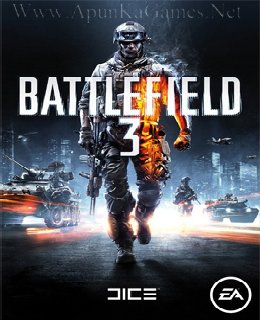
Battlefield 3 Game – Overview – Free Download – Compressed – Screenshots – PC – Free – Specs – Torrent/uTorrent
Type of game: First-person shooter
PC Release Date: October 25, 2011
Developer: EA DICE, Electronic Arts
Battlefield 3 (Size: 13.5 GB) is a First-person shooter video game. Developed by EA DICE and published by Electronic Arts. It was released on Microsoft Windows in October 25, 2011.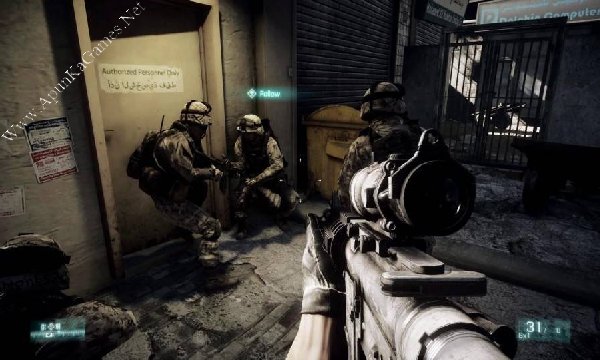
Developer: EA DICE, Electronic Arts
Battlefield 3 (Size: 13.5 GB) is a First-person shooter video game. Developed by EA DICE and published by Electronic Arts. It was released on Microsoft Windows in October 25, 2011.
Before downloading make sure that your PC meets minimum system requirements.
Minimum System Requirements
- OS: Windows 7/Vista/8
- Processor: 2 GHz Dual Core (Core 2 Duo 2.4 GHz or Athlon X2 2.7 GHz)
- RAM: 2 GB
- Hard Drive: 20 GB free
- Video Memory: 64 MB
- Video Card: 512 MB (ATI RADEON 3000 OR 6000 SERIES, WITH ATI RADEON 3870 OR HIGHER PERFORMANCE)
- Sound Card: Yes
- DirectX: 10.0
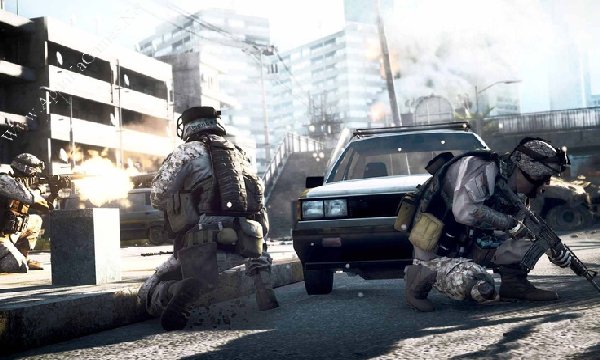
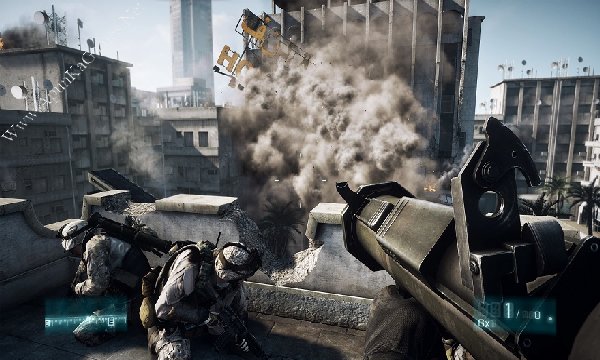
Screenshots
How to Install?
- Extract the file using Winrar. (Download Winrar)
- Open “BAF3” >> “Game” folder, double click on “GameFiles.part01” and install it.
- After installation complete, go to the folder where you extract the game.
- Open “Crack” folder, copy file and paste it where you install the game.
- Then double click on “bf3” icon to play the game. Done!
Watch Installation Video
How to Download?
If your don’t know how to Download this game, just Click Here!
If your don’t know how to Download this game, just Click Here!
Buy Battlefield 3 – Official Site
Click Here to Get Game from Official Site
Click Here to Get Game from Official Site
Or
Game Size: 13.5 GB
Password: www.apunkagames.net or apunkagames

why this game not running in my pc
What is ur pc specs?
There is an error in the game. It says,
The application was unable to start correctly (0xc000007b). Click OK to close the application.
install directx
mouse is not working properly
run as admin
Go to Bf3 Shortcut > set run as ADMIN
-Run Bf3 (shortcut)
– press (alt + enter)
– change your setting
And everything should working just fine.
Are u sure this will run good on my pc?
These are my specs:
Ram:4 gb ram
Graphic card:intel hd 3000
Windows 10 (free version) 64 bits(i bought the windows for 6 months but now its free and not activated
Processor:i3 2700k maybe
And i dont what is video memory
i have core i5 with 8gb ram 500gb hard and 1 gb nvidia card quadro fx3800 on my pc i am on 3rd mission in battlefield 3 after 3rd misson now i am facing an error battlefield 3 stop working
reinstall and add the game to antivirus exclusion list.
i click on the icon and the game wont start
run as admin
bro it launches but immediately closes. plss help
run as admin or in compatibility mode.
my pc specs:-
intel celeron dual core 2.4ghz
4gb ram
intel hd graphics 500
os- windows 10 64 bit
Can my run it ?
nevermind, it worked smoothly. Thanks
very well working all games in this website but only my request is plz bring god of 3 please…….
Bro my download stucks on 4.08 gb in 3rd part please fix it ….
bhi ya game bhi ni chlti bro help me
run as admin. i have played the entire game without any issues.
Everything is installed properly still I am unable to hear any kind of in game sound. Tried changing audio output still nothing changed.
D3DCOMPILER_43.dll was not found…….The code execution cannot proceed……please help
install direct x
When is the maintenance mode is going to be solved it’s almost 2 months
The game is not playing
Can y’all reduce the game’s download by parts, I think 4.5 GB is to much for us who use data and not WiFi
Double click on bsf3,i get blue loading circle around mouse pointer and nothing happens,doesn’t open. All directx versions installed,all framework,all c++ redistributable,set to compatibility,set to run as administrator,nothing works. Check your game.
Did you paste the crack when installation is finished?
Yes i did paste the crack. Solution was to open CMD in folder where the game is and exec bf3.exe through cmd. For those who dont know: Go into game folder,then on top bar that contains pathway to location delete everything and type CMD and then enter. In cmd type “bf3.exe” and the game will launch. Looks like the problem is in that crack launcher. Anyways im 20yo now and since i was like 14yo i was using your site for games,unlike most of the people here i want to use this opportunity and stop by to say a big Thank You for everything that you do all these years. You brought me so much happiness. Enjoy your day/night,greetings from Serbia.
Thank you so much for your kind words. keep enjoy
How do I extract all the 900mb parts for the game? One after the other? Any guide?
Copy all parts into one new folder, then extract only Part 1. All other parts will be extracted automatically.