
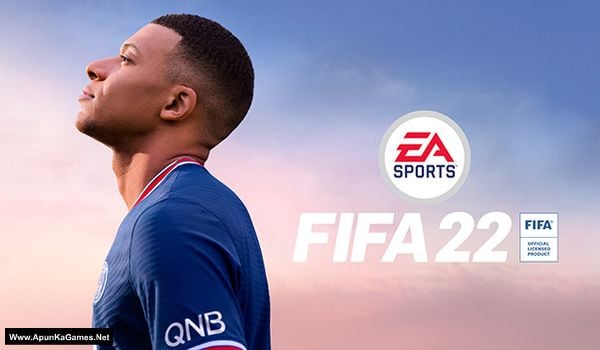
FIFA 22 Game – Overview – Free Download – PC – Specs – Screenshots – Free
Type of game: Sports, Simulation
PC Release Date: October 1, 2021
Developer/Publishers: EA Canada & EA Romania, Electronic Arts
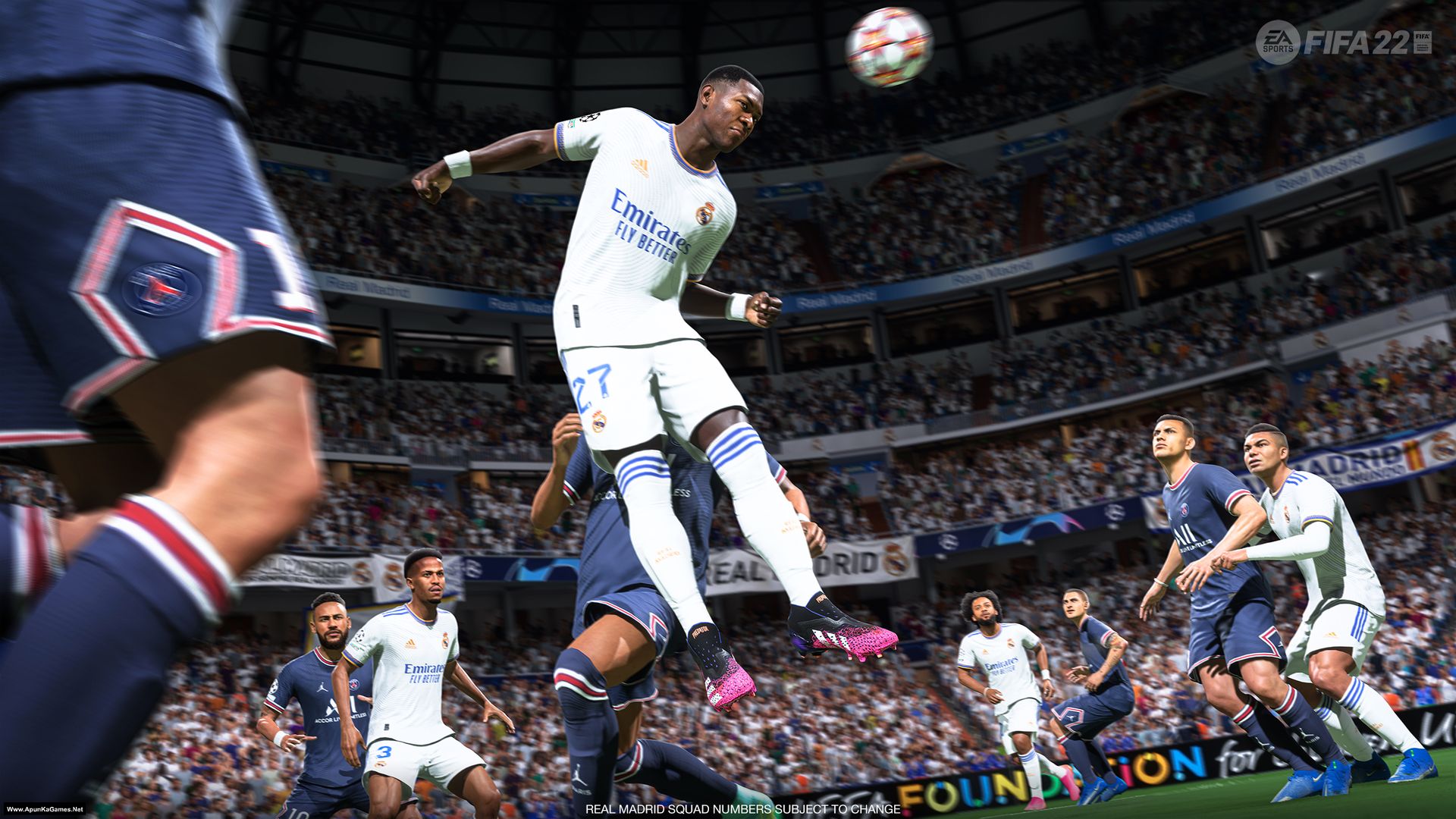
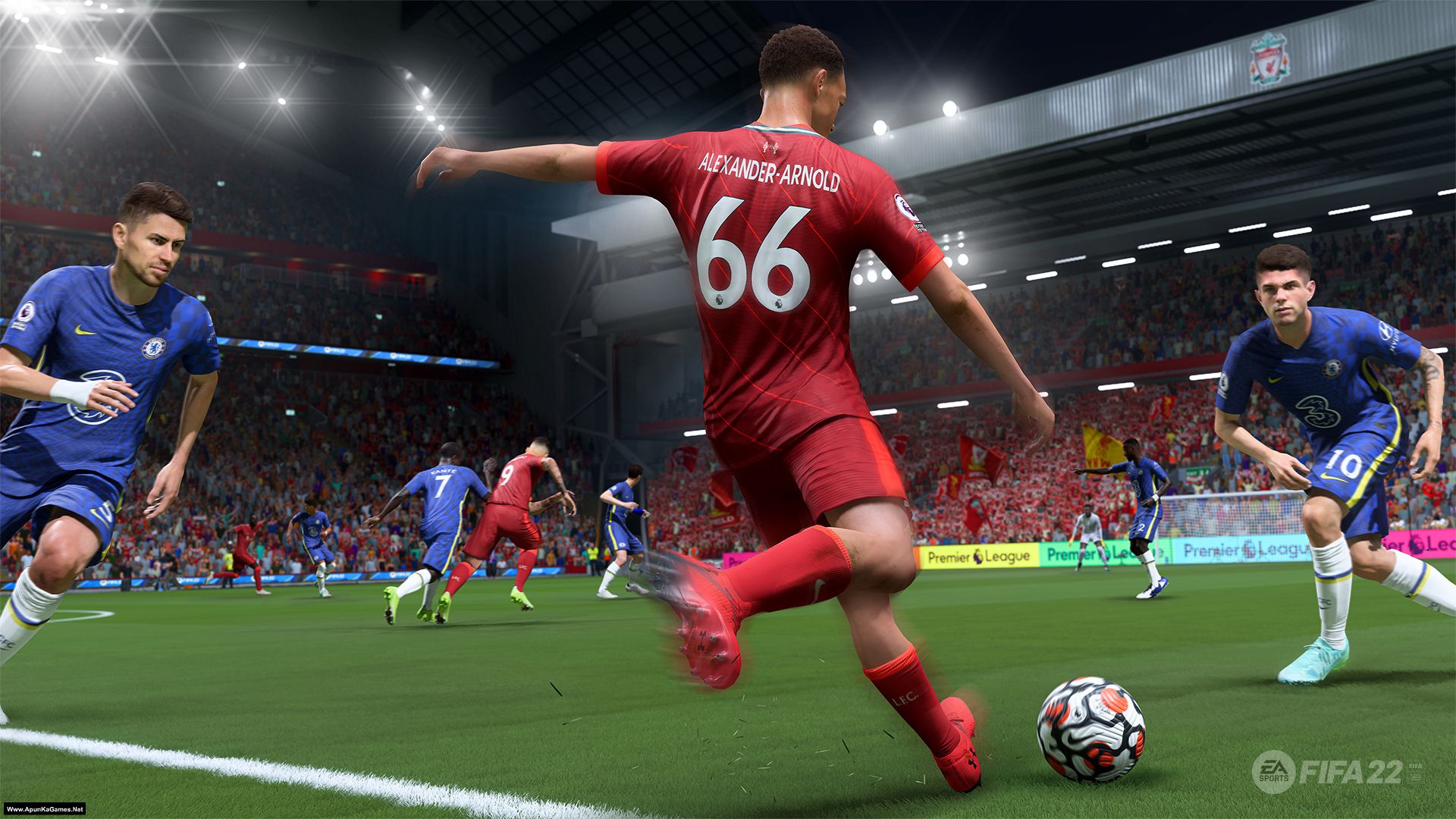
FIFA 22 (53.5 GB) is an Sports, Simulation video game. Developed and published by EA Canada & EA Romania, Electronic Arts. It was released on October 1, 2021 for Windows. FIFA 22 delivers realistic football gameplay powered by improved player movement and ball physics, creating smoother and more responsive matches. With features like HyperMotion technology on supported platforms, players experience more lifelike animations, tactical depth, and intense one-on-one battles that closely mirror real-world football.
Type of game: Sports, Simulation
PC Release Date: October 1, 2021
Developer/Publishers: EA Canada & EA Romania, Electronic Arts
FIFA 22 (53.5 GB) is an Sports, Simulation video game. Developed and published by EA Canada & EA Romania, Electronic Arts. It was released on October 1, 2021 for Windows. FIFA 22 delivers realistic football gameplay powered by improved player movement and ball physics, creating smoother and more responsive matches. With features like HyperMotion technology on supported platforms, players experience more lifelike animations, tactical depth, and intense one-on-one battles that closely mirror real-world football.
Before downloading make sure that your PC meets minimum system requirements.
Minimum System Requirements
- OS: Windows 10 – 64-Bit (Latest Update)
- Processor: Intel Core i3-6100 @ 3.7GHz or AMD Athlon X4 880K @4GHz
- RAM: 8 GB
- Hard Disk: 50 GB available space
- Graphics Card: NVIDIA GTX 660 2GB or AMD Radeon HD 7850 2GB
- DirectX: Version 11
Screenshots
How to Install?
- Extract the file using Winrar. (Download Winrar)
- Open “FIFA 22” folder, double click on “Setup” and install it.
- After installation complete, go to the folder where you extract the game.
- Open “MD5” folder, copy all files and paste it where you install the game.
- Then double click on “Game” icon to play the game. Done!
How to Download?
If your don’t know how to Download this game, just Click Here!
If your don’t know how to Download this game, just Click Here!
Game Size: 53.5 GB
Password: www.apunkagames.net or apunkagames

does it require steam to run
nope
what should I do can you just send it to me
What?
Is it cracked
yes
Does it need origin ?
does it require origin?
It’s already cracked. Just install the setup and run the game. Done!
error part 11, please fix
All parts are working fine… you just need to download all parts one by one. wait 1st part to finish then start 2nd download. At one time 1 part. Thefilelocker can’t support multiple download so you have to download one by one!
apunka,a lista de games precisa de fight night champion desde ja agradeço
.
Sorry Bear, this game is not for PC!
It’s not for pc? I thought games here are for pc
Fight Night Champion is not for PC not FIFA 22. We post only PC Games.
Hey is it online playable
Why does mine only show the fg-01.bin file when extracted? Please help apunkagames🙏
You are extracting it incorrectly. Download all 11 parts and place them into one new folder. Then extract only Part 1; the other parts will be extracted automatically. Make sure all parts are fully downloaded and that you have enough free space for the extraction.
hello, so where do i paste the MD5 files after copying them?
No need to paste MD5. After installation complete, start the game using desktop or Start Menu Icon to play. Done!
11 part took 1 whole day but setup time took only 15 min . Game work fine .fun to play with friends. thanks to creator
Glad the setup only took 15 minutes and the game is running perfectly. Big thanks for your support ❤️ We will add more available download servers soon. Stay tuned 🙌
I installed the game successfully on my pc but the controllers are not working.
If your controller is not working in FIFA 22 after installing the game, first make sure the controller is properly connected to your PC. Try reconnecting it and restarting the game. You can also check the controller settings in Windows Game Controllers to confirm it is working correctly. After that, launch the game again and the controller should work properly.
I am using wired controllers and they are working fine and i launched the game more than 5 times still not working.
Okay, please give us some time. We will check the issue and resolve it as soon as we can. 😊
the controllers are not working
If your controller is not working in FIFA 22, make sure it is properly connected and detected by Windows before launching the game. Update your controller drivers, and restarting the game. You can also verify the game files to rule out any corrupted files.
Controllers are not working in game
Update the driver if not working then uninstall the drivers and download drivers again.
Can you upload FC26
we will soon!
Please mine is hp core i5 but is 2.9ghz with 8gb ram
Can it play
Yes brother, your Core i5 (2.9 GHz) with 8 GB RAM is good enough to run FIFA 22. The main thing is your graphics card. If you have at least 2 GB dedicated GPU (like GTX 660 / GTX 750 Ti or similar), the game should run fine on medium settings.
If you are using integrated graphics, it may still run but on low settings. 🎮
Okay thanks bro
You’re welcome brother!
And Please bro my friend is having problems with his Fifa 23
Stuck on loading screen is there anyway you can help him
Let me check the setup first. We will make an installation video for this game soon. Otherwise, make sure you have installed all Redist packages and turned off your antivirus before starting the installation process. 🎮
hi guys can u kindly help me with my fifa 22 that i just downloaded here and it doesnt support the joysticks it only want to play with keyboard
Hi, sorry you’re having this issue. FIFA 22 normally supports controllers, so if it is only detecting keyboard, the problem is usually with controller settings, drivers, or the way the game was installed. First, reconnect the joystick, test it in Windows Game Controllers.Also try launching the game with the controller already connected. If it still does not work, the game files or build you installed may not be detecting controllers properly.
Why can’t I download Fifa 22 ?
Watch the video how to download games from our website.
the game is working perfectly. thanks apunkagames for FIFA 22
Glad to hear the game is working perfectly! 😊 Thanks a lot for your support and enjoy playing FIFA 22 👍
please can you remote screen with me and download fifa 22 zip file plus extract the files for me including the setup of the game.thank you
So what do you need now tell me the issue in detail then we will check and resolve it.
How to download??
Please help me i have downloaded all the 11 parts and I don’t know what to do next
01. Paste all parts in 1 new folder then Extract the file using Winrar part 1 and automatically all parts will extracted.
02. Open “FIFA 22” folder, double click on “Setup” and install it.
03. After installation complete, go to the desktop or wher you install the game.
04. Run the game using desktop icon or in game .exe to play the game. Done!
the controllers are not working just finish downloading the game
If your controller is not working in FIFA 22, make sure it is properly connected and detected by Windows before launching the game. Update your controller drivers, and restarting the game. You can also verify the game files to rule out any corrupted files.
the controllers are not working
If your controller is not working in FIFA 22, make sure it is properly connected and detected by Windows before launching the game. Update your controller drivers, and restarting the game. You can also verify the game files to rule out any corrupted files.
Is this a next gen or old gen ?
Can i play online??
No, the offline/cracked version of FIFA 22 does not support online multiplayer or EA servers. To play online, you’ll need a legitimate copy of the game linked to an EA account.
Controllers not working whyyy I tried everything update driver etc.
Sorry to hear that. If updating the drivers didn’t help, make sure your controller is properly detected by Windows, reconnect it, close any controller-mapping software, and try launching the game as Administrator. If it still doesn’t work, let us know which controller you’re using.
Hi, I am stuck on Part 9 onwards, they are not download, download fail again and again after some time….
trying different server and showing same issue.
All links are working fine from our side you should download one by one to avoid errors.
What version is this pls