
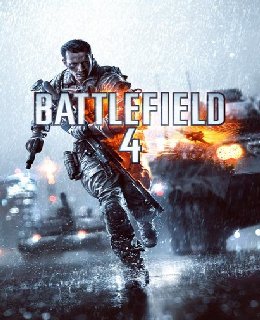
Battlefield 4 Game – Overview – Free Download – Compressed – Screenshots – PC – Free – Specs – Torrent/uTorrent
Type of game: First-person shooter
PC Release Date: October 29, 2013
Developer: EA DICE, Electronic Arts
Battlefield 4 (Size: 18.2 GB) is a First-person shooter video game. Developed by EA DICE and published by Electronic Arts. It was released on Microsoft Windows in October 29, 2013.
Before downloading make sure that your PC meets minimum system requirements.
Minimum System Requirements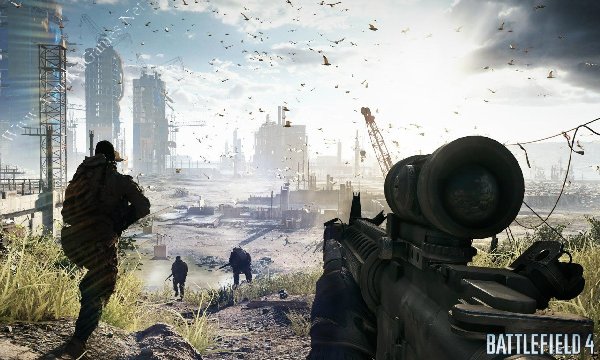
Developer: EA DICE, Electronic Arts
Battlefield 4 (Size: 18.2 GB) is a First-person shooter video game. Developed by EA DICE and published by Electronic Arts. It was released on Microsoft Windows in October 29, 2013.
Before downloading make sure that your PC meets minimum system requirements.
Minimum System Requirements
- OS: Windows XP/Vista/7
- CPU: Core 2 DUO @ 2 GHz Processor
- RAM: 2 GB
- Hard Drive: 15 GB for Digital Version, 10 GB for Disc Version
- Video Memory: 256 MB (NVIDIA GeForce 7800GT/ATI X1900)
- Sound Card: DirectX Compatible
- DirectX: 9.0c
- Keyboard and Mouse
- DVD Rom Drive
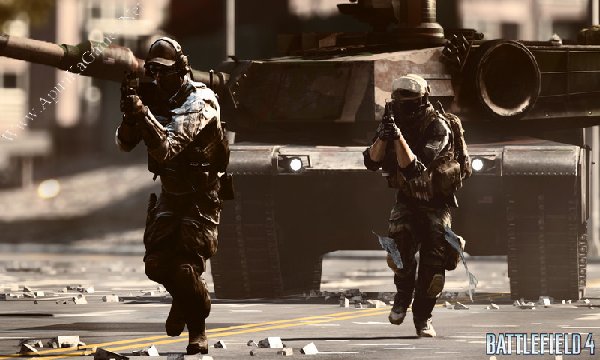
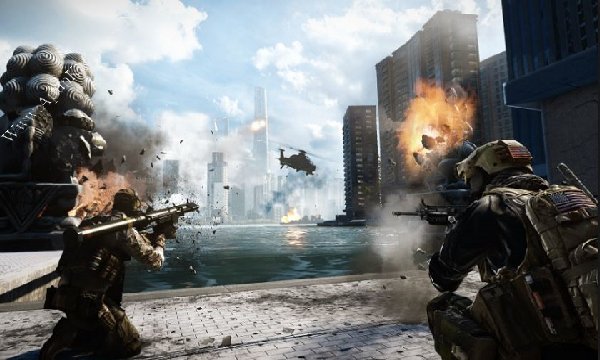
Screenshots
How to Install?
- Extract the file using Winrar. (Download Winrar)
- Open “BF$4” folder, double click on “Setup” and install it.
- After installation complete, go to the folder where you install the game.
- Open folder, double click on “bf4” icon to play the game. Done!
Watch Installation Video
How to Download?
If your don’t know how to Download this game, just Click Here!
If your don’t know how to Download this game, just Click Here!
Game Size: 18.2 GB
Password: www.apunkagames.net or apunkagames

Please reupload part3…. eror 404..
download and antivirus is kept off during that
why disqus is changed to this bro 🙁
Nice game. Thanks for uploading.
the game keeps crashing at the prison part what do i do?
My game is not install
does it have capture the flag or premium?
Game takes time to load & when I press enter nothing happens.
Part 21 stops after 735mb download
check now
how to install 4 parts?
when i install part 1the game reaches 28 gb is the full game compresed in 5 gb?
No sound problem please help me
Game is running thanks..
can i run battle field 4 core i7 6700 without graphic card
please re upload part 4 it keeps on showing 404 error
Is this website dead
Bhai please reupload battlefield 4 part in 900mb plz
Admin why you don’t reply the answers
Or you may leave the website?
upload this game in one part
part-2 is not star download pls fix it.
During extraction it asks for a part 5….when I’m using the 5gb part update
are you extracting 5 GB parts or 900 MB parts? because it is only 4 Parts (5 GB) … there is no part 5! re extract the game follow this… First download all parts then paste it into one folder, extract just only part 1 all parts will be extracted automatically!
the game is by default in russain language, i change the vocie to english but still the menu and interface is an russain, any idea how to change it english
Hi, you didn’t select English during the installation, which is why the game is currently in Russian.
Please reinstall the game and choose English as the language before starting the installation — this should fix the issue.
Alternatively, you can try changing the language manually from the in-game settings if that option is available.