
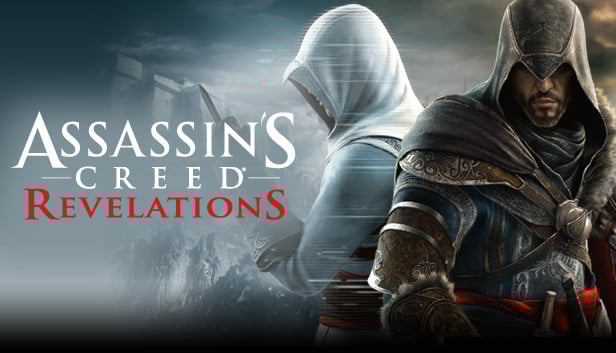
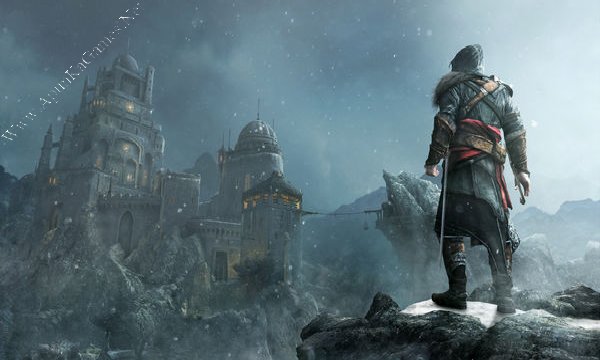
Assassin’s Creed: Revelations is an action-adventure game developed by Ubisoft that concludes Ezio Auditore’s legendary journey. Set in the magnificent city of Constantinople, the game connects the stories of Ezio, Altaïr, and Desmond as they uncover long-hidden secrets of the Assassin Brotherhood.
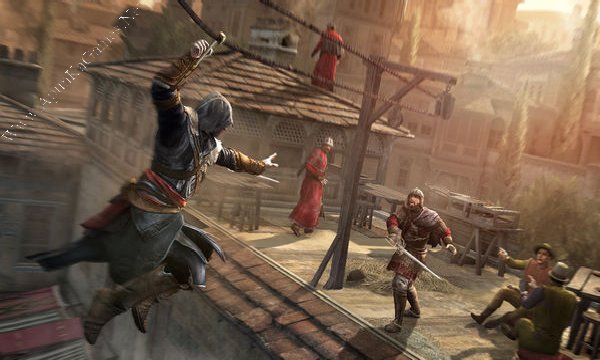
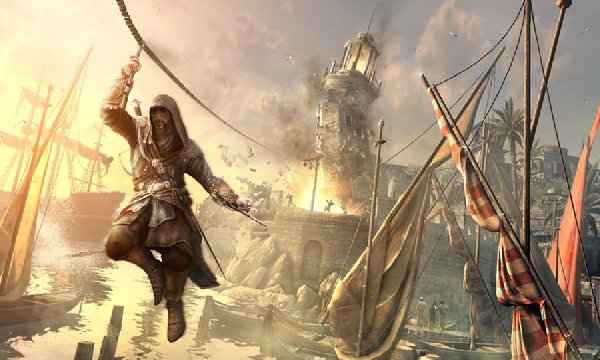
Players experience intense parkour, stealth assassinations, sword combat, and new features like the hookblade and bomb crafting system. With a gripping storyline, improved combat mechanics, and rich historical environments, Assassin’s Creed: Revelations delivers a powerful and emotional ending to Ezio’s saga.
Before downloading make sure that your PC meets minimum system requirements.
Minimum System Requirements
- OS: Windows XP/Vista/7
- Processor: Intel Core 2 Duo @ 1.8 Ghz / AMD Athlon 64 X2 4200+
- RAM: 1.5 GB
- Hard Drive: 12 GB free
- Video Card: 256 MB, nVidia GeForce 8600 / ATI Radeon HD 2600
- Network: Broadband Internet Connection for Online Multiplayer
- DirectX: 9.0c
How to Install?
- Extract the file using Winrar. (Download Winrar)
- Open “Assassin’s Creed – Revelations” >> “Game” folder, double click on “Setup” and install it.
- Install “Ubisoft Game Launcher”.
- Double click on the “AssassinsCreedRevelations” icon and let it download the files (it is the patch).
- After that, Right-click on ‘ACRSP’ and click “Run as administrator”.
- When it asks for username type “SKiDROW” and ‘SKiDROW’ in password also.
- The finally click play and enjoy the game. Done!
Complete Installation Video Tutorial? We provide complete game installation videos to guarantee that every game works perfectly. Unlike other websites where you download blindly and hope for the best, we show you real proof. Our step-by-step installation videos clearly demonstrate the game running successfully, so you know exactly what you’re getting. With us, there’s no guesswork—only verified, 100% working games you can trust.
Trust / Proof
- 100% Working – Tested by Us
- Game Verified Before Upload
- Working Gameplay Shown
- No Fake Files
- Installed Successfully on Our PC
If your don’t know how to Download this game, just Click Here!
Game Size: 4.3 GB
Password: www.apunkagames.net or apunkagames

Will it work?
yes
Of Course Dude
is this need internet connection to download the files on patch bhai?
From where should i install “ubisoft game launcher”??????
The game was lagging so much….. Even though I have recommend specs for this game
Bro, in 600mb download link 1st part is missing from server
Plzzz fix part 1 its not downloading
100% working for me
Please reupload game bro
Game vireson
bro is ka pass keya ay
It works 100% Thanks a lot
The Best Website Ever
👌💪
Bro it is asking for part 9 of data1
bro does multiplayer works??
assassin’s creed mirage please
it lags soooo muuuuuuch 🙄😑😑😑😑😑😑
Not a single link is working, kindly resolve the issue please.
all links are working download one by one
is it working in 2026 it seems the “ubisoft game launcher” is outdated
It’s working!
Instructions to Install and Play Assassin’s Creed – Revelations:
Before extraction and installation, turn off your antivirus and Windows Defender.
Open the “Assassin’s Creed – Revelations” folder → “Game” folder, double-click “Setup”, and install the game.
Install the Ubisoft Game Launcher if prompted.
Double-click the “AssassinsCreedRevelations” icon to let it download the required files (this is the patch).
Right-click on ‘ACRSP’ and select “Run as administrator”.
When prompted, enter the username: SKiDROW and password: SKiDROW.
Finally, click Play and enjoy the game! ✅
bro please tell me will the dlc work in this version if yes then how brother
I think so… It’s just 4.3 GB. Download and install the setup, and you’ll get your answer.
bro i have installed it and the dlc is not working how can i access dlc please tell me
basically when i click on the lost archive the game instantly crashes i have tried so many things but nothing is working i read somewhere that you have to purchase the dlc seperately then only it will work can you please tell me how to play it brother ?