

X-Men Origins: Wolverine Game – Overview – Free Download – PC – Specs – Screenshots – Free
Type of game: Action-adventure
PC Release Date: May 1, 2009
Developer/Publishers: Raven Software, Activision
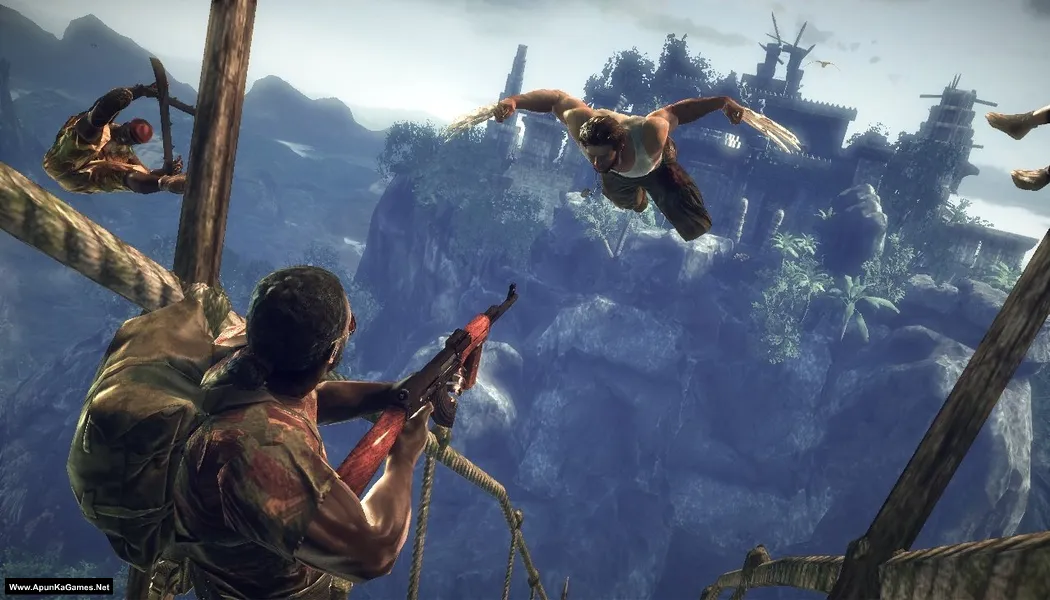
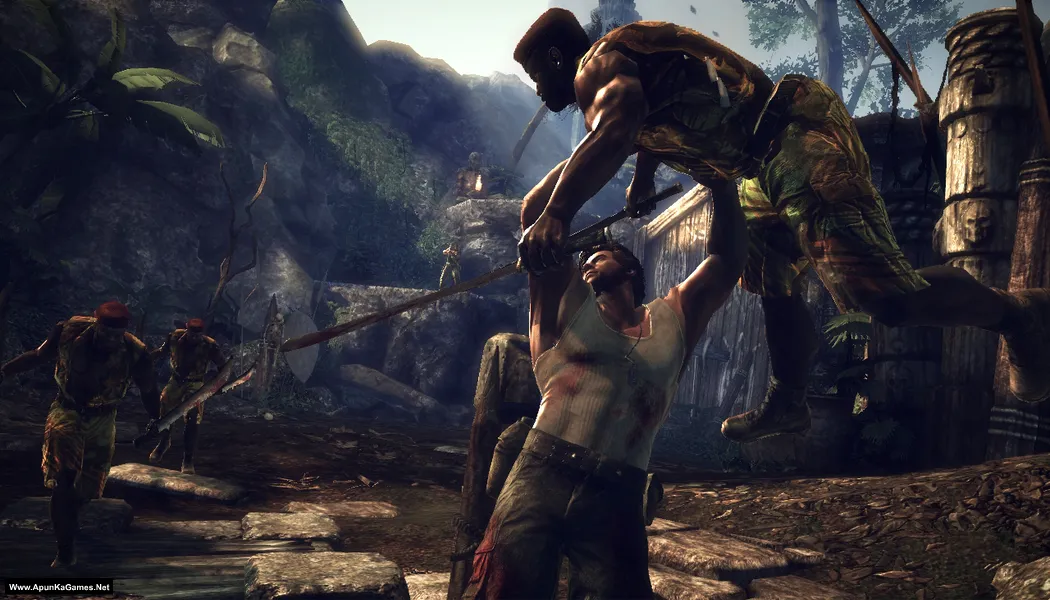
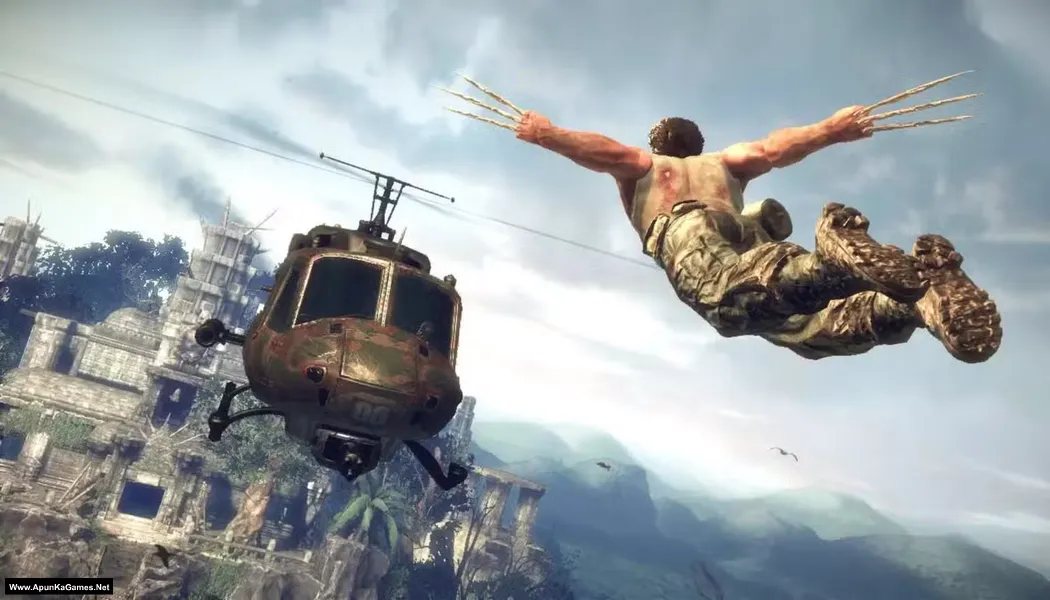
X-Men Origins: Wolverine (6.06 GB) is an Action-adventure, Hack and slash video game. Developed and published by Raven Software, Activision. It was released on May 1, 2009 for Windows. X-Men Origins: Wolverine is an action-packed game where players control Wolverine, using his claws and mutant powers to battle enemies. Complete intense combat missions, explore detailed environments, and unleash devastating combos. With immersive gameplay, cinematic story, and dynamic action, it delivers a thrilling PC superhero experience for fans of X-Men.
Type of game: Action-adventure
PC Release Date: May 1, 2009
Developer/Publishers: Raven Software, Activision
X-Men Origins: Wolverine (6.06 GB) is an Action-adventure, Hack and slash video game. Developed and published by Raven Software, Activision. It was released on May 1, 2009 for Windows. X-Men Origins: Wolverine is an action-packed game where players control Wolverine, using his claws and mutant powers to battle enemies. Complete intense combat missions, explore detailed environments, and unleash devastating combos. With immersive gameplay, cinematic story, and dynamic action, it delivers a thrilling PC superhero experience for fans of X-Men.
Before downloading make sure that your PC meets minimum system requirements.
Minimum System Requirements
- OS: Windows XP/Vista/7
- Processor: Intel Pentium 4 3.0 GHz or Intel Core 2 E6300 or AMD Athlon 64 3000+
- RAM: 1 GB (XP), 2 GB (Vista)
- Hard Disk: 8 GB available space
- Graphics Card: 256 MB, (NVIDIA GeForce 7800 GT or ATI Radeon X1800)
- DirectX: Version 9.0c
Screenshots
How to Install?
- Extract the file using Winrar. (Download Winrar)
- Open “X-Men Origins Wolverine” folder, double click on “Setup” and install it.
- After installation complete, go to the folder where you extract the game.
- Open “Crack” folder, copy and paste it into “Binaries” folder where you install the game.
- Then double click on “Wolverine.exe” to play the game. Done!
Complete Installation Video Tutorial?
We provide complete game installation videos to guarantee that every game works perfectly. Unlike other websites where you download blindly and hope for the best, we show you real proof. Our step-by-step installation videos clearly demonstrate the game running successfully, so you know exactly what you’re getting. With us, there’s no guesswork—only verified, 100% working games you can trust.
Trust / Proof
- 100% Working – Tested by Us
- Game Verified Before Upload
- Working Gameplay Shown
- No Fake Files
- Installed Successfully on Our PC
How to Download?
If your don’t know how to Download this game, just Click Here!
X-Men Origins: Wolverine Free Download
Download in Single Link
Click Here
–
Download in 700 MB Parts
Click Here
Game Size: (6.06 GB) or (2.8 GB)
Password: www.apunkagames.net or apunkagames
Download in Single Link
Click Here
–
Download in 700 MB Parts
Click Here
Game Size: (6.06 GB) or (2.8 GB)
Password: www.apunkagames.net or apunkagames

Hi i have a issue on this game my screen camera spinning auto pls help
I’ve installed it but I try opening the game and it says insert disk what do I do
same problem with me too
Which one Setup you have downloaded, Compressed or Full version? tell me i will tell you how to install…
Versi lengkap
This is a 100% working setup. Before extraction and installation, you must turn off your antivirus. After the installation is complete, you can turn it back on. Now please follow the steps.
01. Extract the setup file using Winrar.
02. Open “X-Men Origins Wolverine – (www.ApunKaGames.Net)” folder, double click on “Setup.exe” and install it.
03. After the installation is complete, go to the folder where you extracted the game.
04. Open the ‘Crack’ folder, copy all files, and paste/overwrite them into the game installation folder (inside the Binaries folder).
05. Then go to “Activision” → “X-Men Origins – Wolverine(TM)” → “Binaries” folder. Run the game using “Wolverine.exe” to play. Thanks!
what is the difference between the compressed version and the full version of this game?
x men game
Game links are not opening
Game links are dead please solve AKG
add X-Men Origins: Wolverine sir
ok sir
all links are expired for X-Men Origins: Wolverine pls fix them sir
sir we can fix it come back soon
Please fix the issue as soon as possible, we love this game
tell me the issue bro!
amazing game. ran perfectly no sound nor gameplay prblems. thank you
My Pleasure 😊
My issue is when we open the x men origin folder after extract there is no setup.exe file or another issue is faced like dvd or rom drive are not found these are the problem i have faces plz resolve this and tell me how to resolve it plzz
Hi Atif, watch this video on How to download, extract, install, and play the game without any errors. In this video you’ll get all the answers and proper instructions. If you still face any issue, let me know and I will guide you further!
I have downloaded and installed this game by the process it is given, but then also the is not opening. Even i replace with the cracked file which was given in the folder. So please look into this issue of mine as soon as possible, I really want to play this game.
Watch this video and follow step by step how to download, extract, install and play the game without any error!
good
Thanks.
Hi, please I have downloaded and installed the game and it plays smoothly but I have try to play with X output emulator instead of keyboard and it doesn’t work
What’s the difference between the 6.06gb and the 2.8gb one? Thank you.
6.06 GB is the full version of the game, while the other one is a compressed version. If you have enough storage space, it’s better to download the 6.06 GB full version so you can enjoy the game with full audio and cutscenes 👍
Bro i need to confirm
Is this game is safe to download because i am not that much rich to buy a game and iam just using normal pc, this file will not have any virus right .if any virus is their please inform because then i can’t able to solve the virus problem
100% safe. Watch in this video Guide
How do I install the compressed version
Please watch and follow this video guide step by step