
Borderlands 2 Game, PC download, free version game, free pc game, for PC
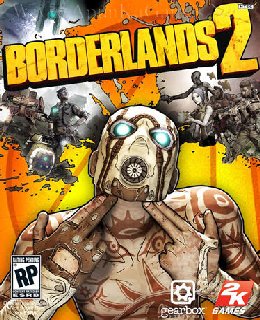
Before downloading make sure that your PC meets minimum system requirements.
Minimum System Requirements
- OS: Windows XP/Vista/7
- CPU: 2.4 GHz Dual Core Processor
- RAM: 2 GB
- Hard Drive: 13 GB available space
- Video Card: NVIDIA GeForce 8500 /ATI Radeon HD 2600
- DirectX: 9.0c
Screenshots
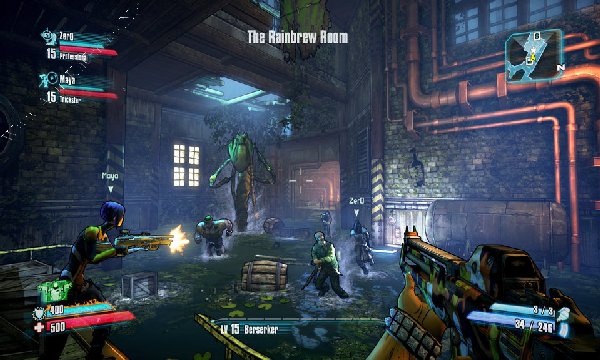
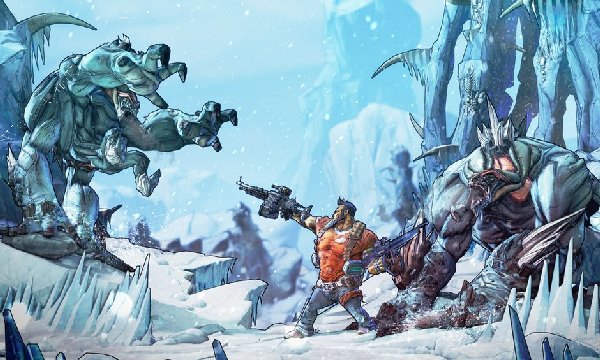
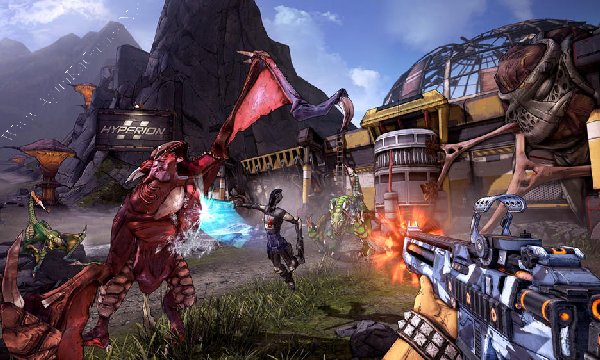
How to Install?
- Extract the file using Winrar. (Download Winrar)
- Open “Borderlands 2” folder, double click on “Setup” and install it.
- After installation complete, go to the folder where you extract the game.
- Open “Crack” folder, copy all files and paste it where you install the game.
- Go to “Binaries” >> “Win32” folder, double click on “Borderlands2” to play the game. Done!
How to Download?
If your don’t know how to Download this game, just Click Here!
If your don’t know how to Download this game, just Click Here!
Game Size: 7.12 GB
Password: www.apunkagames.net or apunkagames

Borderlands 2 not starting
I wish I had checked the comment section before downloading…this is 2years after – 2025 and it still ain’t working.
sorry our team is working now thank u for patience we can fix it soon sir ♥
Borderlands 2 not opening
include all dlc?
no
Borderlands 2 not starting…please help
Can you upload skyrim dlc
The exe is not opening, pls help
Did you apply the crack?
Yes, I applied the crack. I copied all the files from the “Crack” folder and pasted them into the main game installation directory, overwriting the original files.However, the .exe still will not open and will not show any error message
Be patience we will check it and fix it. Please come back later, and we’ll try to have it fixed soon.
I did
Let us check the game again, and we’ll update you soon 👍
Awesome, thanks for checking! I’ll wait for your update.
Brother, we have deleted the old setup and updated it with the new Borderlands 2 with all DLCs (PLAZA) cracked setup 👍. You can download the new setup now and install it. The game is working 100% on our side, so just download the updated version and enjoy the game. 100% working!
JUST DOWNLOADED THE GAME ITS SSTILL NOT OPENING
We check again. This game is 100% working setup. Please follow the instructions step by step: before extracting and installing the game, turn off your antivirus. After installation, you can turn it back on, as antivirus software may block DLL files.
01. Download all parts and paste them into one new folder.
02. Extract the file using Winrar part 1 and automatically all parts will extracted.
03. Open “Borderlands 2 + All DLCs” folder, double click on “Setup” and install it.
04. After installation complete, go to the folder where you extract the game.
05. Open “PLAZA” folder, copy all files and paste it where you install the game.
06. Go to “Binaries” >> “Win32” folder, run “Borderlands2.exe” to play. Done!
It’s 100% setup. We checked it again. Make sure you crack the game after installation finished and then run it.