
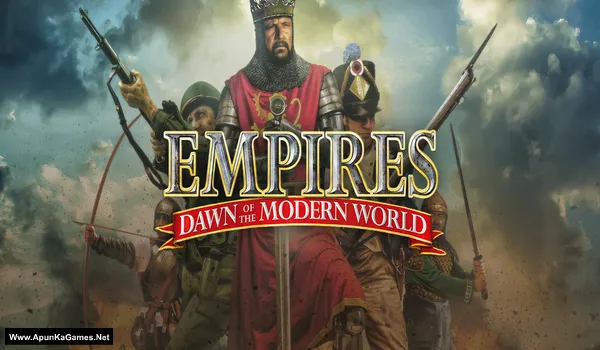
Empires: Dawn of the Modern World (GOG) Game – Overview – Free Download – PC – Specs – Screenshots – Free
Type of game: Strategy
PC Release Date: October 21, 2003
Developer/Publishers: Stainless Steel Studios
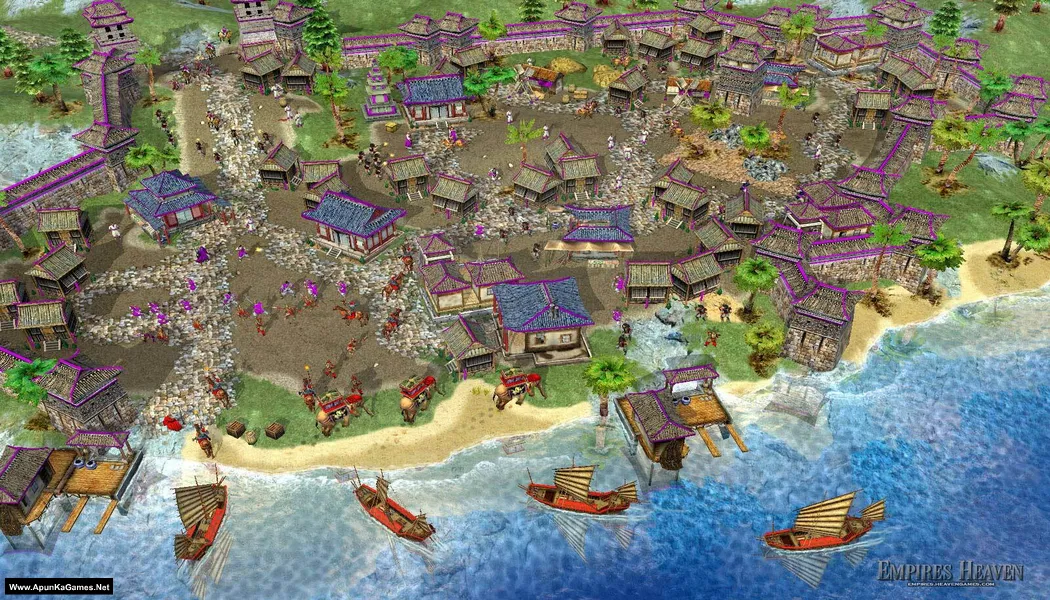
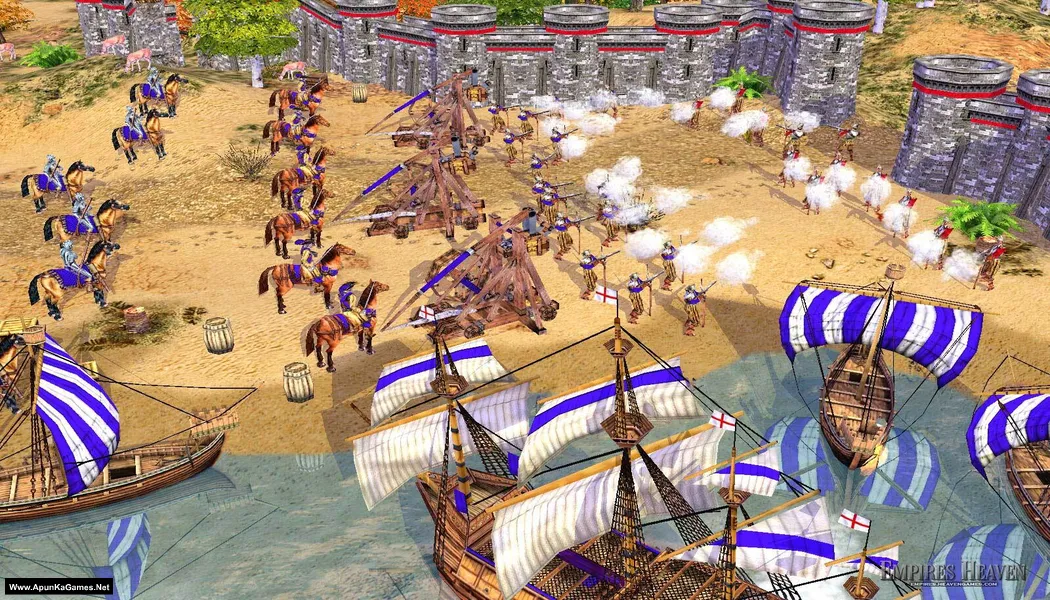
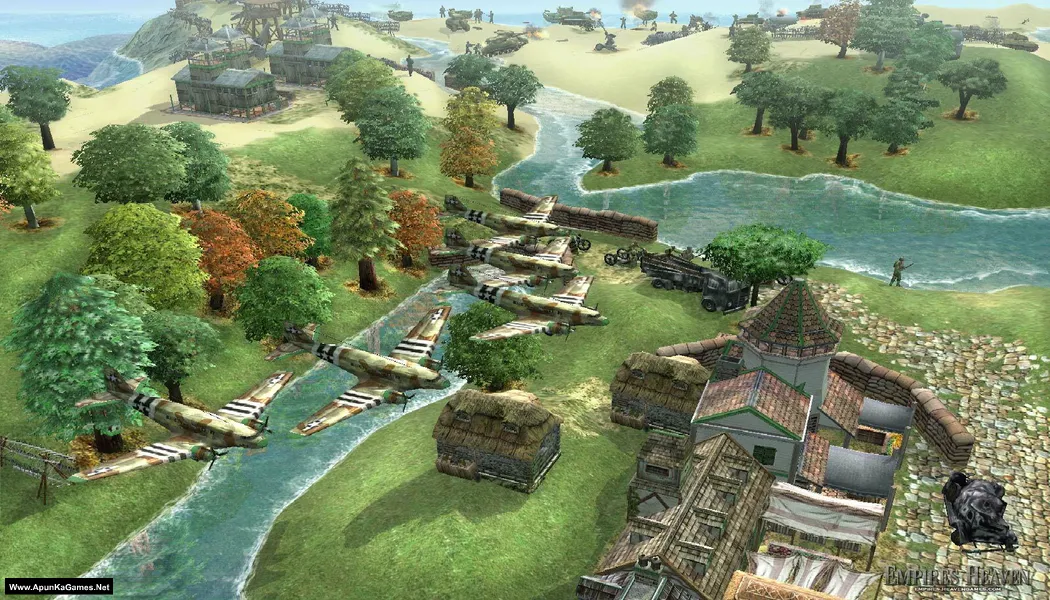
Empires: Dawn of the Modern World (765 MB) is an Strategy video game. Developed and published by Stainless Steel Studios. It was released on October 21, 2003 for Windows. Empires: Dawn of the Modern World lets players command powerful civilizations through major historical eras of warfare. Build economies, lead massive armies, and conquer enemies using strategic planning. The gameplay focuses on real-time battles, resource management, and tactical domination across evolving ages of war.
Type of game: Strategy
PC Release Date: October 21, 2003
Developer/Publishers: Stainless Steel Studios
Empires: Dawn of the Modern World (765 MB) is an Strategy video game. Developed and published by Stainless Steel Studios. It was released on October 21, 2003 for Windows. Empires: Dawn of the Modern World lets players command powerful civilizations through major historical eras of warfare. Build economies, lead massive armies, and conquer enemies using strategic planning. The gameplay focuses on real-time battles, resource management, and tactical domination across evolving ages of war.
Before downloading make sure that your PC meets minimum system requirements.
Minimum System Requirements
- OS: Windows 7/8/10
- Processor: 1.8 GHz
- RAM: 512 MB
- Hard Disk: 1 GB available space
- Graphics Card: 32 MB, 3D compatible with DX 7
- DirectX: Version 9.0
Screenshots
How to Install?
- Extract the file using Winrar. (Download Winrar)
- Open “Empires – Dawn of the MW” folder, double click on “setup_1.3.6.6437_(11911)” and install it.
- After installation complete, go to the folder where you install the game.
- Open folder, double click on “Game” icon to play the game. Done!
How to Download?
If your don’t know how to Download this game, just Click Here!
If your don’t know how to Download this game, just Click Here!
Game Size: 765 MB
Password: www.apunkagames.net or apunkagames

why link download is broken?
The link has been updated! You can download the game now. Thanks for reporting the broken link. ✅ (GOG Official Setup)