
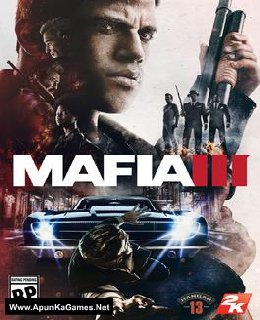
Mafia III, PC download, free version game, free pc game, for PC
Before downloading make sure that your PC meets minimum system requirements.
Minimum System Requirements
- OS: Windows 7/Vista/8 (64-bit)
- Processor: Intel I5-2500K, AMD FX-8120
- RAM: 6 GB
- Hard Drive: 50 GB available space
- Video Card: 2GB, NVIDIA GeForce GTX 660, AMD Radeon HD7870
- DirectX: 11
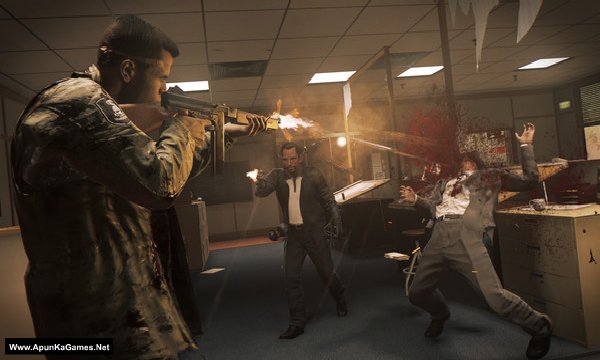
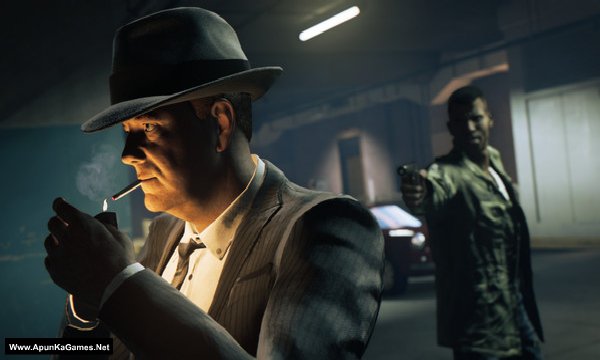
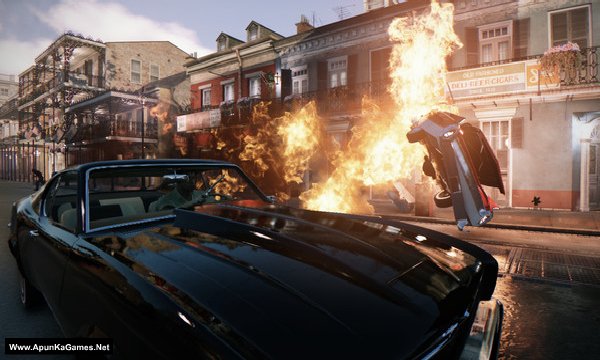
Screenshots
How to Install?
- Extract the file using Winrar. (Download Winrar)
- Open “Mafia 3” folder, double click on “Setup” and install it.
- After installation complete, go to the folder where you install the game.
- Open folder, double click on “mafia3” icon to play the game. Done!
How to Download?
If your don’t know how to Download this game, just Click Here!
If your don’t know how to Download this game, just Click Here!
Game Size: 18.6 GB
Password: www.apunkagames.net or apunkagames

HAVE A PROBLEM TO DOWNLOAD THE LAST PART (PART 22)
PLEASE -LET ME KNOW. MAYBE YOU CAN EMAIL DIRECTLY TO decision22@gmail.com
hope to hearing from you soonest
THANK YOU
Downloaded all 5 parts only one unzips. What’s the step by step installation process of single files
After installation it’s showing ” MSVCP140.dll not found”
install microsoft visual c++ all versions
When launcing tge game it shows “dynamic library steam_api_ext64.dll failed to load”. Please suggest a solution for this.
disable antivirus and install again. add the game to antivirus exclusion list.
Hi, I am glad you are making huge effort for gamers. I have just downloaded game and now it is not even starting. Startup crash! I have downloaded mafia 2 from your site and completed it smoothly. I am using core-i5 windows 10 updated driver-11. Why it is not starting?
i have facing the problem fatal error the dyanamic library “steam_api_ext64” failed to load please give solution for this help as you can soon as possible
antivirus deleting the crack. disable antivirus and install again.
fatal error the dyanamic library “steam_api_ext64” failed to load ….. Again I’m installed game with disabled anti virus. Game is worked….. 2days later again that problem is come… Plzz give solution
add the game to antivirus exclusion list.
After the installation or before the installation
sir plz upload game the last of us
Are DLCs included?
no
Error 0×c000007b
?
What should i do now ?
https://www.youtube.com/watch?v=-SyCEc4J1bQ
admins pls fix this site can’t reached i just wanna finish the parts
it’s really annoying
pls reply
Bro how to fix mafia 3 fatal error
disable antivirus and install again.
please there is a problem with the website network , is preventing us from downloading again
kindly fix it
it will be fixed soon
Mafia 3 3.9 gb game file can’t being downloaded from fileloker site so please check the problem
will be fixed in an hour.
please solve the problem for mafia 3 3.9 gb game file .the file can’t being download from https://thefileslocker.net/mhdwz3zwj74x.html.please check
Hi bro mafia 3 working but i have gtx 710 i5 4th gen 8gb ram but game getting very slow and lag what the problem
Hi bro mafia 3 working but i have gtx 710 i5 4th gen 8gb ram but game getting very slow and lag what the problem even i play game 1280×720 every settings is low please give me solution
Hi bro mafia 3 working but i have gtx 710 i5 4th gen 8gb ram but game getting very slow and lag what the problem even i play game 1280×720 every settings is low please give me solution i want to play lagg free
i’m facing a error when i try to installed the game it shows “injecting code in process was not found”and”unarc.dll returned an error code 1 please reply me what should i do
https://www.youtube.com/watch?v=FrWgMshR4i4
Its not working sir please help me
When launcing tge game it shows “dynamic library steam_api_ext64.dll failed to load”. I reinstall game after disabling anti-virus and I add folder into exclusions of antivirus it was again show this error please suggest any solutions
disable antivirus and install again.
It doesn’t works
Its not working sir please help me
bro part 5 and 6 they cant be downloaded can you fix it
Wait for 1st parts to finish then click on 2nd download. All links are fine just download one by one. cancel all the active downloads in IDM and then click Part 5 or 6 etc… it will download 100%. TheFileLocker server doesn’t support multiple downloads, so some links may not show. If you try downloading several parts at once, the others may fail due to the download limit.
Also, try downloading when website traffic is low—you’ll get better speed, like in the morning or afternoon. 🎮