
Arma 2 – Free Download – PC Game for Free – Specs – Overview – Screenshots
Type of game: First-person shooter, tactical shooter
PC Release Date: July 7, 2009
Developer/Publishers: Bohemia Interactive
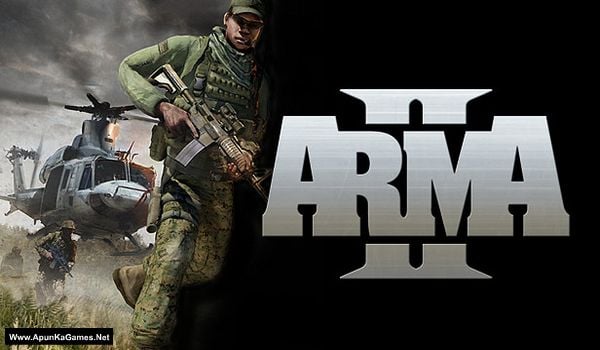
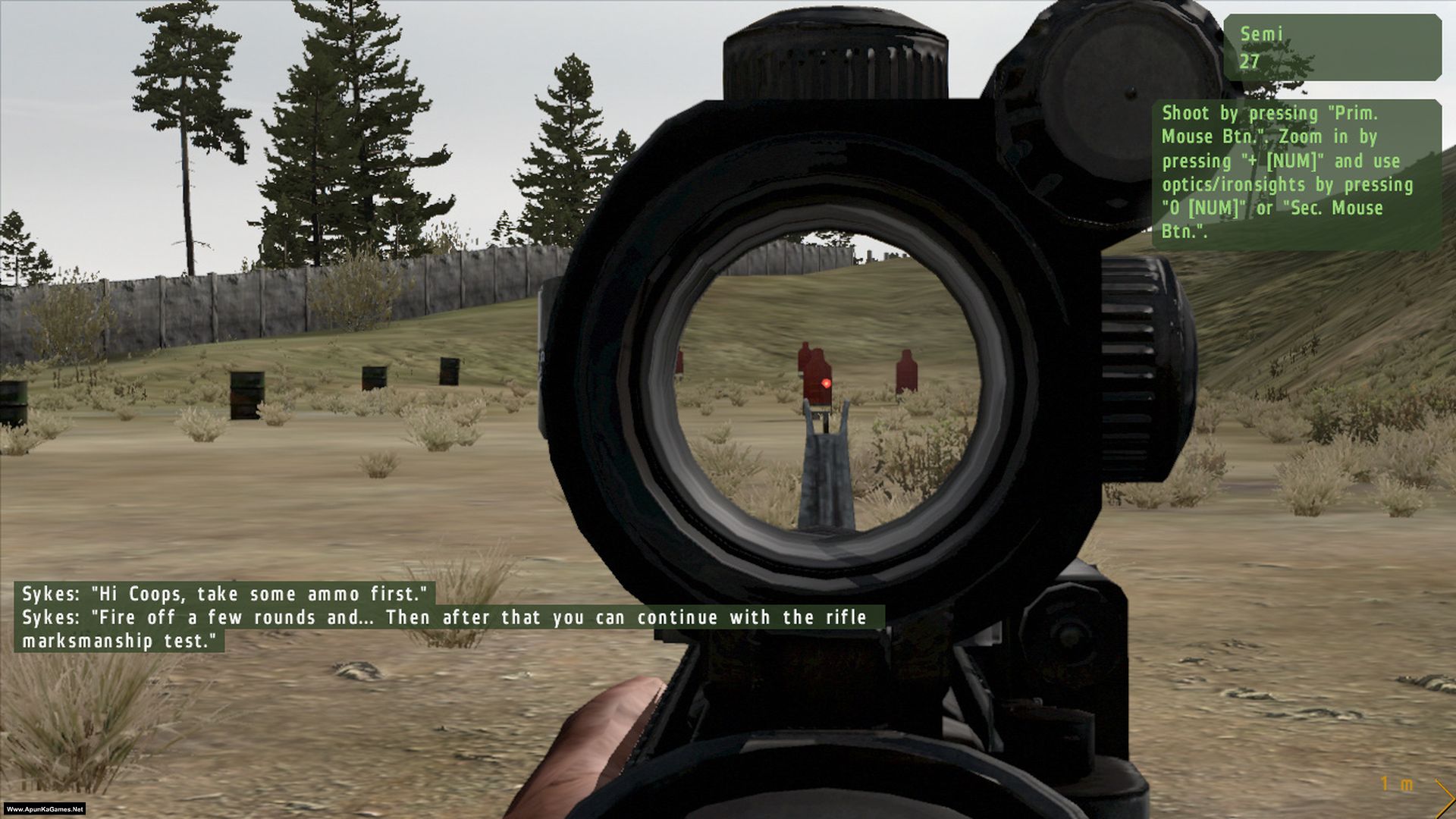
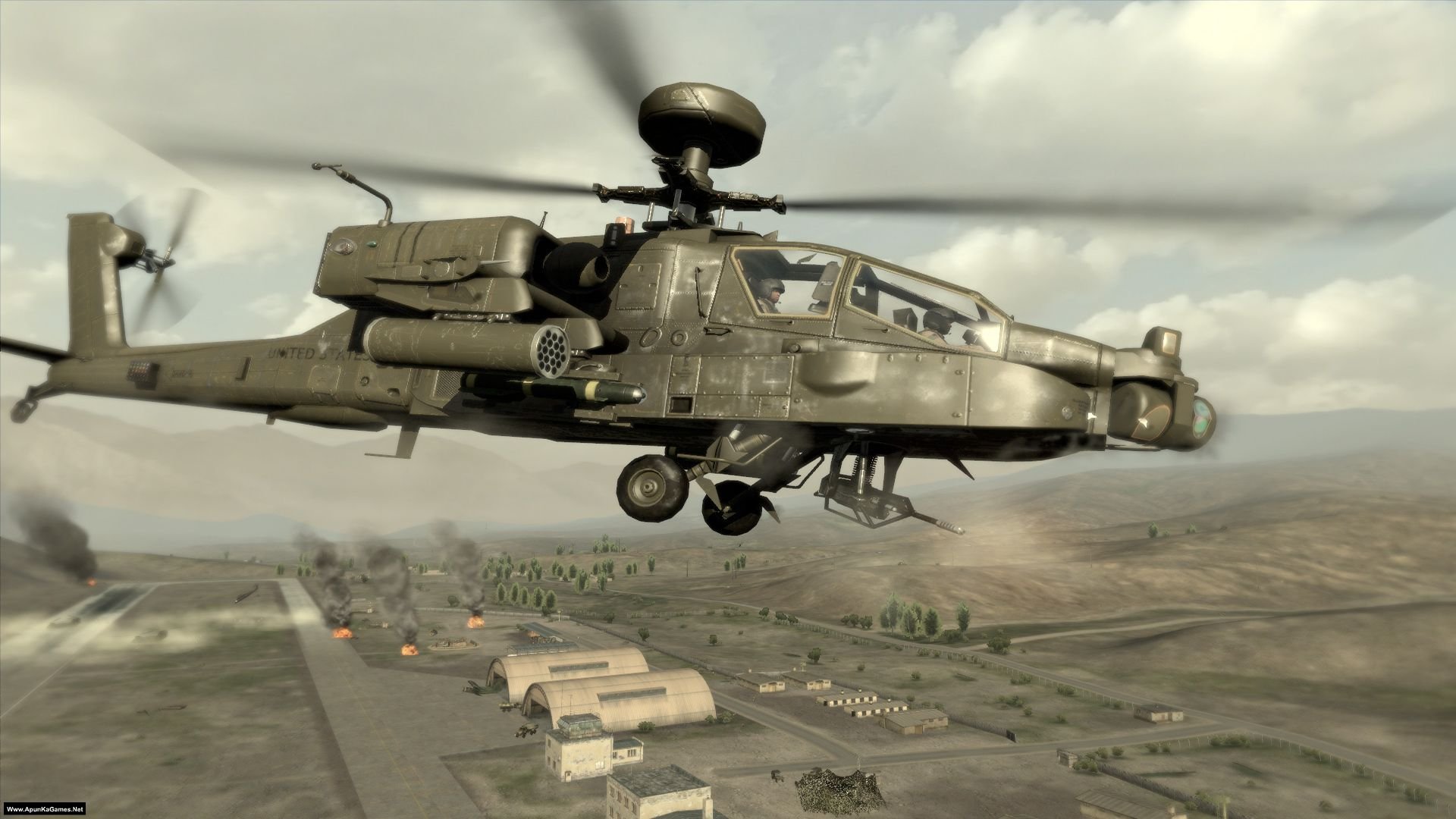
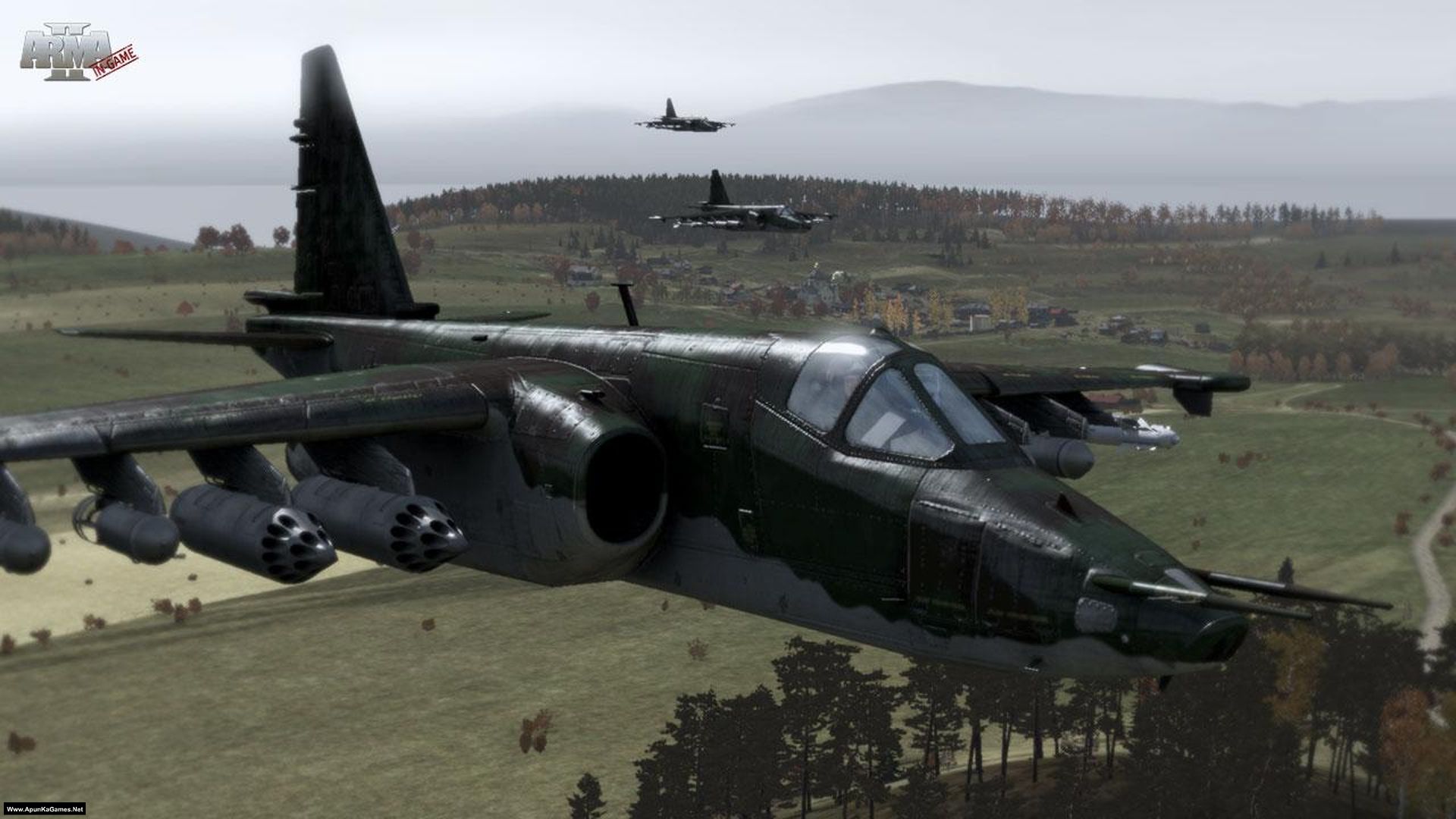
Arma 2 (9.21 GB) is a popular action FPS game of 2009 Developed and Published by Bohemia Interactive. The game focused primarily on infantry combat, but signifant vehcular and aerial combat elements are present. The player is able to command AI squad members which adds a real-time strategy element to the game. This is further enhanced by the high command system, which allows the player to command multiple squads using the map. ARMA 2 is set primarily in the fictional Eastern European nation of Chernarus (meaning “Black Rus”). The Chernarussian landscape is based heavily on the Czech Republic; the home country of the developer.
Type of game: First-person shooter, tactical shooter
PC Release Date: July 7, 2009
Developer/Publishers: Bohemia Interactive
Arma 2 (9.21 GB) is a popular action FPS game of 2009 Developed and Published by Bohemia Interactive. The game focused primarily on infantry combat, but signifant vehcular and aerial combat elements are present. The player is able to command AI squad members which adds a real-time strategy element to the game. This is further enhanced by the high command system, which allows the player to command multiple squads using the map. ARMA 2 is set primarily in the fictional Eastern European nation of Chernarus (meaning “Black Rus”). The Chernarussian landscape is based heavily on the Czech Republic; the home country of the developer.
Before downloading make sure that your PC meets minimum system requirements.
Minimum System Requirements
- OS: Windows XP/Vista
- CPU: Dual Core (Intel Pentium 4 3.0 GHz, AMD Athlon 3200+ or better)
- RAM: 1 GB
- Hard Drive: 10 GB available space
- Video Card: 256 MB, (Nvidia Geforce 7800 / ATI Radeon 1800 or faster)
- DirectX: Version 9.0c
Screenshots
How to Install?
- Extract the file using Winrar. (Download Winrar)
- Open “Arma 2” folder, double click on “Setup” and install it.
- After installation complete, go to the folder where you install the game.
- Go to Desktop, double click on “Arma 2 Combined Operations” icon to play the game. Done!
Complete Installation Video Tutorial? We provide complete game installation videos to guarantee that every game works perfectly. Unlike other websites where you download blindly and hope for the best, we show you real proof. Our step-by-step installation videos clearly demonstrate the game running successfully, so you know exactly what you’re getting. With us, there’s no guesswork—only verified, 100% working games you can trust.
Trust / Proof
- 100% Working – Tested by Us
- Game Verified Before Upload
- Working Gameplay Shown
- No Fake Files
- Installed Successfully on Our PC
How to Download?
If your don’t know how to Download this game, just Click Here!
If your don’t know how to Download this game, just Click Here!
Arma II Download
Click Here to Download This Game
Game Size: 9.21 GB
Password: www.apunkagames.net or apunkagames
Click Here to Download This Game
Game Size: 9.21 GB
Password: www.apunkagames.net or apunkagames

great
hello
describe the issue
there is no file to download
Link is updated you can download now.
it says there is no file it was deleted by owner or ……
Links are deleted… we will update deleted links soon as we can. Thanks for telling us!
hello is there anyone
Yes?
unarc.dll returned an error code 12
Pls Turned off anti-virus first and then re-extract and re-install. It’s 100% working setup we checked it before and now too. After installation complete, start the game from desktop icon. All anti-virus programs get paid to stop crack games, so when anti-virus detects cracked game or cracked game setup, it deletes the crack file or abort setup before the installation process ends. All you need to do is disable your anti-virus before extracting or installing any game and then re-enable it after the first launch or add the crack files or launchers of the games in exclusion list of your anti-virus.
Setup not extracting and stuck at 0% but time is lapsing.
⚠️ Important: Most antivirus programs are designed to block cracked games. They may delete crack files or abort the setup before the installation finishes.
To avoid issues:
01. Disable your antivirus before extracting or installing the game.
02. After the first launch, you can re-enable your antivirus.
03. Alternatively, add the crack files or game launcher to your antivirus exclusion list.
Please turn off your antivirus first, then re-extract and reinstall the game. This is a 100% working setup; we verified it before and it still works. After installation is complete, start the game using the desktop “Arma 2 Combined Operations” icon. Done!