

FIFA 10 Game – Overview – Free Download – PC – Specs – Screenshots – Installation Video
Type of game: Sports/Simulation
Type of game: Sports/Simulation
PC Release Date: October 20, 2009
Developer/Publishers: EA Canada/Electronic Arts, EA Sports
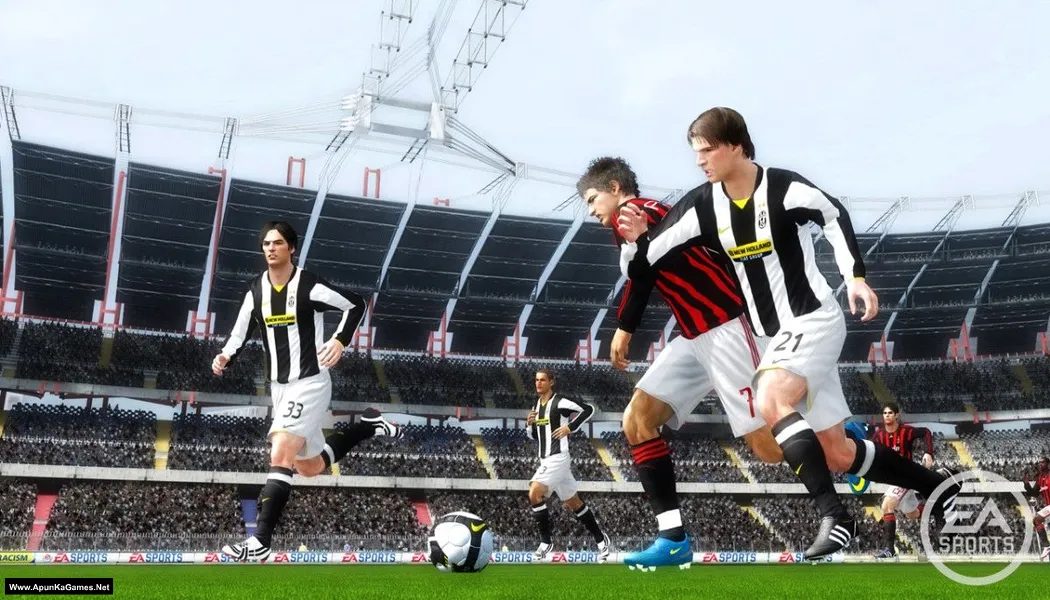
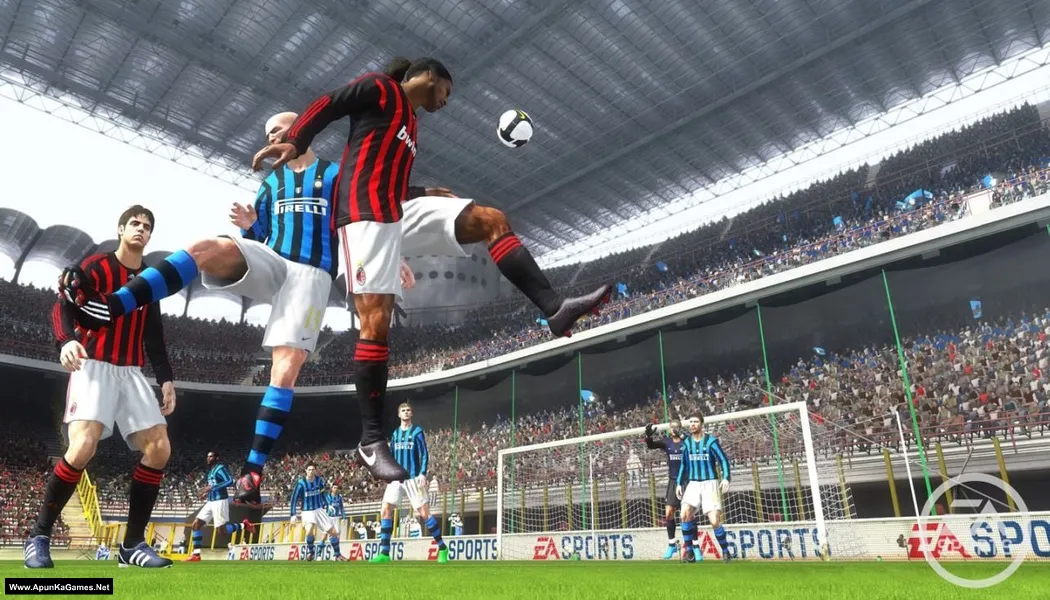
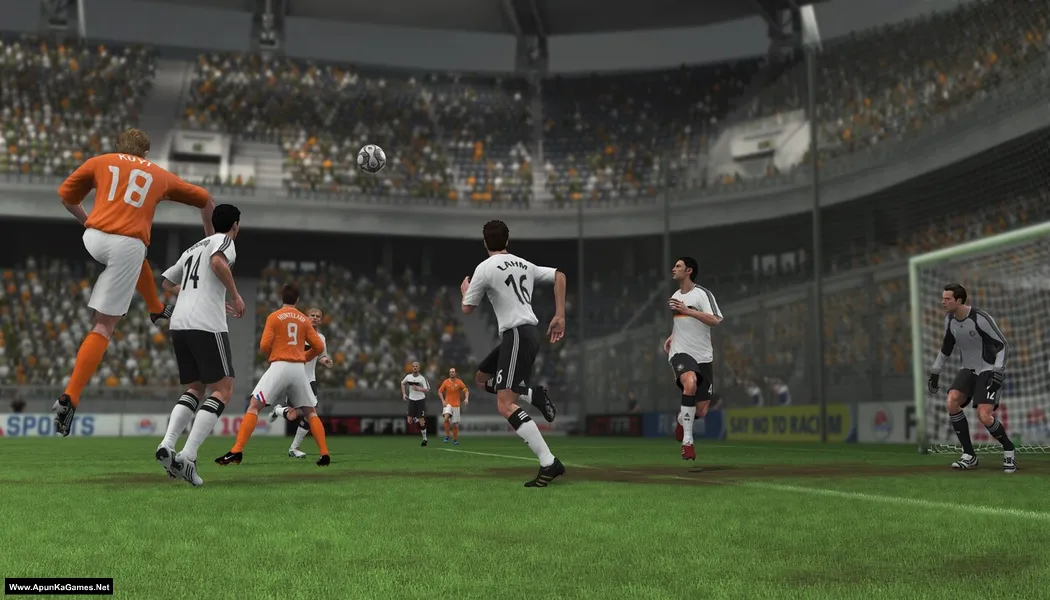
FIFA 10 (5.19 GB) is a football simulation developed by EA Canada and published by Electronic Arts. The game features improved gameplay mechanics, realistic player movements, and advanced ball physics for a more authentic football experience. Players can compete with licensed teams and leagues in modes such as Manager Mode, tournaments, and multiplayer matches. With enhanced dribbling, better defensive controls, and immersive stadium atmospheres, FIFA 10 delivers exciting football gameplay for fans of the sports.
Developer/Publishers: EA Canada/Electronic Arts, EA Sports
FIFA 10 (5.19 GB) is a football simulation developed by EA Canada and published by Electronic Arts. The game features improved gameplay mechanics, realistic player movements, and advanced ball physics for a more authentic football experience. Players can compete with licensed teams and leagues in modes such as Manager Mode, tournaments, and multiplayer matches. With enhanced dribbling, better defensive controls, and immersive stadium atmospheres, FIFA 10 delivers exciting football gameplay for fans of the sports.
Before downloading make sure that your PC meets minimum system requirements.
Minimum System Requirements
- OS: Windows XP/Vista/7
- Processor: 2.4 GHz Intel Single Core or equivalent
- RAM: 1 GB
- Hard Drive: 7 GB available space
- Video Card: 128 MB, (ATI Radeon 9800 Pro ; NVIDIA GeForce 6600 or greater)
- DirectX: 9.0c
Screenshots
How to Install?
- Extract the file using Winrar. (Download Winrar)
- Open “FIFA 10” >> “Game” folder, double click on “Setup” and install it.
- When they want Serial key type this: W75V-HHNF-P6I4-45C4-1911
- After installation complete, go to the folder where you extract the game.
- Open “Razor1911” folder, copy all files and paste it where you install the game.
- Then double click on “FIFA10” icon to play the game. Done!
How to Download?
If your don’t know how to Download this game, just Click Here!
FIFA 10 Download
Download in Single Link
Click Here
–
Download in 900 MB Parts
Click Here
Game Size: 5.19 GB
Password: www.apunkagames.net or apunkagames
Download in Single Link
Click Here
–
Download in 900 MB Parts
Click Here
Game Size: 5.19 GB
Password: www.apunkagames.net or apunkagames

WHAT IS THE REGESTRATION CODE
Did you Cracked the game? if not then follow these steps to play the game.
01. Open “FIFA 10” >> “Game” folder, double click on “Setup” and install it.
02. When they want Serial key type this: W75V-HHNF-P6I4-45C4-1911
03. After installation complete, go to the folder where you extract the game.
04. Open “Razor1911” folder, copy all files and paste it where you install the game.
05. Then double click on “FIFA10” icon to play the game. Done!