
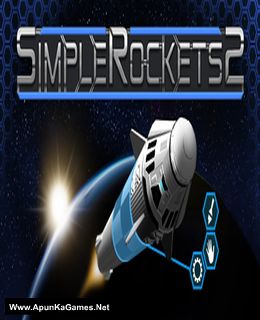
SimpleRockets 2 Game – Overview – Free Download – Compressed – Free – Screenshots – PC – Specs – Torrent/uTorrent
Type of game: Simulation
PC Release Date: 8 Nov, 2018
Developer/Publishers: Jundroo, LLC
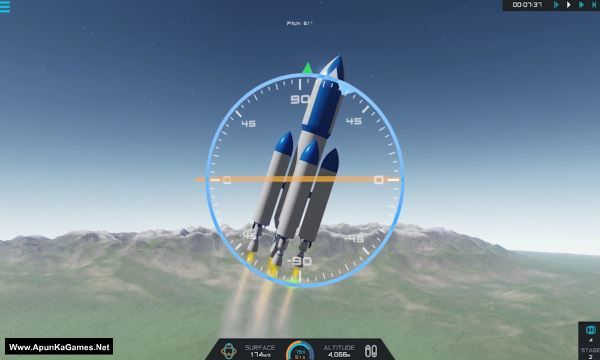
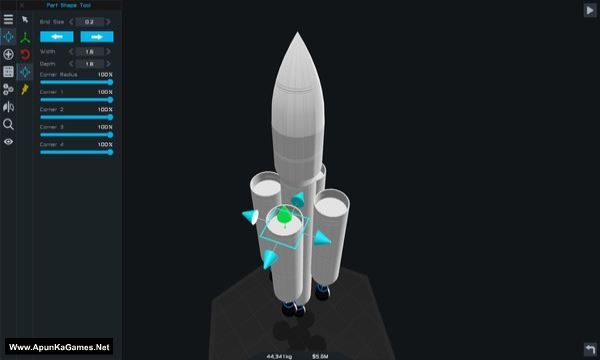
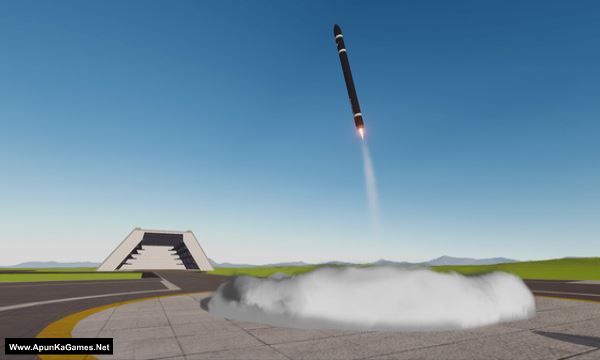
SimpleRockets 2 (288 MB) is a Simulation video game. Developed and published by Jundroo, LLC. It was released on 8 Nov, 2018. SimpleRockets is back, but now it’s freey 3D. Build rockets, airplanes, rovers, and anything you can think of with highly customizable parts.
Type of game: Simulation
PC Release Date: 8 Nov, 2018
Developer/Publishers: Jundroo, LLC
SimpleRockets 2 (288 MB) is a Simulation video game. Developed and published by Jundroo, LLC. It was released on 8 Nov, 2018. SimpleRockets is back, but now it’s freey 3D. Build rockets, airplanes, rovers, and anything you can think of with highly customizable parts.
Before downloading make sure that your PC meets minimum system requirements.
Minimum System Requirements
- OS: Windows 7
- Processor: Dual Core 2GHz
- RAM: 3 GB
- Hard Drive: 1 GB available space
- Video Card: SM4, 512MB VRAM
- DirectX: Version 11.0
Screenshots
How to Install?
- Extract the file using Winrar. (Download Winrar)
- Open “SimpleRockets 2” >> “Game” folder.
- Then double click on “SimpleRockets2” icon to play the game. Done!
How to Download?
If your don’t know how to Download this game, just Click Here!
If your don’t know how to Download this game, just Click Here!
SimpleRockets 2 Download
Click Here to Download This Game
Game Size: 288 MB
Password: www.apunkagames.net or apunkagames
or
You Can Also Download In Torrent Format
Download Torrent File
Click Here to Download This Game
Game Size: 288 MB
Password: www.apunkagames.net or apunkagames
or
You Can Also Download In Torrent Format
Download Torrent File

When I tried to launch the rock,it says loading and nothing happens:(((
If the rocket shows “Loading” and nothing happens in SimpleRockets 2, try restarting the game and your PC first. Make sure your graphics drivers are updated and that your Windows is fully updated.You can also lower the graphics settings or run the game as Administrator. Additionally, disable background overlays like Discord or GeForce Experience. After doing these steps, launch the game again and check if the issue is resolved.