
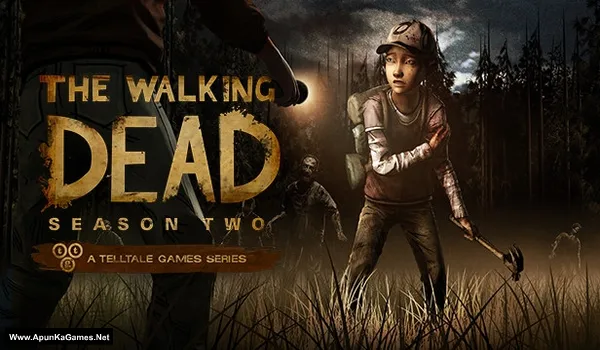
The Walking Dead: Season 2 All Episodes Game – Overview – Download – Free – PC – Specs – Screenshots – Installation Guide
Type of game: Adventure, Survival horror
Type of game: Adventure, Survival horror
PC Release Date: December 17, 2013
Developer/Publishers: Telltale Games, Skybound Games
The Walking Dead: Season 2 All Episodes (3.75 GB) continues the emotional journey of Clementine as she navigates a brutal post-apocalyptic world filled with danger and difficult choices. This complete season includes all episodes, offering a deeply immersive, story-driven experience where every decision impacts the outcome. With strong character development, intense moments, and meaningful consequences, the game delivers a powerful narrative. It is a must-play for fans of interactive storytelling and survival adventure games on PC.
Developer/Publishers: Telltale Games, Skybound Games
The Walking Dead: Season 2 All Episodes (3.75 GB) continues the emotional journey of Clementine as she navigates a brutal post-apocalyptic world filled with danger and difficult choices. This complete season includes all episodes, offering a deeply immersive, story-driven experience where every decision impacts the outcome. With strong character development, intense moments, and meaningful consequences, the game delivers a powerful narrative. It is a must-play for fans of interactive storytelling and survival adventure games on PC.
Before downloading make sure that your PC meets minimum system requirements.
Minimum System Requirements
- OS: Windows XP Service Pack 3
- Processor: Core 2 Duo 2GHz or equivalent
- RAM: 3 GB
- Hard Drive: 2 GB available space
- Video Card: ATI or NVidia card w/ 512 MB RAM
- DirectX: Version 9.0c
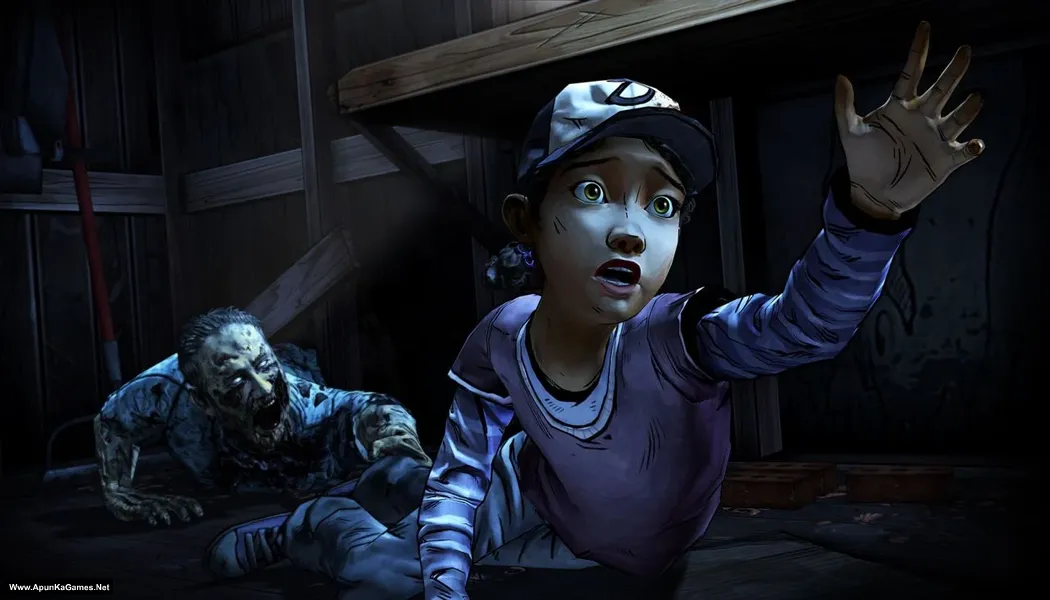
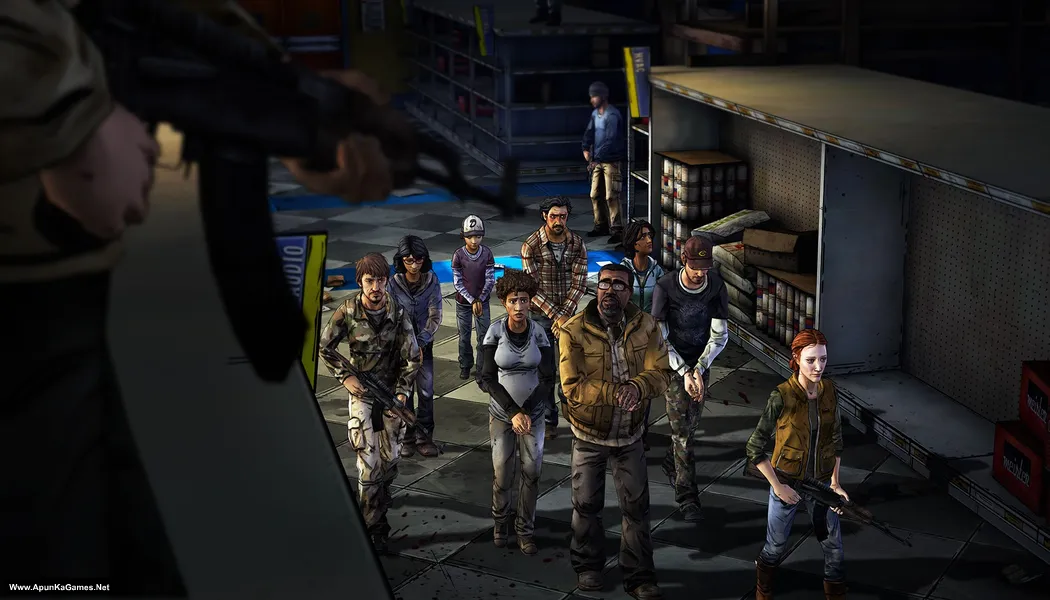
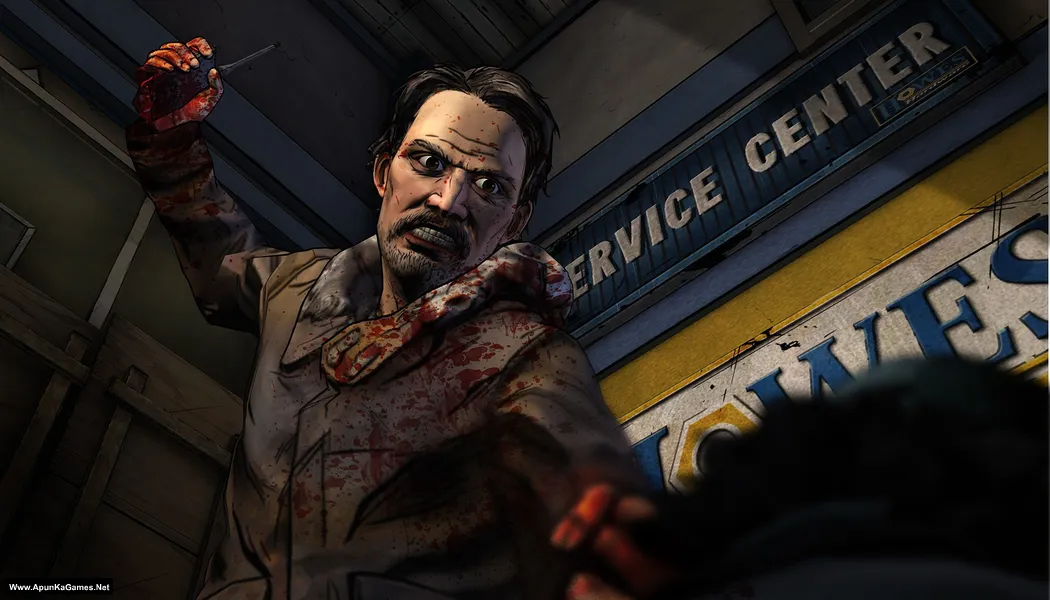
Screenshots
How to Install?
- Extract the file using Winrar. (Download Winrar)
- Open “The Walking Dead Season 2 All Episodes” folder, double click on “Setup” and install it.
- After installation complete, go to the folder where you extract the game.
- Open “CODEX” folder, copy all files and paste it where you install the game.
- Then double click on “TheWalkingDead2.exe” to play the game. Done!
Complete Installation Video Tutorial?
We provide complete game installation videos to guarantee that every game works perfectly. Unlike other websites where you download blindly and hope for the best, we show you real proof. Our step-by-step installation videos clearly demonstrate the game running successfully, so you know exactly what you’re getting. With us, there’s no guesswork—only verified, 100% working games you can trust.
Trust / Proof
- 100% Working – Tested by Us
- Game Verified Before Upload
- Working Gameplay Shown
- No Fake Files
- Installed Successfully on Our PC
How to Download?
If your don’t know how to Download this game, just Click Here!
The Walking Dead: Season 2 All Episodes Download
Download in Single Link
Click Here
–
Download in 900MB Parts
Click Here
Game Size: 3.75 GB
Password: www.apunkagames.net or apunkagames
Download in Single Link
Click Here
–
Download in 900MB Parts
Click Here
Game Size: 3.75 GB
Password: www.apunkagames.net or apunkagames

it needs telltale account
It says “The code execution cannot proceed because fmodex.dll was not found” I tried reinstalling it but it didn’t work please what do I do
Reinstall the game but first you must disable all antivirus + Windows defender. (Runtime Errors or Missing MSVCR100 or 110.dll etc..) also more like (Missing dll d3dx3_code or XINput.dll errors) (0xc00007b error). How can I fix these? Ans. None of these errors or other errors will going to occur, if you have these softwares installed in your PC. DirectX 9 – DirectX 11 – Graphic Drivers – Microsoft Visual C++ – .NET Framework These software are not installed during the window installation process. So you have to install these software manually, It will allow you to run any game without errors. After installing these software (Microsoft Visual C++ – .NET Framework – DirectX 9) then open the game it will work 100%!
It finally worked. Thanks
Hey I Want to play this game but i cant it is showing an error of missing files and as you said i downloaded every single softare and still its showing that error What Should I do Please Help!
100% working setup just watch and follow this video guide step by step How to Download, extract, install and play the game without any Error!
abey bc there is virus in the setup file
No sir… There is no virus in game or setup. It’s just CODEX crack files which block by anti-virus because All anti-virus programs get paid to stop crack games, so when anti-virus detects cracked game or cracked game setup, it deletes the crack file or abort setup before the installation process ends. All you need to do is disable your anti-virus before extracting or installing any game and then re-enable it after the first launch or add the crack files or launchers of the games in exclusion list of your anti-virus. Also Don’t abuse in Comment. Thanks!
Hey apunka it’s me again
Thanks for the games
I got the season 1 of this and also the season 2 gonna finish downloading all seasons here 😂
And anyone who is also installing this season after installing should copy the files on the codex folder and paste it where you installed the game
Thanks apunka 😎👊🏾
Thank you so much for your support, brother! ❤️😎 We’re glad you’re enjoying the games. Yes, if anyone is installing this season, after the installation is complete, copy all the files from the CODEX folder and paste them into the game’s installation folder, then click Replace if prompted. Enjoy the game, and happy gaming! 👊🏾🎮