
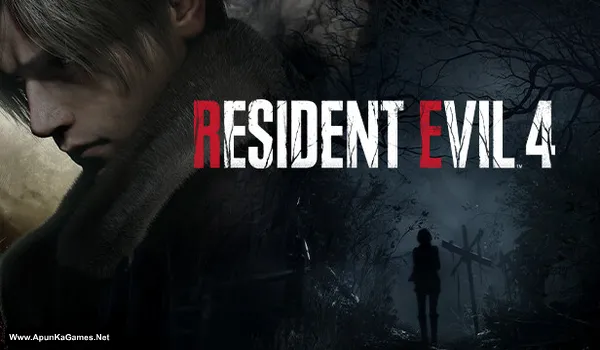
Resident Evil 4: Remake Deluxe Edition + All DLCs + Bonus Content + Trainer Game – Overview – Free Download – PC – Specs – Screenshots – Free
Type of game: Survival Horror
PC Release Date: March 24, 2023
Developer/Publishers: CAPCOM Co., Ltd.
Resident Evil 4 Remake (41.8 GB) is an Survival Horror video game. Developed and published by CAPCOM Co., Ltd. It was released on March 24, 2023 for Windows. Resident Evil 4 Remake Deluxe Edition includes the base game with extra costumes and bonus items. Gameplay focuses on intense survival horror, modern combat, exploration, and puzzle-solving in a reimagined classic.
Type of game: Survival Horror
PC Release Date: March 24, 2023
Developer/Publishers: CAPCOM Co., Ltd.
Resident Evil 4 Remake (41.8 GB) is an Survival Horror video game. Developed and published by CAPCOM Co., Ltd. It was released on March 24, 2023 for Windows. Resident Evil 4 Remake Deluxe Edition includes the base game with extra costumes and bonus items. Gameplay focuses on intense survival horror, modern combat, exploration, and puzzle-solving in a reimagined classic.
Before downloading make sure that your PC meets minimum system requirements.
Minimum System Requirements
- OS: Windows 10 (64‑bit)
- Processor: AMD Ryzen 3 1200 / Intel Core i5-7500
- RAM: 8 GB
- Hard Disk: 60 GB available space
- Graphics Card: 4GB VRAM, AMD Radeon RX 560 / NVIDIA GeForce GTX 1050 Ti
- Network: Broadband Internet connection
- DirectX: Version 12
Screenshots
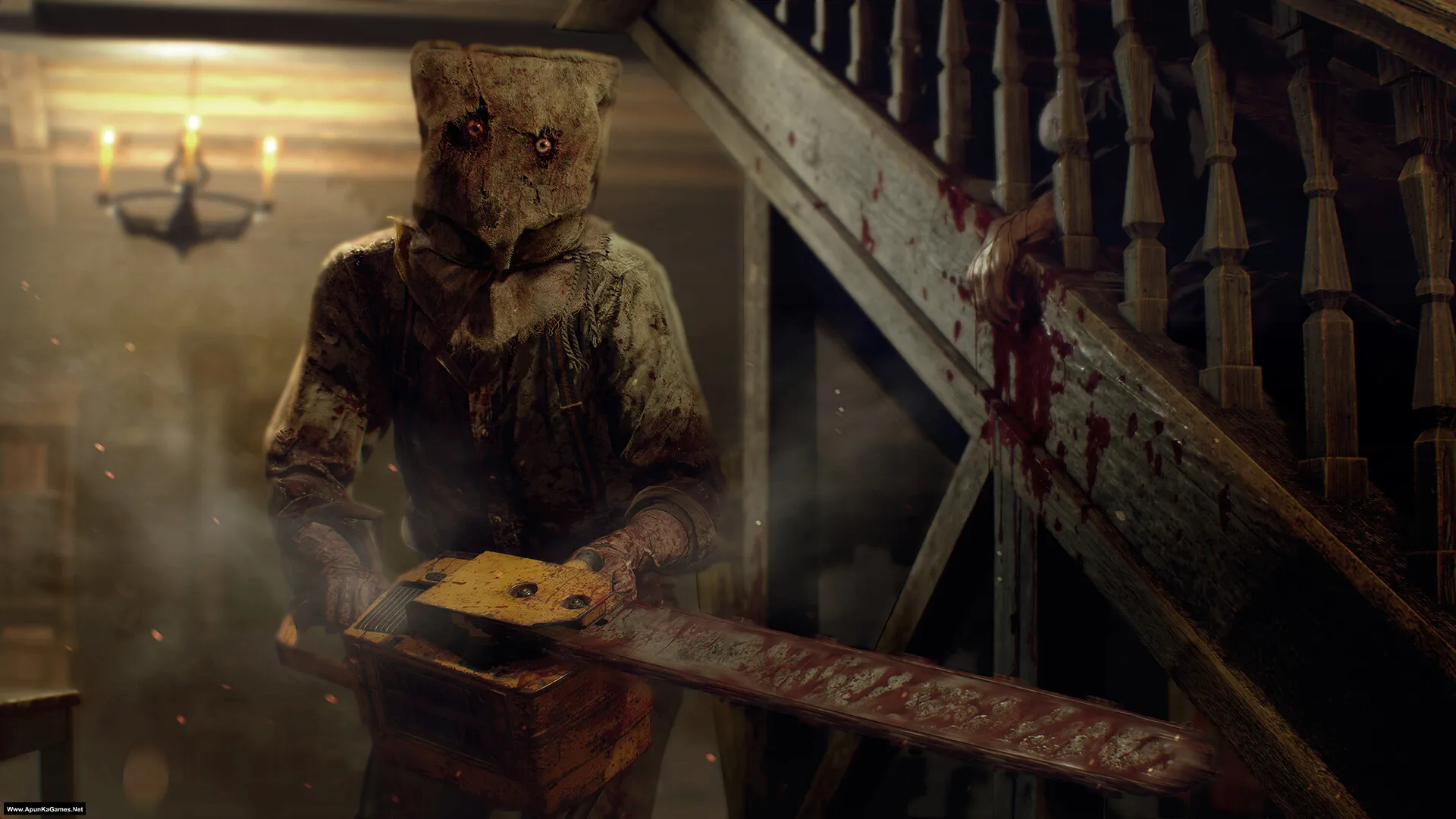
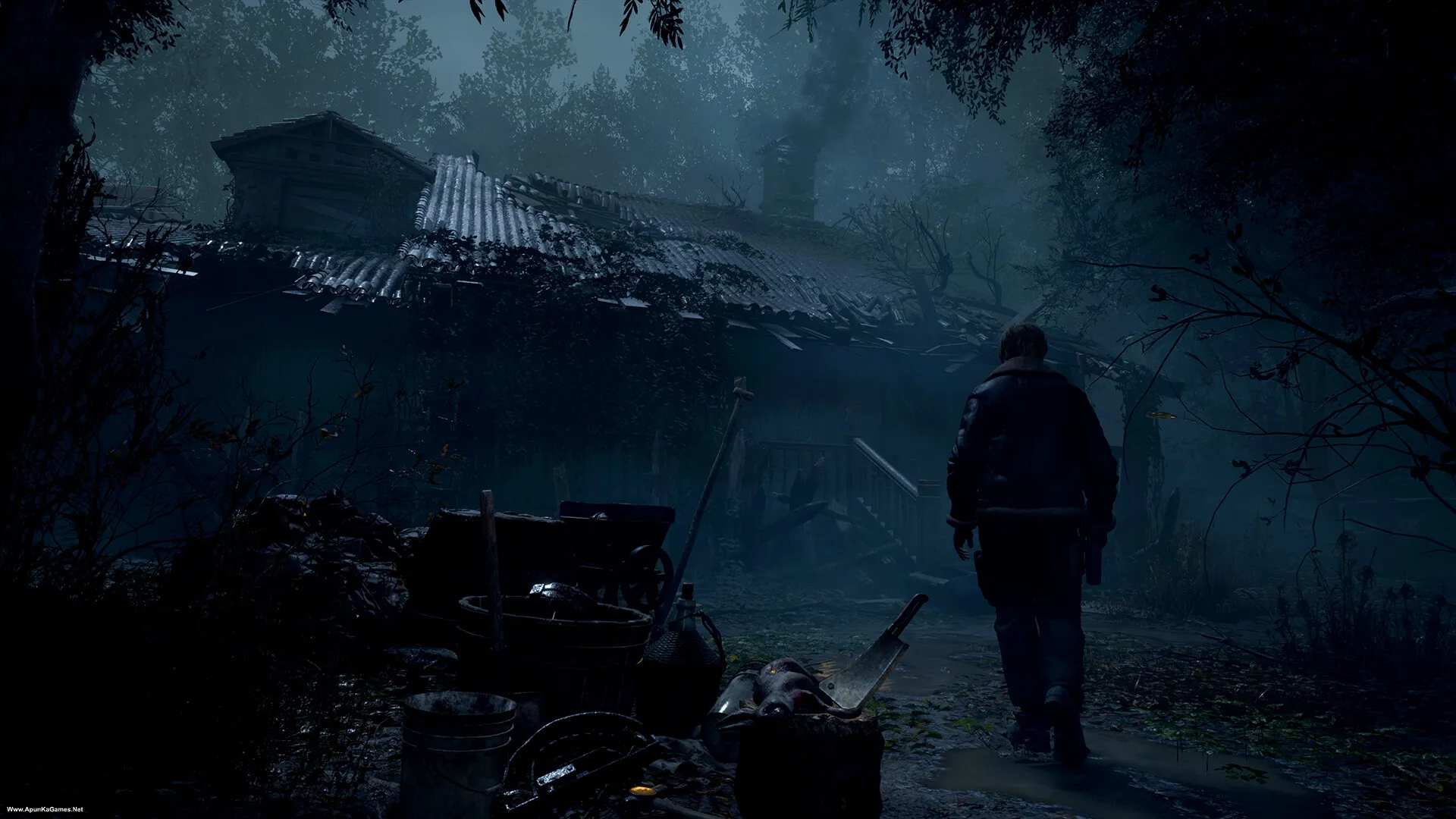
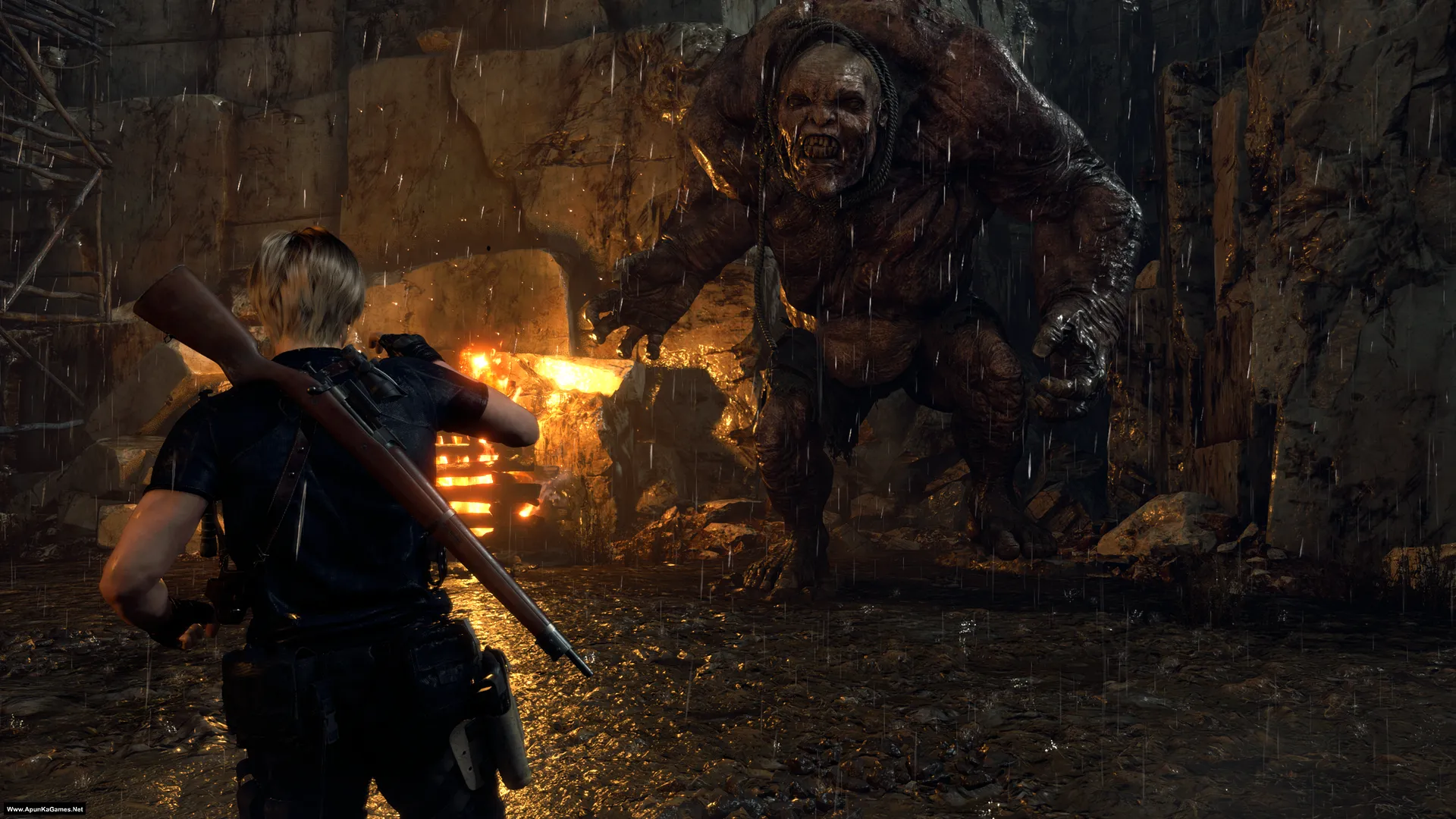
How to Install?
- Extract the file using Winrar. (Download Winrar)
- Open “Resident Evil 4 Remake” folder, double click on “setup” and install it.
- After the installation is complete, go to the desktop.
- Then run the game using “Play Resident Evil 4 Remake.exe” to start playing. Done!
How to Download?
If your don’t know how to Download this game, just Click Here!
If your don’t know how to Download this game, just Click Here!
Game Size: 41.8 GB
Password: www.apunkagames.net or apunkagames

LOVE YOUR WEBSITES ! 😍😍😍😍
Thanks… we appreciate it!
Ye Website Mene 10-12 Saal Pehle Use Kiya Tha Maza Agya Abtak Website Chal Rahi Hai Resident Evil 4 Remake Mene Complete Karliya Lekin Isme Kahi Bhi SeprateWays Ka Gameplay Nhi Show Ho Rha Hai
Thank you so much, brother ❤️ It means a lot to hear that you’ve been using our website for 10–12 years!
Glad you completed Resident Evil 4 Remake 🎮 As for Separate Ways, it is not included in this version. If you want to play Separate Ways, you’ll need the version that includes the DLC. We’ll try our best to upload/update it if possible. Thanks again for your continued support! 🖤
Bhai app separate ways ka bhi. Setup le aho
Brother, as soon as we find a proper working version, we’ll upload it. Thank you for your patience and support! ❤️🎮
Resident evil requiem kab aayega please add fast
Bhai Jb koi working setup aye ga tab post kronga. Baqi Full koshish hai mil jye!
Bro Resident Evil Requiem Crack is out on DODI REPACK Kindly Check it and Upload it if It Worked By The way Love You Site !
Ok brother let me check this setup first and then we will upload it.
i’ve been using this website since 8 years, and didn’t replace it at all even when the the site had problems and and deleated some games
We appreciate it — 8 years with us! 😎 Thanks for sticking around even when the site had some issues or removed games. Really grateful for your support, friend!
Is this game safe? I need a guaranteed response pls.
100% guarantee. We check games on our PC first before uploading on website.
CRAZY WEBSITE 🤯🤯 LOVE YOU
Thank you ❤️ your feedback really motivates us to keep improving the site!
Add this game to games feature
Done brother.
We love you brother
Love you too, bro ❤️ Glad to hear you’re enjoying everything. Take care and happy gaming 🎮
Thanks for this game I really appreciate it. This is my favourite website.
Sir please add resident evil Requiem when it release early.
And also please add some interesting low end friendly games.
Love you
Thank you so much for your support, I really appreciate it! I’m glad this is your favorite website. I’ll try my best to add Resident Evil Requiem as soon as it releases. I’ll also upload more interesting low-end friendly games very soon. Thanks again for your love and support! 😊
Game puri game khel li lekin isme separate ways nahi hai or agar hai too kese chelga, by the way thank you so much for the game ❤️.
Glad you enjoyed it ❤️ Separate Ways DLC bhai mainy game delete kr di hai pr main phr install kr k check kr k apko update krta!
i am unable to download as it says virus detected
It’s not a virus — the issue may be caused by an ad blocker. Try disabling your ad blocker if the download doesn’t start. All files are checked before being uploaded.
THANKKK YOUUUUUUU AND PLS ADD RESIDENT EVIL REQUIM ONCE IT RELEASES PLS APUNKA GAMES
You’re welcome! Thanks a lot for the support!
I’ll try to add Resident Evil Requiem as soon as it releases.
Stay tuned and enjoy the games! 🎮🔥
Bro I’m really glad that you’re uploading games much faster now , I’m using your website since 2015 but i want to know that in this repack , it have separate ways dlc?
Thanks a lot, brother — really appreciate your support since 2015 🙌 Yes, this is a repack. All DLCs are already included in setup, so there’s no need to download them separately. It’s “EMPRESS” setup complete with all DLCs.
i downladed all parts please produce indtsructions to install
First of all turn off your anti-virus before extracting and installing the game. Then Follow these steps:
01. Copy all 9 parts into one new folder and extract only part 1 and automatically all parts will be extracted.
02. Open “Resident Evil 4 Remake” folder, double click on “setup” and install it.
03. After the installation is complete, go to the desktop.
04. Then run the game using “Play Resident Evil 4 Remake.exe” to start playing. Done 100% working!
Download this Microsoft Visual ++ Package and install it. it’s for all games DLL and DX framework error.
Does it have separate way dlc feature?
Nope, it’s already included in the repack.
Does anyone know why this game doesn’t include Separate ways dlc ?
bro can you also add gold edition please
Noted… we will add soon as we can!
bhai pls re4 keliye direct download dalo na plsss
It’s already uploaded. You can download the 5 GB parts.
I opened the game setup file it says press up to unlock the screen and stuck on that page help me
Just click on setup, then press the ↑ arrow key on your keyboard.
I notice the game is 41 gb but most of other website are over 60gb so does it include separate way addition and Arabic language ?I like u separate the games in parts that’s why I like u website
Brother, the size difference is usually because of repack/compression. This version is compressed, but nothing is cut or removed—it’s the full game. That’s why it’s around 41 GB, while others upload the full unpacked size (60+ GB).
Thanks for your support! 😊🎮
seperate ways include?
It’s Repack!
bro does it work on window 10
Yes 100%.
olha descubri o seu site hoje e adorei
Thank you so much! 😊 Glad you liked the site. Enjoy the games and have fun! 🎮
Does this game has separate ways of ada plays
This repack have all The DLCs!
Low end pc me chalgea?
Brother, Resident Evil 4 Remake is also a heavy game, so on a low-end PC it will likely not run smoothly. 😕
You need at least a good GPU (like GTX 1050 Ti or better) and 8–16 GB RAM. On low-end systems, you may face lag or crashes, or it may not run at all.
If you have a low-end PC, it’s better to play the original Resident Evil 4, which runs much better. 🎮
Is Separate DLC is include?
i downloaded all the files and installed it on my pc and when i opened it my windows defender detected it as virus and blocked it why is that
Windows Defender detects it because it’s a cracked game, so it often shows a false virus alert. Just turn off Defender temporarily and install it again. We always test the files on our own PC first—it’s 100% safe.
APUNKAGAME mana game download ki hy Baki games folder bhi virus delete kar rha ha ma kia kru ma virus turn off bhi kar ta hoon lakin after a while wo khudi automatically turn on hojata ha kia ma window phir download kru
Aksar problem yeh hoti hai ke Windows Defender temporary off karne ke baad khud wapas on ho jata hai, aur phir suspicious .exe, crack, patch, ya modified game files ko delete kar deta hai. Sab se pehle Windows Security > Protection History me jaa kar dekho kis file ko remove kiya gaya, phir Virus & threat protection > Manage settings > Exclusions me apna specific game folder add karo, aur game ko kisi simple path jese D:\Games\GameName me rakho, Downloads ya desktop me nahi.
Can my PC can run core i5 6th gen 16gb ram ddr4 256ssd Nvidia GeForce rtx 2060 windowa 10 64bit
Yes, your PC can run Resident Evil 4 Remake smoothly. With an i5 6th gen, 16GB RAM, and RTX 2060, you can expect good performance at 1080p on medium to high settings with around 50–60 FPS. The GPU is strong, but the older CPU may slightly limit performance, so lowering a few settings like shadows will help keep the game smooth.
hey it is work in 2gb GRP laptop e5440 answer me i will download
Honestly—no, it won’t run properly on a 2GB GPU laptop like the Dell E5440. That game is quite demanding. It generally needs at least a 4GB dedicated graphics card (like GTX 1050 Ti or better), along with a stronger CPU and more RAM. With a 2GB GPU, you’ll likely face crashes, very low FPS, or it may not even start. If you still want to try, it might only run on very low settings with heavy lag, but it won’t be a good experience.
Thanks brother. It works perfectly 🥰 ✅️✅️
My pleasure🧡
Bro When are You guys Adding the Separate Ways DLC For RE4 Remake in a Way That we Can Rehash Files Instead of Downloading the Full Game Again And Save Traffic
Bro, that kind of DLC like Separate Ways for Resident Evil 4 Remake usually requires the latest full game version to work properly, so it’s not possible to just rehash or add a few files without updating everything. The DLC is tied to specific updates and game builds, and if versions don’t match, it won’t work or even show up. That’s why most of the time you need the fully updated game instead of a small patch 👍
Plz help me brother Isdone.dll problem installation
The ISDone.dll error during installation is often caused by your system blocking some files, so before installing, make sure to temporarily turn off your Windows Firewall and antivirus, then run the setup again as administrator. After the installation is complete, you can turn your security back on 👍
how to solve d3d error problem
A D3D error usually happens because of missing or outdated graphics files. First, install/update DirectX and Microsoft Visual C++ Redistributable from Microsoft’s official website, then update your GPU drivers. Also make sure your graphics card supports the game’s required DirectX version. After installing everything, restart your PC and try running the game again 👍 Download and install this Redist package it will solve 90% of gaming error!
Bro Is this normal version or gold edition ?
It’s deluxe edition bro.
bhai 3 baar game install krke uninstall krchuka hu lekin game nhi run kar rha problem ye aari hai install or baki sb ho jara hai but game run krte hi black screen aati or 5 sec baad game bnd ho jata game open hi nhi nhi hora pls help me bro
Bhai yeh game 100% work krty hai agar install ho raha hai lekin run karte hi black screen aati hai aur 5 sec baad game band ho jata hai, to ye usually graphics driver, DirectX, compatibility ya missing runtime files ki wajah se hota hai.
Sabse pehle apna graphics driver update karo (Intel/NVIDIA jo bhi hai). Phir DirectX aur Microsoft Visual C++ Redistributable dobara install karo (x86 + x64 dono). Game ko right click karke “Run as administrator” aur “Windows 7 compatibility mode” me chalao.
Agar phir bhi black screen aati hai to fullscreen problem hoti hai—config file me resolution low karo ya launch options me windowed mode try karo 👍
Assalamualikum! Bro ye game download ki hai all parts, anti-virus bhi sb off krdiye thy, windows security bhi off krdi, part 1 exract bhi ho gya, uska setup run krta hai proper aur finish ka option bhi ata hai k game has installed, lekin game kahin py bhi nahi show ho rahi aur na hi uska koi seperate folder ban rha hai jis sy ja k game open ho ya something?? main kaafi dair sy try kar rha hoon and i don’t know k problem hai kiya Q k setup install to ho rhi hai lekin kahan ho rhi iska kuch nahi pta aur na hi folder select ka option ata k jahan sy game k liye seperate folder select kron?? Please Help
Please install button press karne se pehle installation folder zaroor check karein. Jis location par aap game install kar rahe hain, us path ko yaad rakhein, kyun ke kabhi kabhi files wahan hoti hain lekin desktop ya Start Menu par shortcut nahi banta. Aur install se pehle “Desktop shortcut” aur “Start Menu shortcut” wale options ko uncheck/disable mat karein. Baqi default installation aksar C drive mein hoti hai.
Bro I finished all the steps and it’s still says re.bin not found….
Can you help me out brother
Brother, the re.bin not found error usually means a file is missing, corrupted, or your antivirus/Windows Defender has removed it.
Please turn off your antivirus/Windows Defender, then check if re.bin has been quarantined. If not, re-extract the game and make sure all downloaded parts are in the same folder before extracting. If the issue still continues, re-download the missing/corrupted part and try again.
We checked this setup ourselves, and it’s 100% working on our end. 👍
My favourite site i have been using this site since 5 years thanks for uploading these kind of games
Thank you so much, brother ❤️ It truly means a lot to us that you’ve been using our website for the past 5 years. Your support and kind words motivate us to keep uploading more games for everyone. We really appreciate you being part of our community. Happy gaming! 🎮🖤
Website: Apunkagames.com
I downloaded Resident Evil 4 Remake (2023) from your website.
My PC specs:
GPU: NVIDIA GeForce RTX 4050 Laptop
Latest NVIDIA graphics driver installed
Windows 11
Microsoft Visual C++ Redistributable (x64 and x86) installed
Problem:
The game starts.
A black screen appears for about 2 seconds.
The game closes automatically.
No Capcom logo appears.
No error message is shown.
Things I have already checked:
Resident Evil 4 Demo runs perfectly on the same laptop.
Resident Evil 2 Remake also works.
Graphics drivers are up to date.
Visual C++ Redistributables are installed.
Please help with:
Is there an updated version or patch for this release?
Is there a crack fix or launcher update required?
Are any files missing from the download?
Is this a known issue with your release?
Please let me know the correct solution.
Brother, first install the All-in-One Redist package. It fixes most startup, black screen, and missing runtime errors. The game is 100% working. If it installs successfully but shows a black screen and closes after 5 seconds, it’s usually caused by graphics drivers, DirectX, compatibility settings, or missing runtime files.
Next, update your graphics driver (Intel/NVIDIA, whichever you’re using). Then reinstall DirectX and the Microsoft Visual C++ Redistributables (both x86 and x64). Run the game as Administrator and enable Windows 7 Compatibility Mode.
If the black screen still appears, it may be a fullscreen issue. Try lowering the resolution in the game’s config file or launch the game in Windowed Mode. 👍
I installed this game once before, but I got a “DLL missing” error; since I didn’t know how to fix it back then, I uninstalled the game. Now I want to download it again. This time, I have the AIO Runtime installed—which I didn’t have previously. Will the AIO Runtime fix that “DLL missing” error?😪
Pls reply apunka 💔😪
You can download the All in One Runtime package or the latest Microsoft Visual C++ Redistributables using the link provided. Just download and install it—it fixes most DLL-related errors.
Click here to download redistributable packages
I played this game myself, and it works 100%. The reason your game isn’t running is most likely due to missing runtime/DLL files. Also, make sure to turn off your antivirus before installation, as it may remove DLL files from the cracked game, causing it not to launch. 👍