
Dying Light: The Following Enhanced Edition Game – Overview – Free Download – PC – Specs – Screenshots – Free
Type of game: Action, Survival Horror
PC Release Date: January 26, 2015
Developer/Publishers: Techland
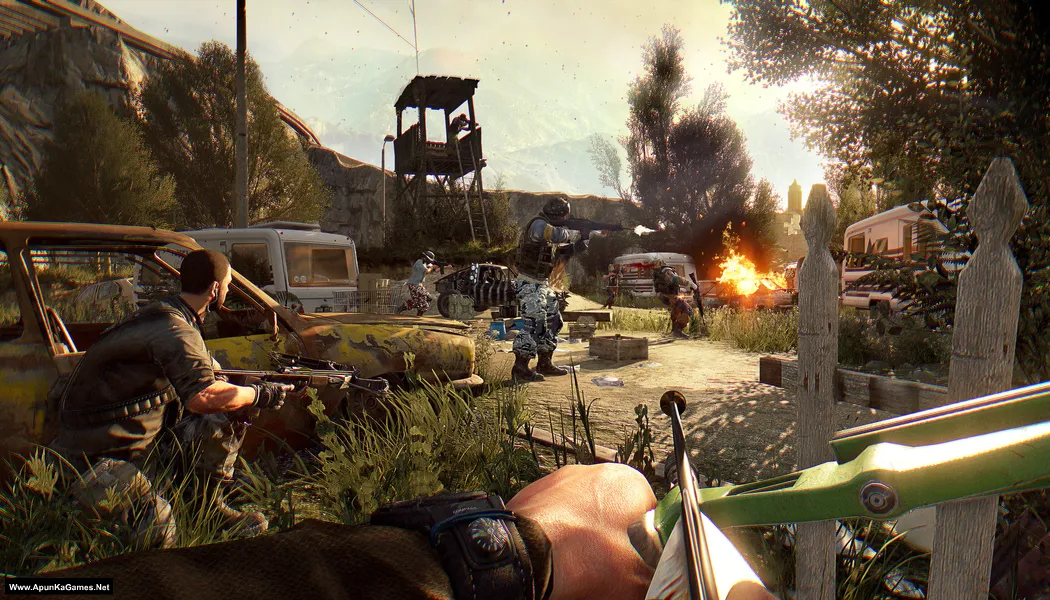
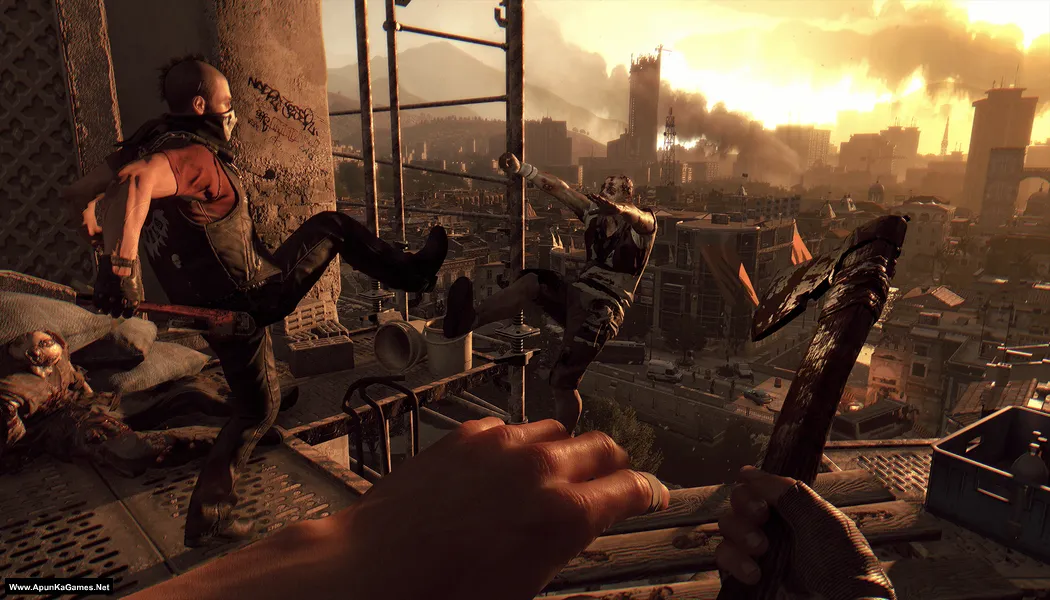
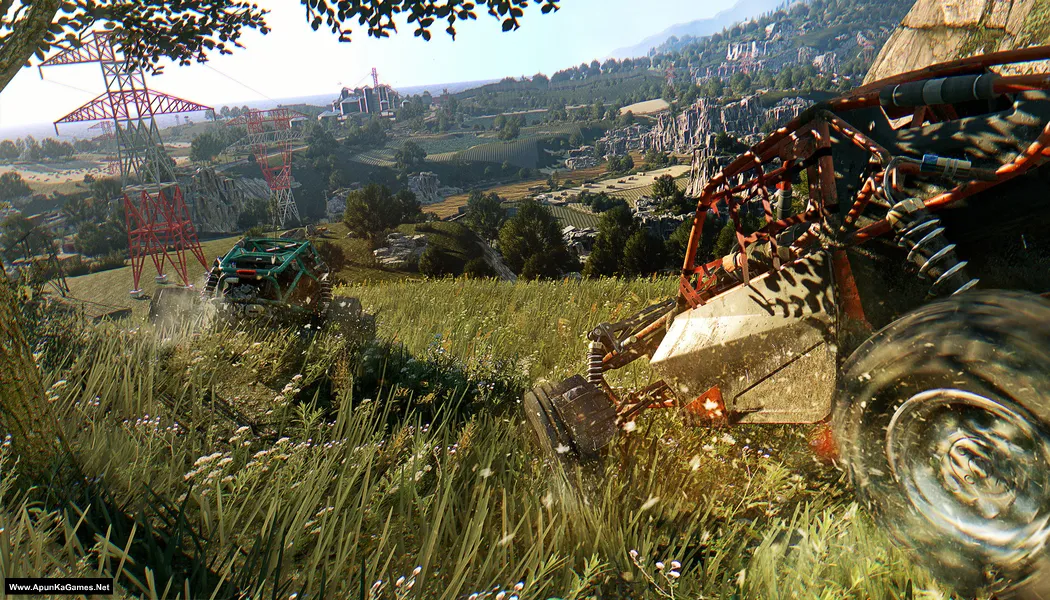
Dying Light: The Following (21.6 GB) is an Action, Survival Horror video game. Developed and published by Techland. It was released on January 26, 2015 for Windows. Dying Light: The Following Enhanced Edition expands the original experience with a massive open-world countryside and a new story. The gameplay blends parkour movement, brutal melee combat, and intense survival mechanics. Players explore freely, upgrade skills, and face dangerous enemies in a dynamic day-and-night cycle.
Type of game: Action, Survival Horror
PC Release Date: January 26, 2015
Developer/Publishers: Techland
Dying Light: The Following (21.6 GB) is an Action, Survival Horror video game. Developed and published by Techland. It was released on January 26, 2015 for Windows. Dying Light: The Following Enhanced Edition expands the original experience with a massive open-world countryside and a new story. The gameplay blends parkour movement, brutal melee combat, and intense survival mechanics. Players explore freely, upgrade skills, and face dangerous enemies in a dynamic day-and-night cycle.
DLC Includes:
- Dying Light Game Enhanced (Base game)
- Dying Light The Following (Expansion)
- Ultimate Survivor Bundle (DLC)
- The Bozak Horde game mode (DLC)
- Be the Zombie multiplayer mode(DLC)
- Cuisine & Cargo challenge missions (DLC)
Before downloading make sure that your PC meets minimum system requirements.
Minimum System Requirements
- OS: Windows 7/8 /8.1 (64-bit)
- Processor: Intel Core i5-2500 3.3 GHz / AMD FX-8320 3.5 GHz
- RAM: 4 GB RAM
- Hard Drive: 40 GB available space
- Video Card: NVIDIA GeForce GTX 560 / AMD Radeon HD 6870 (1GB VRAM)
- DirectX: Version 11
Screenshots
How to Install?
- Extract the file using Winrar. (Download Winrar)
- Open “Dying Light TF – Enhanced Edition” folder, double click on “setup_dying_light_2.0.0.8” and install it.
- After installation complete, go to the folder where you install the game.
- Double click on “DyingLightGame” icon to play the game. Done!
How to Download?
If your don’t know how to Download this game, just Click Here!
If your don’t know how to Download this game, just Click Here!
Game Size: 21.6 GB
Password: www.apunkagames.net or apunkagames

Can we play multiplayer in game
no
no
Hi i am big fan of apunkagames i love this site
Hello Sir, I request you to put the torrent link on this website,
apunkatorrents.net
Thank you so much
Sir is this game also come with dying light normal mode
How we can use ps4 controller to this game ?
IT INCLUDE BUGGY OR NOT
WHICH VERSION
link is not working it says 404 not found
Sir I’m a big fan of yours and every game in my pc is from your website i haven’t met with any issues yet not until this one, after i finished installing this game and try to run it, it says that “msvcp110.dll is missing” I’ve tried reinstalling it but the issue is the same… Help me sir i even tried downloading the dll file and instead it shows that the program is not install correctly, if it’s possible try to fix that issue sir cuz people like myself who like downloading games in parts so that we could continue to download it the next day without exhausting our internet pack depends on people like u sir so please if possible send me a solution or maybe fix the problem for future gamers who’ll download this game from your site and also other games as well… Thank you ❤
install MicRosoft visual c++ all VERsions
Thank you. Its working fine
Please uploade dying light 2 stay human
Please upload dying light 2 stay human.
Please upload dying light 2 stay human
Hi can you fix the download link because it is not working, it says it has been remove to the owner, i want to play this games so much
same i hope the dev fix it very soon
Thanks for reporting broken links and sorry for late reply… we will update broken link in 2 hour. Thanks!
Link updated and setup fixed.. you can download now!
Oh lesgooo thank u soo much
link not working
Link updated… you can download the game now. Thanks for reporting broken link!