
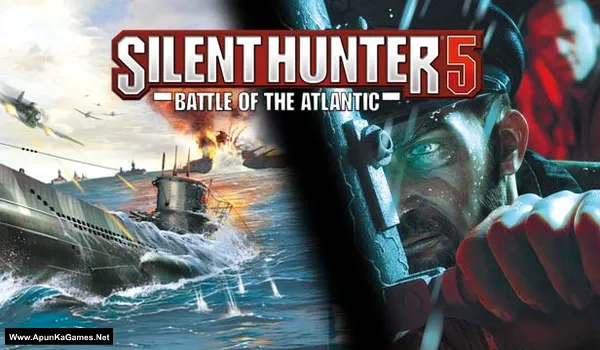
Silent Hunter 5: Battle of the Atlantic Game – Overview – Download – Free – PC – Specs – Screenshots – Installation Guide
Type of game: Simulation
PC Release Date: March 4, 2010
Developer/Publishers: Ubisoft Romania, Ubisoft
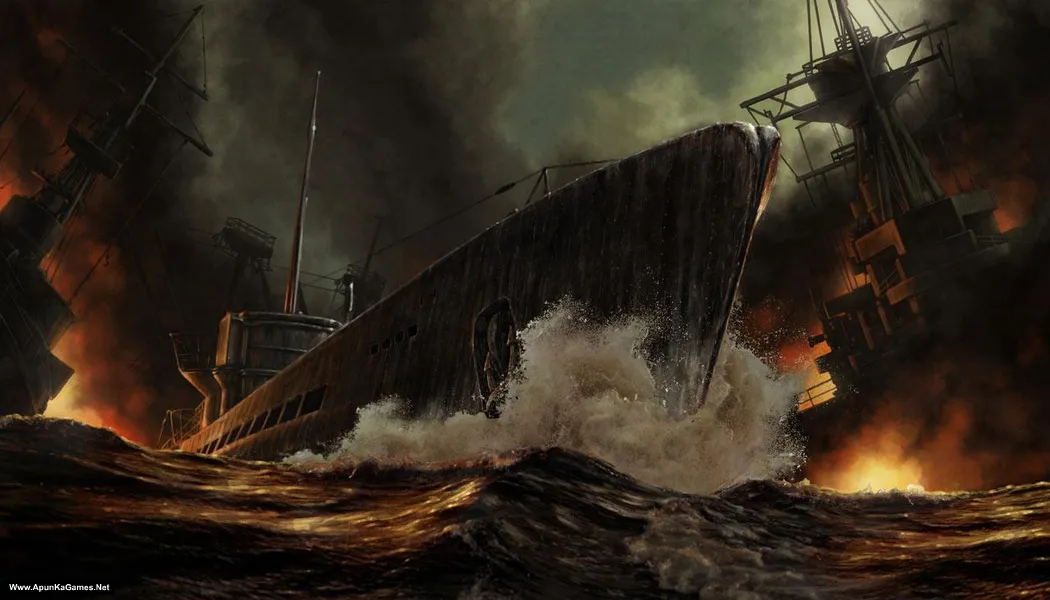
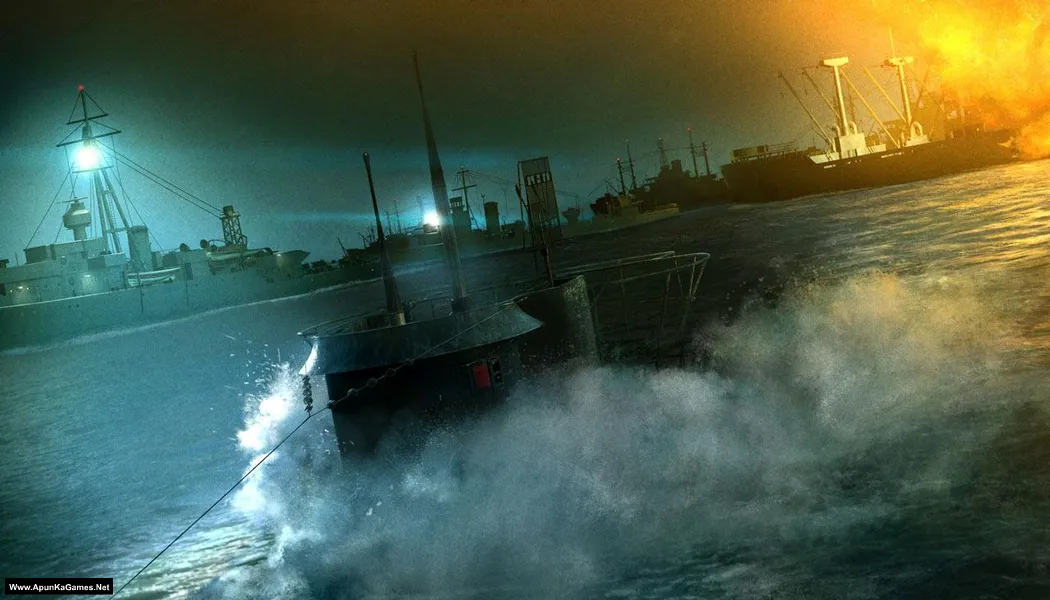
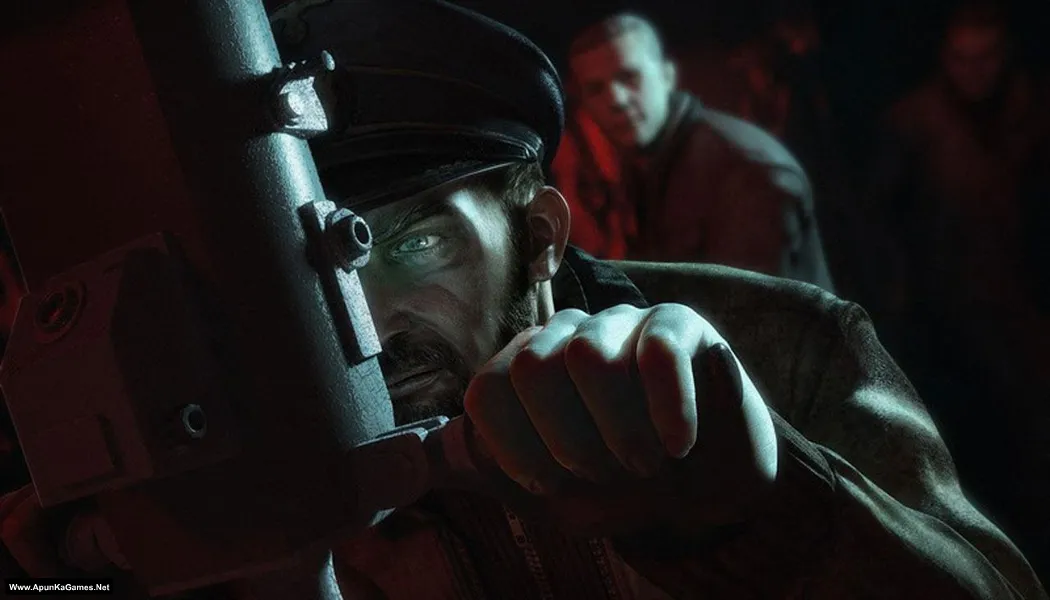
Silent Hunter 5: Battle of the Atlantic (3.95 GB) is a realistic submarine simulation set during World War II, where players command a German U-Boat in the Atlantic Ocean. Plan stealthy attacks, manage your crew, track convoys, and engage in tactical naval battles. The gameplay focuses on strategy, navigation, and realistic submarine mechanics, delivering an immersive PC naval simulation experience for players who enjoy historical warfare and tactical maritime adventures.
Type of game: Simulation
PC Release Date: March 4, 2010
Developer/Publishers: Ubisoft Romania, Ubisoft
Silent Hunter 5: Battle of the Atlantic (3.95 GB) is a realistic submarine simulation set during World War II, where players command a German U-Boat in the Atlantic Ocean. Plan stealthy attacks, manage your crew, track convoys, and engage in tactical naval battles. The gameplay focuses on strategy, navigation, and realistic submarine mechanics, delivering an immersive PC naval simulation experience for players who enjoy historical warfare and tactical maritime adventures.
Before downloading make sure that your PC meets minimum system requirements.
Minimum System Requirements
- OS: Windows XP (Service Pack 3)/Vista (Service Pack 2)/ 7
- Processor: Intel Core 2 Duo E4400 2 GHz / AMD Athlon 64 X2 4000+ 2.1 GHz or higher
- RAM: 1 GB
- Hard Drive: 10 GB available space
- Video Card: 512 MB ,NVIDIA GeForce 8800GT / ATI Radeon HD 2600 / HD 3000 series
- DirectX: Version 11
Screenshots
How to Install?
- Extract the file using Winrar. (Download Winrar)
- Open “Silent Hunter 5: Battle of the Atlantic” folder, double click on “Setup” and install it.
- After installation complete, go to the folder where you extract the game.
- Open “Support” >> “GameLauncher” folder, double-click the setup and install the Ubisoft Launcher.
- Go to “ViTALiTY” folder, copy all files and paste it directory where you installed the game.
- Run “Silent_hunter_5_1.02_eu.exe” and update it then run “Sh5.exe”, update and close it.
- Then go again to “ViTALiTY” folder, copy “Sh5.exe” file and paste it where you install the game again.
- Finlay double click on “Sh5.exe” to play the game. Done!
Complete Installation Video Tutorial?
We provide complete game installation videos to guarantee that every game works perfectly. Unlike other websites where you download blindly and hope for the best, we show you real proof. Our step-by-step installation videos clearly demonstrate the game running successfully, so you know exactly what you’re getting. With us, there’s no guesswork—only verified, 100% working games you can trust.
Trust / Proof
- 100% Working – Tested by Us
- Game Verified Before Upload
- Working Gameplay Shown
- No Fake Files
- Installed Successfully on Our PC
How to Download?
If your don’t know how to Download this game, just Click Here!
Silent Hunter 5: Battle of the Atlantic Download
Download in Single Link
Click Here
–
Download in 600MB Parts
Click Here
Game Size: 3.95 GB
Password: www.apunkagames.net or apunkagames
Download in Single Link
Click Here
–
Download in 600MB Parts
Click Here
Game Size: 3.95 GB
Password: www.apunkagames.net or apunkagames

What’s the activation code
Is this working
Is this working
Yes.
To run this i need ubisoft connect or not
Watch the video guide how to download, install and play this game.