
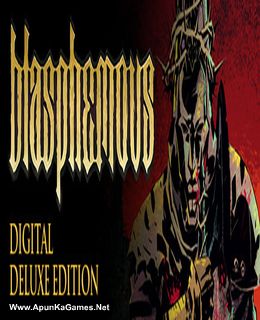
Blasphemous Digital Deluxe Edition Game – Digital Artbook – Digital Comic – OST – ‘Alloy of Sin’ Character Skin – Overview – Free Download – PC – Compressed – Specs – Screenshots – Free
Type of game: Action
PC Release Date: September 10, 2019
Developer/Publishers: The Game Kitchen/Team17 Digital Ltd
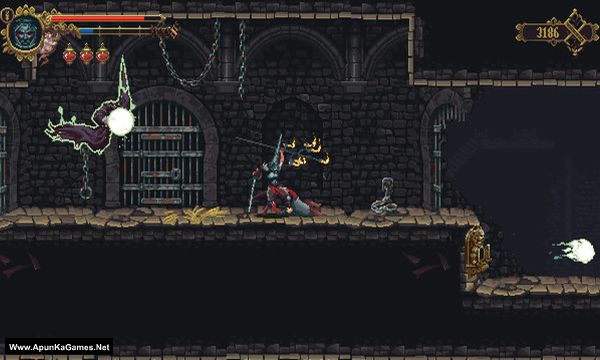
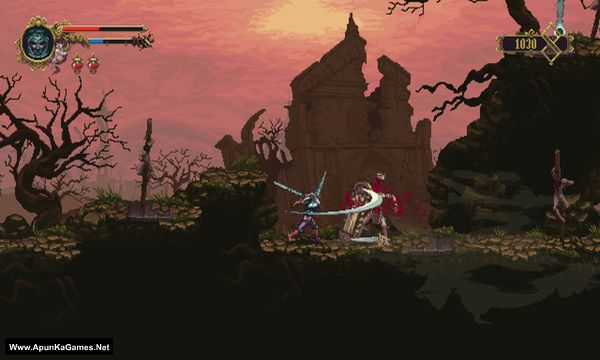
Blasphemous Digital Deluxe Edition (727 MB) is an action video game. Developed and published by The Game Kitchen/Team17 Digital Ltd. It was released on September 10, 2019 for Windows. Blasphemous is a punishing action-platformer that combines the fast-paced, skilled combat of a hack-n-slash game with a deep and evocative narrative core, delivered through exploration of a huge universe comprised of non-linear levels.
Type of game: Action
PC Release Date: September 10, 2019
Developer/Publishers: The Game Kitchen/Team17 Digital Ltd
Blasphemous Digital Deluxe Edition (727 MB) is an action video game. Developed and published by The Game Kitchen/Team17 Digital Ltd. It was released on September 10, 2019 for Windows. Blasphemous is a punishing action-platformer that combines the fast-paced, skilled combat of a hack-n-slash game with a deep and evocative narrative core, delivered through exploration of a huge universe comprised of non-linear levels.
Before downloading make sure that your PC meets minimum system requirements.
Minimum System Requirements
- OS: Windows 7 (64-bit)
- Processor: Intel Core2 Duo E8400 or AMD Phenom II x2 550
- RAM: 4 GB
- Hard Drive: 4 GB available space
- Video Card: GeForce GTX 260 or Radeon HD 4850
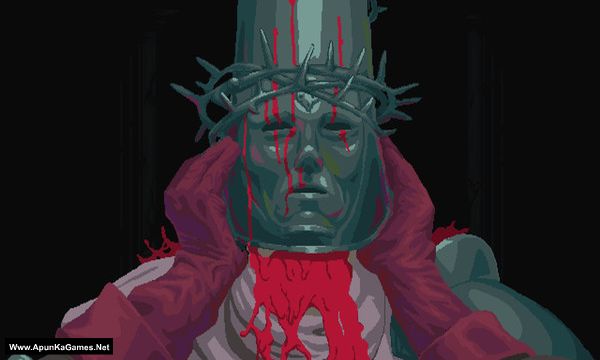
Screenshots
How to Install?
- Extract the file using Winrar. (Download Winrar)
- Open “Blasphemous Digital Deluxe Edition” folder, double click on “Setup” and install it.
- After installation complete, go to the folder where you extract the game.
- Open “PLAZA” folder, copy all files and paste it where you install the game.
- Then double click on “Blasphemous” icon to play the game. Done!
How to Download?
If your don’t know how to Download this game, just Click Here!
If your don’t know how to Download this game, just Click Here!
Game Size: 727 MB
Password: www.apunkagames.net or apunkagames

I just installed blasphemous but when I open it it shows the title screen and there’s a text that says press any button. As soon as I press any button, the screen goes black but I can still here the came music in the back and when I pressed the arrow key in my hey board I also hear the sound of the selector moving
Brother, the setup is working fine. This black screen issue is usually caused by your PC, graphics drivers, or a compatibility problem. Try updating your GPU drivers, run the game as Administrator, and disable any overlays (Discord, MSI Afterburner, etc.). If the problem still occurs, try reinstalling the game with your antivirus turned off and make sure you follow the uide available in the post. 👍