
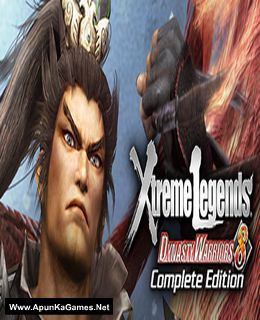
Dynasty Warriors 8: Xtreme Legends Game – Overview – Free Download – PC – Compressed – Specs – Screenshots – Free
Type of game: Action
PC Release Date: May 13, 2014
Developer/Publishers: KOEI TECMO GAMES CO., LTD.
Dynasty Warriors 8: Xtreme Legends (12.8 GB) is an action video game. Developed and published by KOEI TECMO GAMES CO., LTD. It was released on May 13, 2014 for Windows. “Dynasty Warriors 8: Xtreme Legends” introduces entirely new levels of fun to the refreshing gameplay vanquishing swarms of enemies with mighty warriors found in “Dynasty Warriors 8.
Type of game: Action
PC Release Date: May 13, 2014
Developer/Publishers: KOEI TECMO GAMES CO., LTD.
Dynasty Warriors 8: Xtreme Legends (12.8 GB) is an action video game. Developed and published by KOEI TECMO GAMES CO., LTD. It was released on May 13, 2014 for Windows. “Dynasty Warriors 8: Xtreme Legends” introduces entirely new levels of fun to the refreshing gameplay vanquishing swarms of enemies with mighty warriors found in “Dynasty Warriors 8.
Before downloading make sure that your PC meets minimum system requirements.
Minimum System Requirements
- OS: Windows Vista/7/8
- Processor: Dual core CPU 2.4 GHz or better
- RAM: 256 MB
- Hard Drive: 18 GB available space
- Video Card: NVIDIA GeForce 8600 or better
- DirectX: Version 9.0c
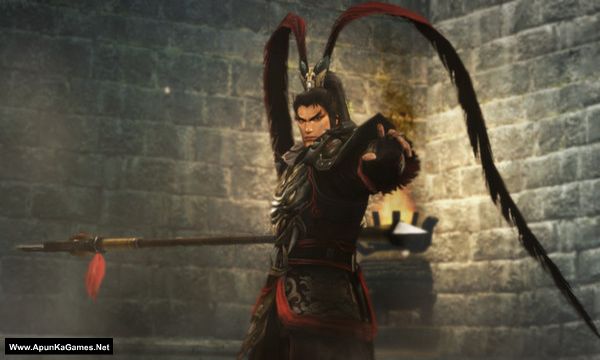
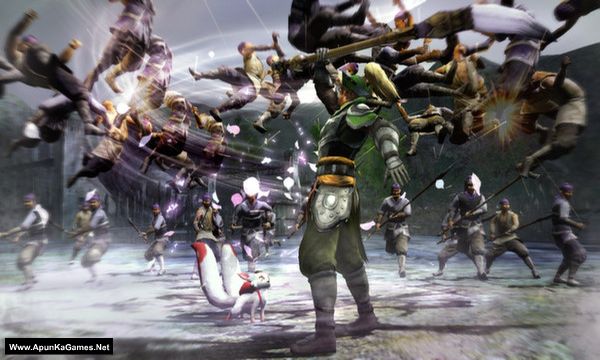
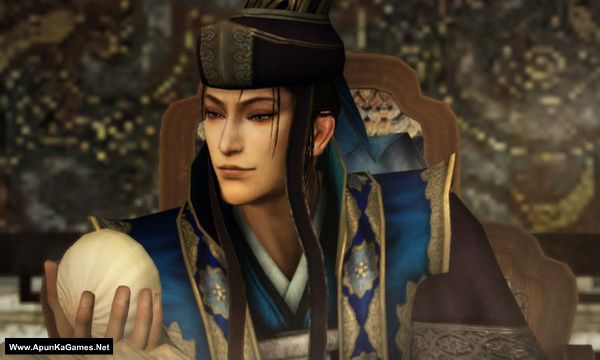
Screenshots
How to Install?
- Extract the file using Winrar. (Download Winrar)
- Open “Dynasty Warriors 8 Xtreme Legends” folder, double click on “Setup” and install it.
- After installation complete, go to the folder where you extract the game.
- Open “CODEX” folder, copy all files and paste it where you install the game.
- Then double click on “Launch” icon to play the game. Done!
How to Download?
If your don’t know how to Download this game, just Click Here!
If your don’t know how to Download this game, just Click Here!
Dynasty Warriors 8 Xtreme Legends Download
Download in 5GB Parts
Click Here
–
Download in 900MB Parts
Download in 5GB Parts
Click Here
–
Download in 900MB Parts
Game Size: 12.5 GB
Password: www.apunkagames.net or apunkagames

How to solve the problem “The code execution cannot proceed because VCOMP100.DLL not found”. I’ve tried reinstalling but it’s still like that
The VCOMP100.DLL not found error indicates missing or damaged Microsoft Visual C++ 2010 Redistributable libraries, often triggered by gaming or software updates. The primary solution is to download and install both the x86 and x64 versions of the Microsoft Visual C++ 2010 SP1 Redistributable Package from the official Microsoft site. or Download this all in one Microsoft Visual C++ Redistributable Package and install it. You will never face DLL errors if you install these redistributables first. Before installing any game, make sure all required redistributables are properly installed.
Part 2 nya yang 5 gb error bang
All links is fine just download one by one. Just cancel all active IDM downloads and then click on part 2 to start downloading. TheFileLocker server doesn’t support multiple downloads, so it may show a “not found” error. If you try downloading several parts at once from TheFileLocker, the next ones may fail because the download limit has already been reached.