
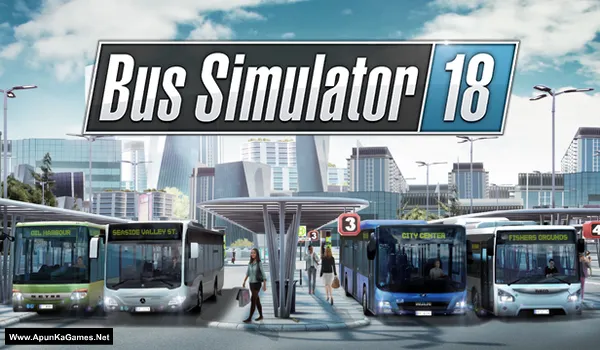
Bus Simulator 18 Game – Overview – Free Download – PC – Specs – Screenshots – Installation Video
Type of game: Simulation
Type of game: Simulation
PC Release Date: June 13, 2018
Developer/Publishers: stillalive studios/astragon Entertainment
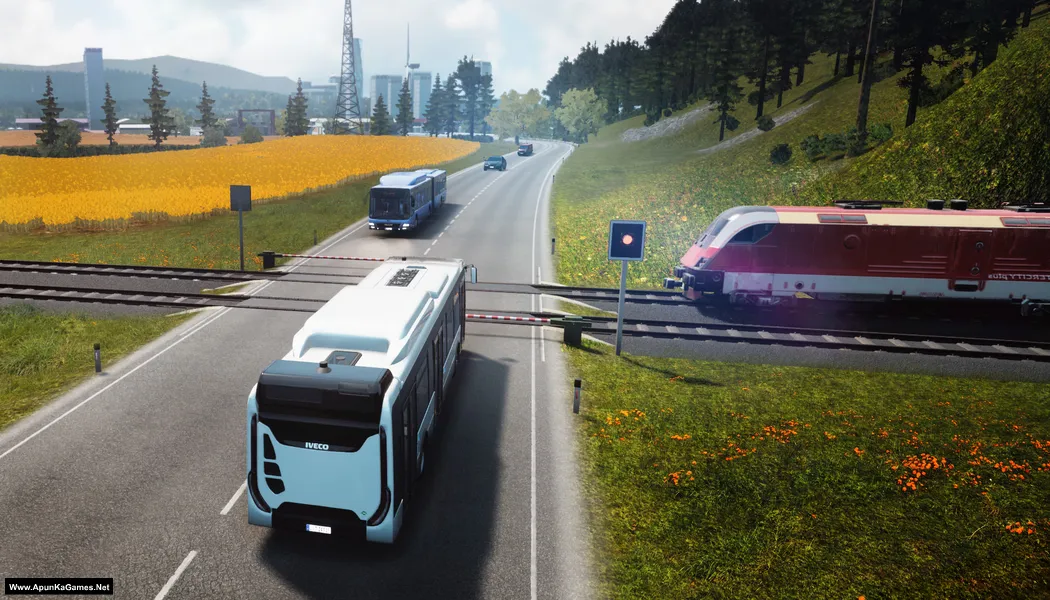
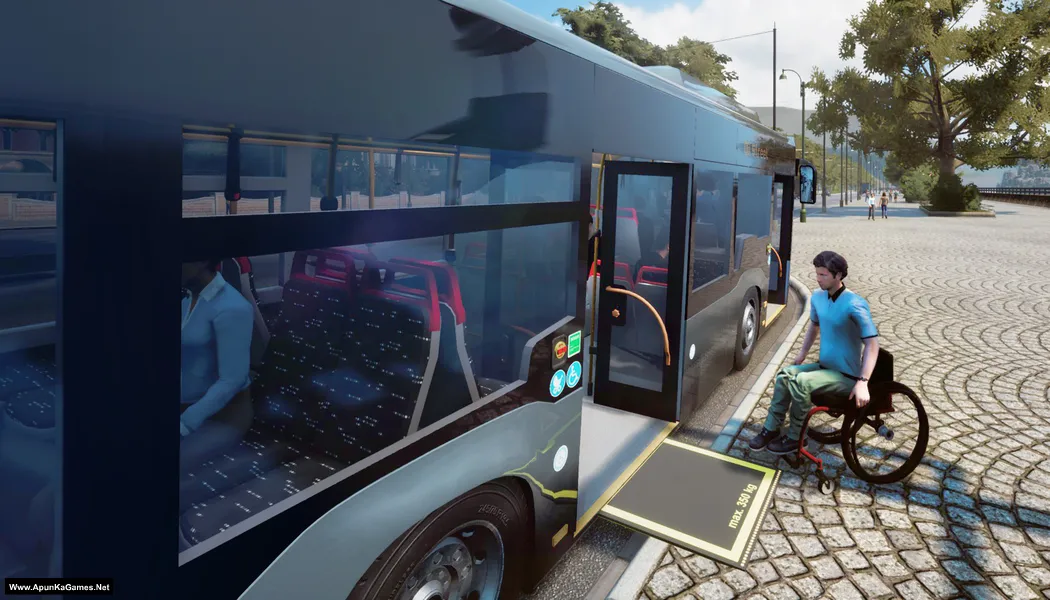
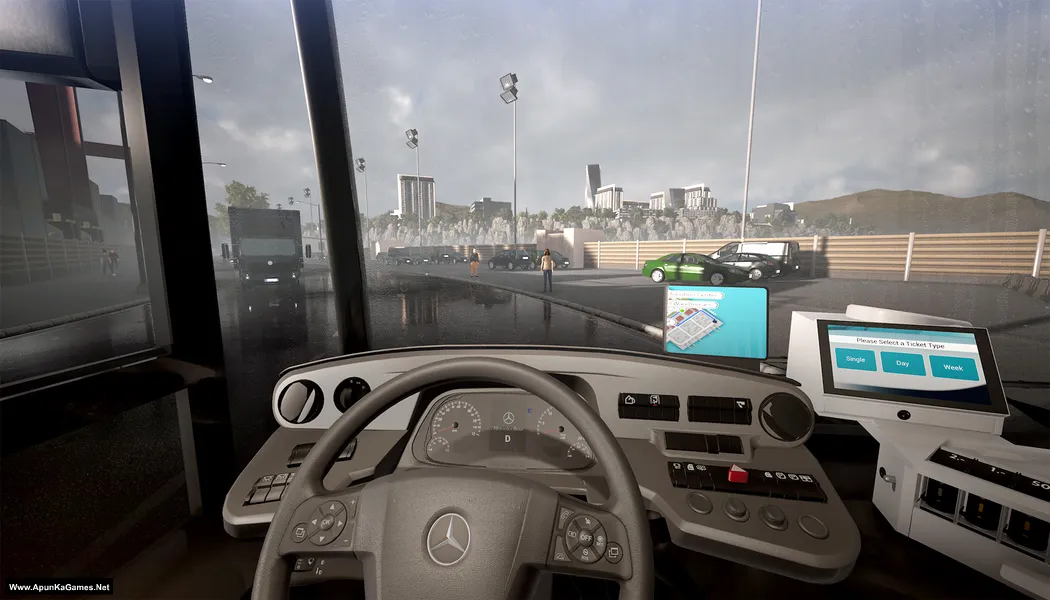
Bus Simulator 18 (3.71 GB) is a realistic driving simulation game where players take the role of a professional bus driver. Set in a large open-world city inspired by European environments, the game allows players to transport passengers across multiple routes while following traffic rules and schedules. Players can drive officially licensed buses, manage routes, and expand their transportation company. With detailed vehicles, dynamic weather, and multiplayer mode, the game offers an authentic and immersive bus driving experience.
Developer/Publishers: stillalive studios/astragon Entertainment
Bus Simulator 18 (3.71 GB) is a realistic driving simulation game where players take the role of a professional bus driver. Set in a large open-world city inspired by European environments, the game allows players to transport passengers across multiple routes while following traffic rules and schedules. Players can drive officially licensed buses, manage routes, and expand their transportation company. With detailed vehicles, dynamic weather, and multiplayer mode, the game offers an authentic and immersive bus driving experience.
Before downloading make sure that your PC meets minimum system requirements.
Minimum System Requirements
- OS: Windows 7/8/10 64-Bit
- Processor: Intel Core i3 with 3.3 GHz or AMD Phenom II X4 with 3.2 GHz
- Memory: 6 GB RAM
- Graphics: NVIDIA GeForce GTX 750 (1GB VRAM) or AMD Radeon R7 360 (2GB VRAM) or higher
- Storage: 6500 MB available space
- DirectX: Version 11
- Network: Broadband Internet connection
Screenshots
How to Install?
- Extract the file using Winrar. (Download Winrar)
- Open “Bus Simulator 18” folder, double click on “Setup” and install it.
- After installation complete, go to the folder where you extract the game.
- Open “CODEX” folder, copy all files and paste it where you install the game.
- Then double click on “Game” icon to play the game. Done!
How to Download?
If your don’t know how to Download this game, just Click Here!
Game Size: 3.71 GB
Password: www.apunkagames.net or apunkagames

could not load crack.dll plz help
disable antivirus and install again.
its still showing couldnt load crack dll man all antivirus and firewall is turned off what would i do
Link updated and Setup Fixed 100% working… Re-download the game, install, crack, enjoy it! we checked that old setup was corrupted so we upload the new setup CODEX! you can download now also thanks for reporting corrupt setup!
i also got the message and turned off antivirus and then download it but still couldnt load the game
I have the problem, it shows that couldn’t load crack.dll , please help me
disable antivirus and extract and install again.