
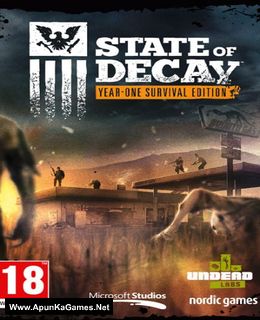
State of Decay: YOSE Day One Edition Game – Overview – Free Download – PC – Compressed – Specs – Screenshots – Free
Type of game: Action, Simulation, Role-playing
PC Release Date: April 27, 2015
Developer/Publishers: Undead Labs, Xbox Game Studios
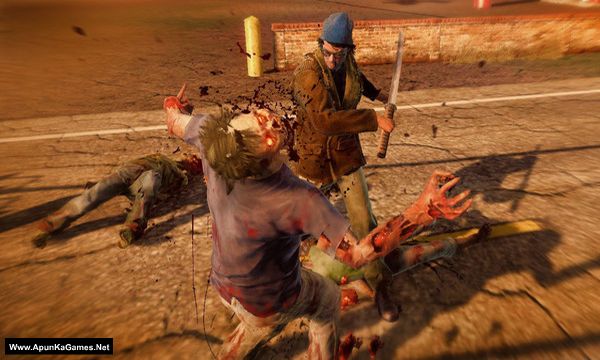
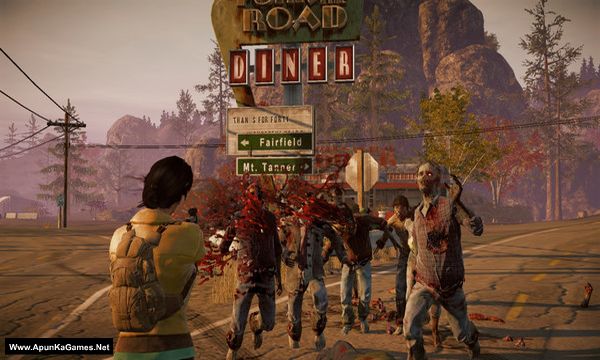
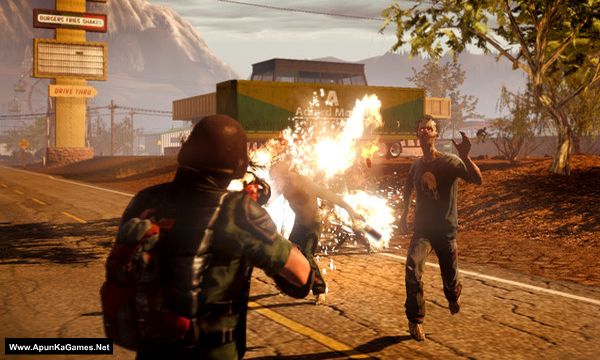
State of Decay: YOSE Day One Edition (2.8 GB) is an Action, Simulation, Role-playing video game. Developed and published by Undead Labs, Xbox Game Studios. It was released on April 27, 2015 for Windows. Make your stand against the collapse of society in the ultimate zombie survival-fantasy game. Explore an open world free of dangers and opportunities that respond to your every decision. Recruit a community of playable survivors, each with their own unique skills and talents.
Type of game: Action, Simulation, Role-playing
PC Release Date: April 27, 2015
Developer/Publishers: Undead Labs, Xbox Game Studios
State of Decay: YOSE Day One Edition (2.8 GB) is an Action, Simulation, Role-playing video game. Developed and published by Undead Labs, Xbox Game Studios. It was released on April 27, 2015 for Windows. Make your stand against the collapse of society in the ultimate zombie survival-fantasy game. Explore an open world free of dangers and opportunities that respond to your every decision. Recruit a community of playable survivors, each with their own unique skills and talents.
Before downloading make sure that your PC meets minimum system requirements.
Minimum System Requirements
- OS: Windows 7
- Processor: Intel Core 2 Duo E6600 / Athlon X64 3400
- Memory: 4 GB RAM
- Graphics: GeForce GTX 470 / Radeon HD 5850 / Intel HD 4600
- DirectX: Version 11
- Storage: 4158 MB available space
Screenshots
How to Install?
- Extract the file using Winrar. (Download Winrar)
- Open “State of Decay YOSE Day One Edition” folder, double click on “Setup” and install it.
- After installation complete, go to the folder where you extract the game.
- Open “CODEX” folder, copy all files and paste it where you install the game.
- Then double click on “State of Decay” icon to play the game. Done!
How to Download?
If your don’t know how to Download this game, just Click Here!
If your don’t know how to Download this game, just Click Here!
Game Size: 2.8 GB
Password: www.apunkagames.net or apunkagames

I’ve installed the game and the menu is fine. The only problem is that when i press continue game, it will load then it gives me a black screen thats all. My windows defender is disabled. I don’t know why the i cant play the game.
We checked the game again and it’s working fine on my PC. Try to reinstall the game but first turn off Fire wall disabled before extracting! Or try to add this game exe application in the firewall you can search it on google. it’s not game error it’s your PC error like antivirus or some dll error…
Hey apunkagames, i am excited to let you know that the game works well after i did what u say! I turn off the firewall and everything is working fine now. thank you for your assistance and quick reply. would love to install more on this website!
Hello i am excited to let you know that the game works well after i did what u say! I turn off the firewall and everything is working fine now. thank you for your assistance and quick reply. would love to install more on this website!
file not found
The issue has been fixed. You may now proceed with the download.