
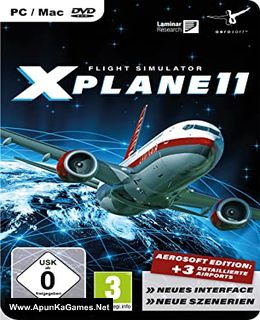
X-Plane 11 Game – Overview – Free Download – PC – Compressed – Specs – Screenshots – Free
Type of game: Simulation
PC Release Date: March 30, 2017
Developer/Publishers: Laminar Research
X-Plane 11 (4.3 GB) is a Simulation video game. Developed and published by Laminar Research. It was released on March 30, 2017 for Windows. The future of flight simulation is now! X-Plane 11 is the detailed, realistic, and modern simulator you’ve been waiting for. Intuitive user interface, 3-D cockpits, new effects, 3-D sound, living airports and world-wide scenery.
Type of game: Simulation
PC Release Date: March 30, 2017
Developer/Publishers: Laminar Research
X-Plane 11 (4.3 GB) is a Simulation video game. Developed and published by Laminar Research. It was released on March 30, 2017 for Windows. The future of flight simulation is now! X-Plane 11 is the detailed, realistic, and modern simulator you’ve been waiting for. Intuitive user interface, 3-D cockpits, new effects, 3-D sound, living airports and world-wide scenery.
Before downloading make sure that your PC meets minimum system requirements.
Minimum System Requirements
- OS: Windows 7/8.1/10 (64-bit)
- Processor: Intel Core i3, i5, or i7 CPU with 2 or more cores, or AMD equivalent
- Memory: 8 GB RAM
- Graphics: DirectX 11-capable video card from NVIDIA or AMD w/512 MB VRAM
- DirectX: Version 11
- Storage: 20 GB available space
Screenshots
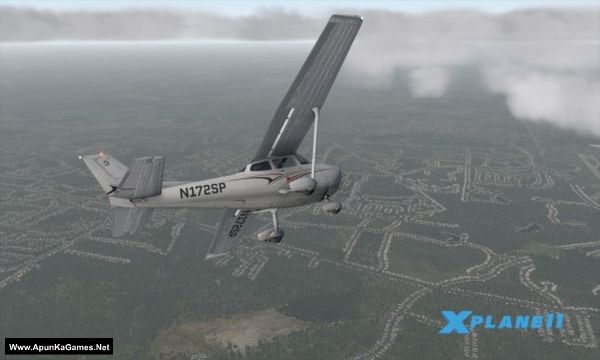
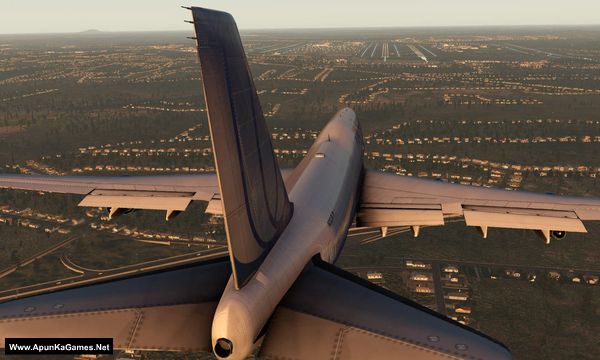
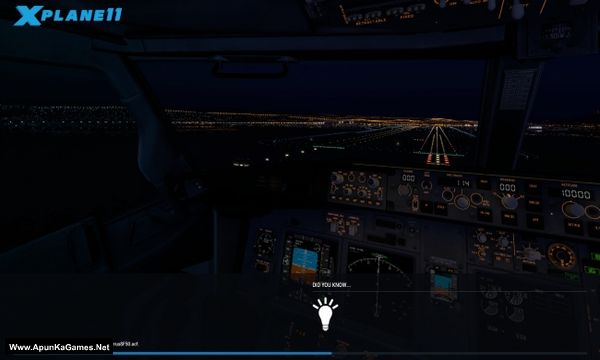
How to Install?
- Extract the file using Winrar. (Download Winrar)
- Open “X.Pllane 11” folder, double click on “Setup” and install it.
- After installation complete, go to the folder where you extract the game.
- Open “CODEX” folder, copy all files and paste it where you install the game.
- Then double click on “X.Pllane 11” icon to play the game. Done!
How to Download?
If your don’t know how to Download this game, just Click Here!
If your don’t know how to Download this game, just Click Here!
Game Size: 4.3 GB
Password: www.apunkagames.net or apunkagames

file is deleted
Link updated… you can download the game now. Thanks for reporting broken link!
is there any other site where we can download x-plane 12 free? please tell me not demo
Make sure you copy or replace crack files in game directory carefully.
I am getting “404 Not Found
nginx”
Link is fine make sure you have cancel all the active download before click on Download link because Thefilelocker can’t support multiple downloads. Try now!
Hi Im installing the game and everything is going fine, i clicked on setup and i installed the game. I dont know what means: Open “CODEX” folder, copy all files and paste it where you install the game.
After installation complete, go to the folder where you extract the game, There is folder name “CODEX”. Open it copy all files 1 or 2 or 3 etc and paste them into the installation game folder (where you install the game) and click replace. Then run the game it will work 100%. CODEX folder is crack bro. Without pasting these files the game will not work!
Thank you very much! Now I’m seeing an another problem. I’m in the game, I choosed an airport, and when I’m spawning in the airport, there is water everywhere. The sceneries are missing. How can I fix that problem?
We didn’t fully play X-Plane 11 ourselves brother, but we will check this issue and update/fix it if needed 👍