
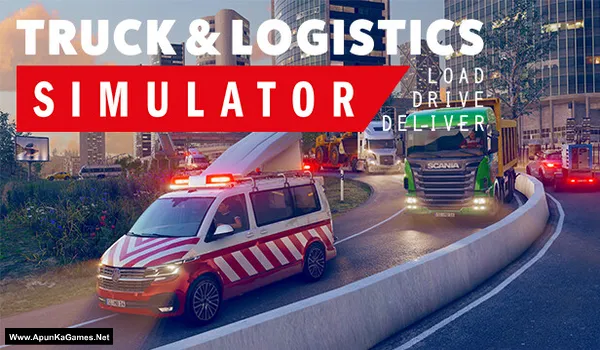
Truck and Logistics Simulator Game – Overview – Free Download – PC – Specs – Screenshots – Free
Type of game: Simulation
PC Release Date: June 23, 2020
Developer/Publishers: Simula Games, Aerosoft GmbH
Truck and Logistics Simulator (961 MB) is an Simulation video game. Developed and published by Simula Games, Aerosoft GmbH. It was released on June 23, 2020 for Windows. Truck and Logistics Simulator is a realistic transport simulation where players manage cargo operations across detailed environments. Drive trucks, forklifts, and heavy vehicles while completing delivery contracts with precision. With immersive gameplay, co-op multiplayer, logistics management, it delivers a top PC simulation experience for transport and strategy fans.
Type of game: Simulation
PC Release Date: June 23, 2020
Developer/Publishers: Simula Games, Aerosoft GmbH
Truck and Logistics Simulator (961 MB) is an Simulation video game. Developed and published by Simula Games, Aerosoft GmbH. It was released on June 23, 2020 for Windows. Truck and Logistics Simulator is a realistic transport simulation where players manage cargo operations across detailed environments. Drive trucks, forklifts, and heavy vehicles while completing delivery contracts with precision. With immersive gameplay, co-op multiplayer, logistics management, it delivers a top PC simulation experience for transport and strategy fans.
Before downloading make sure that your PC meets minimum system requirements.
Minimum System Requirements
- OS: Windows Vista/7/8/10
- Processor: Double Core 2 GHz or better
- RAM: 4 GB
- Hard Disk: 4 GB available space
- Graphics Card: Intel HD 520, Nvidia GT 730, AMD R7 240 or better
- DirectX: Version 11
Screenshots

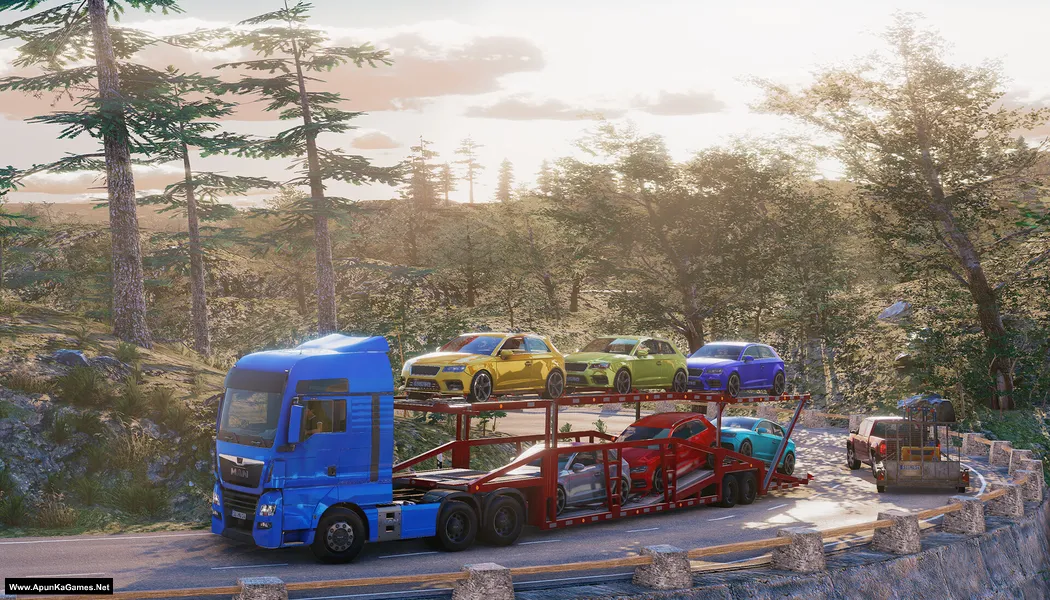
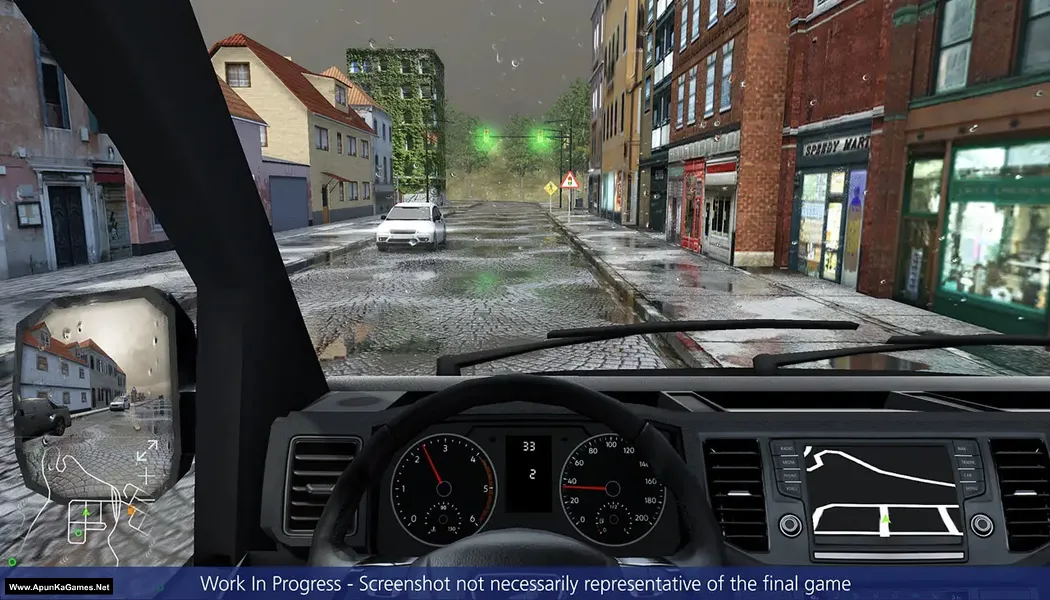
How to Install?
- Extract the file using Winrar. (Download Winrar)
- Open “Truck and Logistics Simulator” folder, double click on “Setup” and install it.
- After installation complete, go to the folder where you extract the game.
- Open “RUNE” folder, copy all files and paste it where you install the game.
- Then double click on “Truck & Logistics Simulator.exe” to play the game. Done!
Complete Installation Video Tutorial?
We provide complete game installation videos to guarantee that every game works perfectly. Unlike other websites where you download blindly and hope for the best, we show you real proof. Our step-by-step installation videos clearly demonstrate the game running successfully, so you know exactly what you’re getting. With us, there’s no guesswork—only verified, 100% working games you can trust.
Trust / Proof
- 100% Working – Tested by Us
- Game Verified Before Upload
- Working Gameplay Shown
- No Fake Files
- Installed Successfully on Our PC
How to Download?
If your don’t know how to Download this game, just Click Here!
If your don’t know how to Download this game, just Click Here!
Game Size: 961 MB
Password: www.apunkagames.net or apunkagames

truck and logistics simulator..installed .kk then click open the game…when the started game black screen with own game keypad … click to esc button stuck in setting ..,.. it’s have bug…please check ✔️✔️✔️ ….my video card latest..still continuing gta 5,far cry 4 , ets 2 ,ats..as4 etc..
yes me too
Waste of time, game loading screen stuck on gameplay I mean I can only see the hud ☹️ my trust on Apunkagames is decreasing day by day.