
Age of Empires IV Game – Overview – Free Download – PC – Specs – Screenshots – Installation Video
Type of game: Strategy
Type of game: Strategy
PC Release Date: October 28, 2021
Developer/Publishers: Relic Entertainment, World’s Edge/Xbox Game Studios
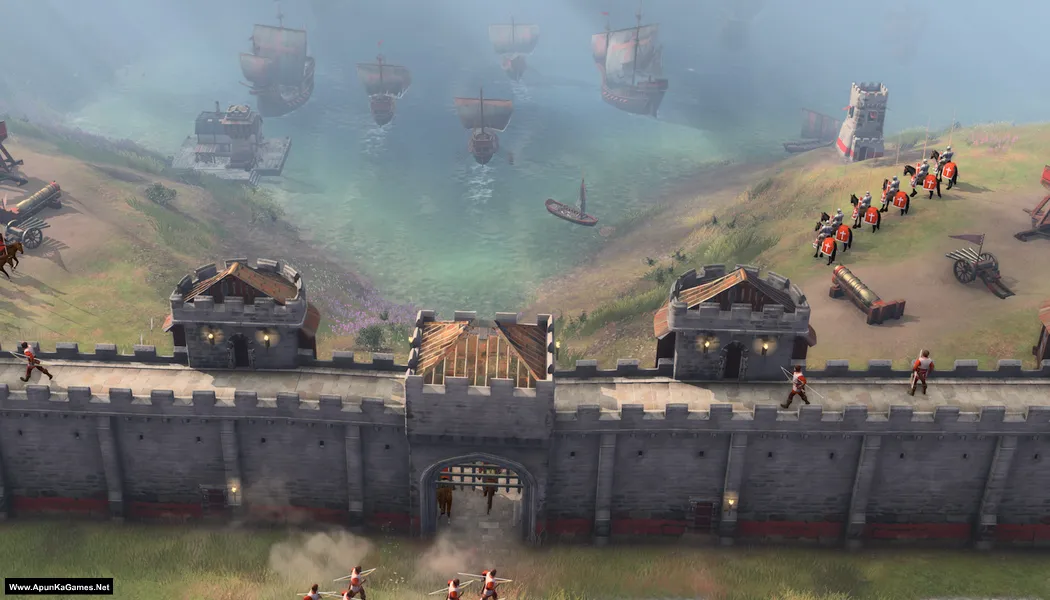
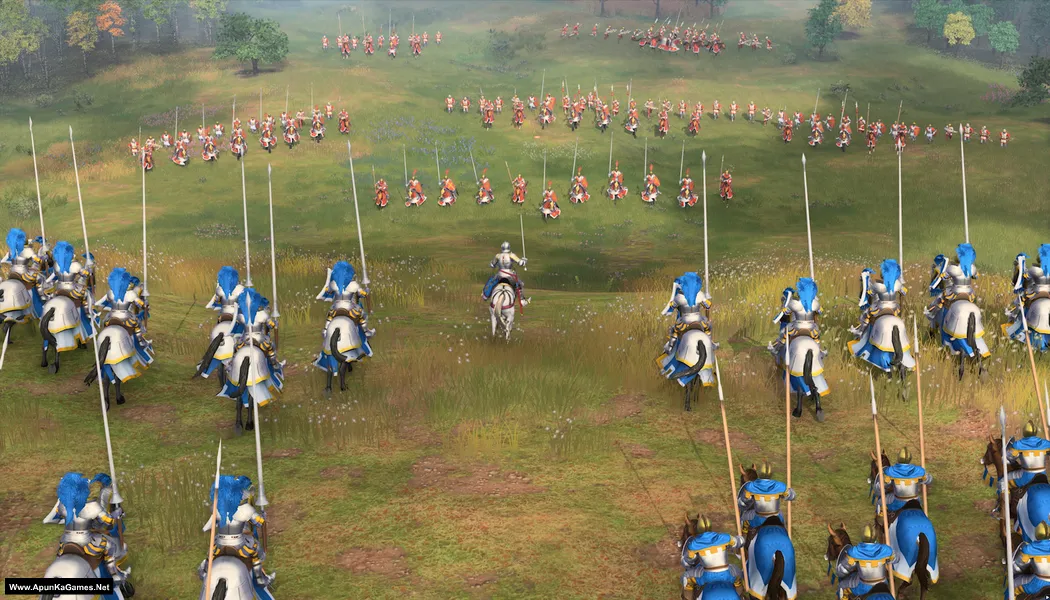
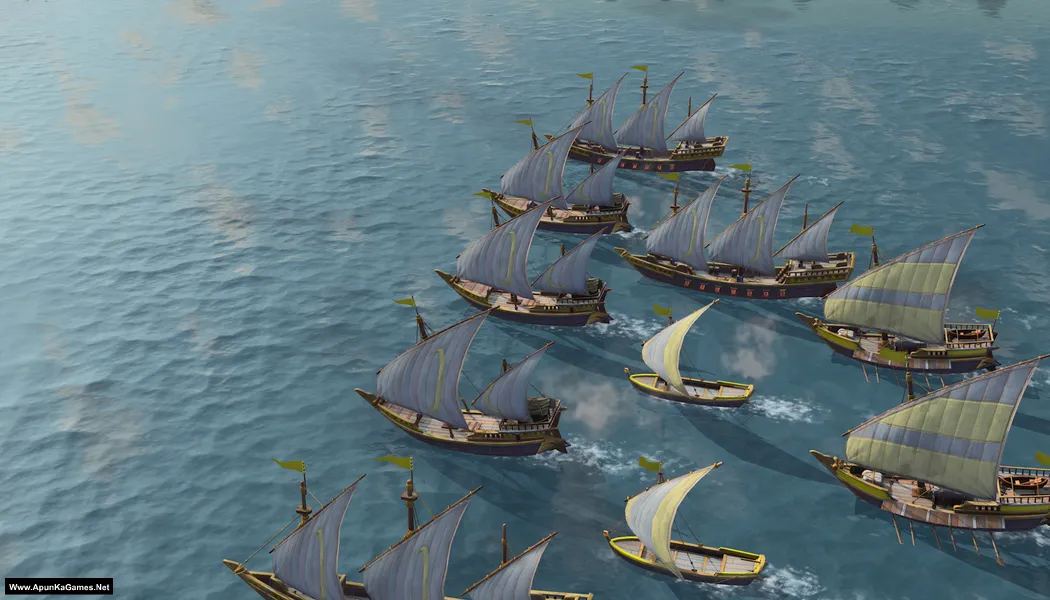
Age of Empires IV (54.1 GB) is a real-time strategy game developed by Relic Entertainment and published by Xbox Game Studios. The game takes players through major moments of medieval history, allowing them to build civilizations, gather resources, and command powerful armies in strategic battles. Featuring campaigns inspired by historical events, multiple unique civilizations, and large-scale warfare, the game blends classic Age of Empires gameplay with modern visuals and mechanics, offering a deep and immersive strategy experience.
Developer/Publishers: Relic Entertainment, World’s Edge/Xbox Game Studios
Age of Empires IV (54.1 GB) is a real-time strategy game developed by Relic Entertainment and published by Xbox Game Studios. The game takes players through major moments of medieval history, allowing them to build civilizations, gather resources, and command powerful armies in strategic battles. Featuring campaigns inspired by historical events, multiple unique civilizations, and large-scale warfare, the game blends classic Age of Empires gameplay with modern visuals and mechanics, offering a deep and immersive strategy experience.
Before downloading make sure that your PC meets minimum system requirements.
Minimum System Requirements
- OS: Windows 10/11 (64 Bit)
- Processor: Intel Core i5-6300U or AMD Ryzen 5 2400G | CPU with AVX support required
- RAM: 8 GB
- Hard Disk: 60 GB available space
- Graphics Card: Intel HD 520 or AMD Radeon RX Vega 11
- DirectX: Version 12
Screenshots
How to Install?
- Extract the file using Winrar. (Download Winrar)
- Open “Age of Empires IV” folder, double click on “Setup” and install it.
- After installation complete, go to the folder where you extract the game.
- Open “CODEX” folder, copy all files and paste it where you install the game.
- Then double click on “Game” icon to play the game. Done!
How to Download?
If your don’t know how to Download this game, just Click Here!
Game Size: 54.1 GB
Password: www.apunkagames.net or apunkagames

This the compressed version? DAMN 55 GB!?!?
I downloaded it but it say play with steam.
What to do now Admin?
I know HOW. The trick is that you have to buy the original version and never download the pirated version because it’s a criminal act and is detrimental to the game maker.
hahaha
maa chooda