
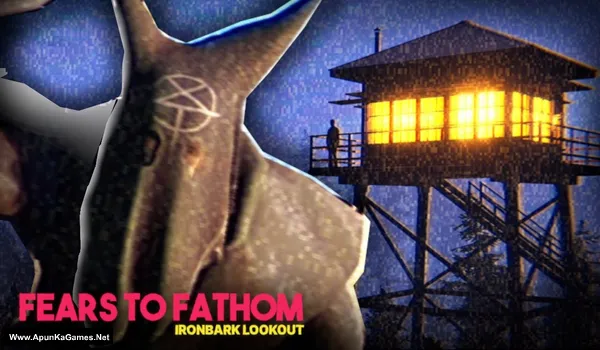
Fears to Fathom: Ironbark Lookout Game – Overview – Free Download – PC – Specs – Screenshots – Installation Video
Type of game: Adventure/Horror
Type of game: Adventure/Horror
PC Release Date: October 20, 2023
Developer/Publishers: Rayll Studios
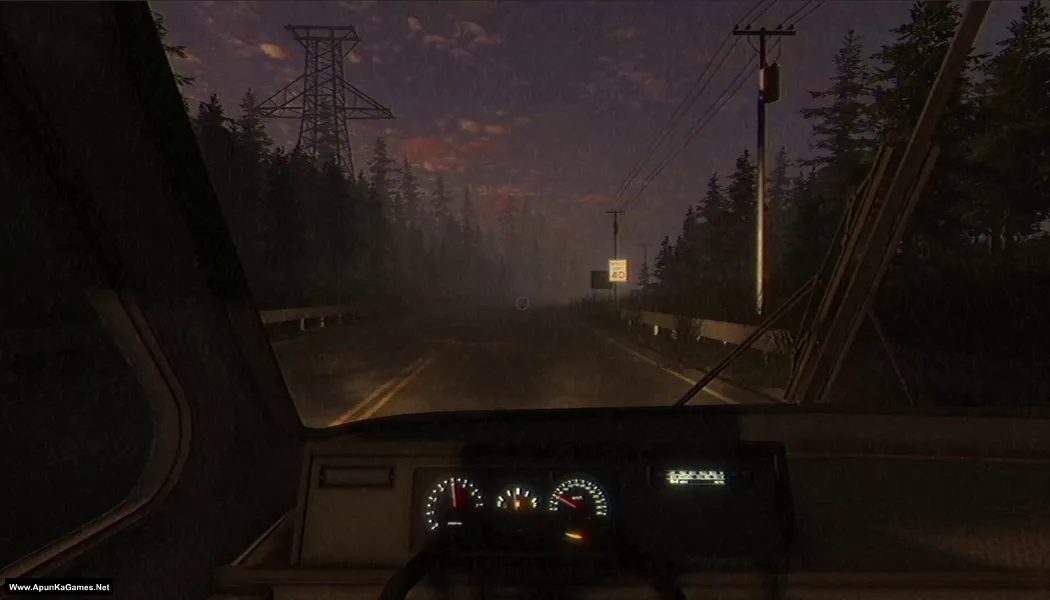
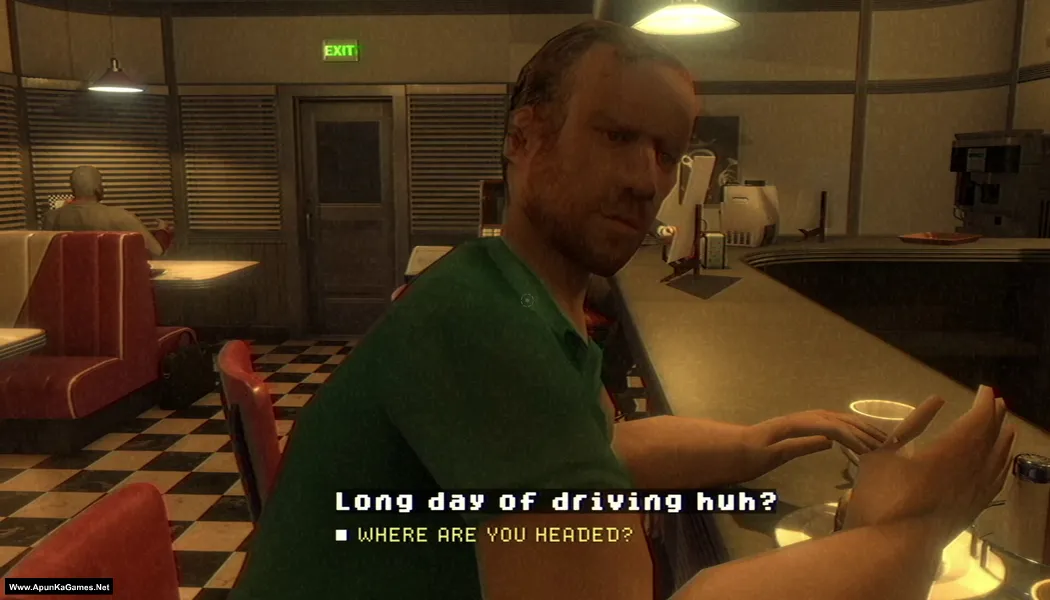
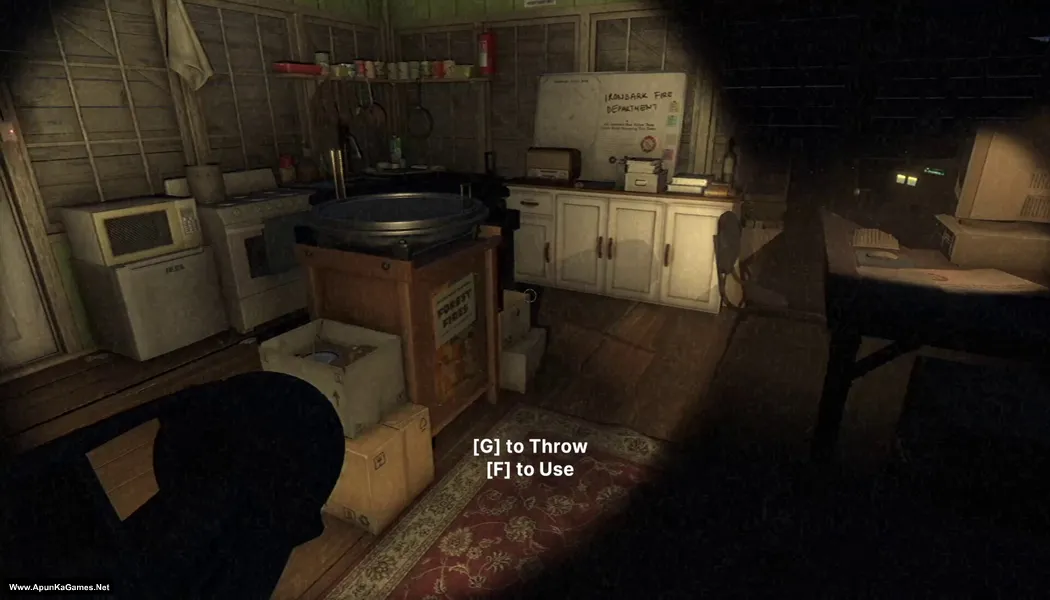
Fears to Fathom: Ironbark Lookout (1.52 GB) is a psychological horror adventure developed by Rayll. It is the fourth episode in the Fears to Fathom anthology and follows Jack Nelson, a 24-year-old fire lookout assigned to a remote post in Ironbark State Park. Played from a first-person perspective, the game combines exploration, driving, conversations, and narrative choices. Its slow-building tension and grounded setting focus on suspenseful fear rather than nonstop action.
Developer/Publishers: Rayll Studios
Fears to Fathom: Ironbark Lookout (1.52 GB) is a psychological horror adventure developed by Rayll. It is the fourth episode in the Fears to Fathom anthology and follows Jack Nelson, a 24-year-old fire lookout assigned to a remote post in Ironbark State Park. Played from a first-person perspective, the game combines exploration, driving, conversations, and narrative choices. Its slow-building tension and grounded setting focus on suspenseful fear rather than nonstop action.
Before downloading make sure that your PC meets minimum system requirements.
Minimum System Requirements
- OS: Windows 10 (64-Bit)
- Processor: Intel Core i5-2300 | AMD FX-6350
- RAM: 8 GB
- Hard Disk: 5 GB available space
- Graphics Card: NVIDIA GeForce GTX 650 Ti, 2 GB | AMD Radeon R7 360, 2 GB
- DirectX: Version 11
Screenshots
How to Install?
- Extract the file using Winrar. (Download Winrar)
- Open “Fears to Fathom – Ironbark Lookout” folder, double click on “Setup” and install it.
- After installation complete, go to the folder where you extract the game.
- Open “Crack” folder, copy all files and paste it where you install the game.
- Then double click on “Game” icon to play the game. Done!
How to Download?
If your don’t know how to Download this game, just Click Here!
Game Size: 1.52 GB
Password: www.apunkagames.net or apunkagames

wow this take litrily 4 or 5 hours but it is fire