
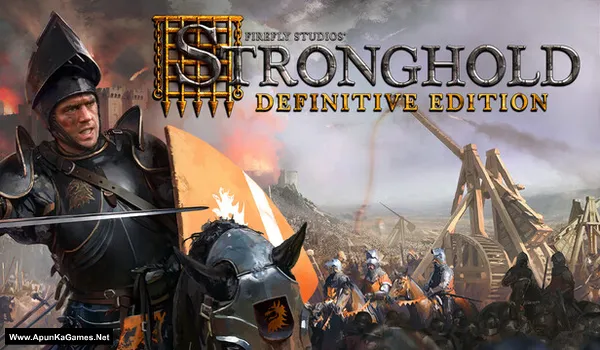
Stronghold: Definitive Edition Game – Overview – Free Download – PC – Specs – Screenshots – Free
Type of game: Simulation, Strategy
PC Release Date: November 7, 2023
Developer/Publishers: FireFly Studios
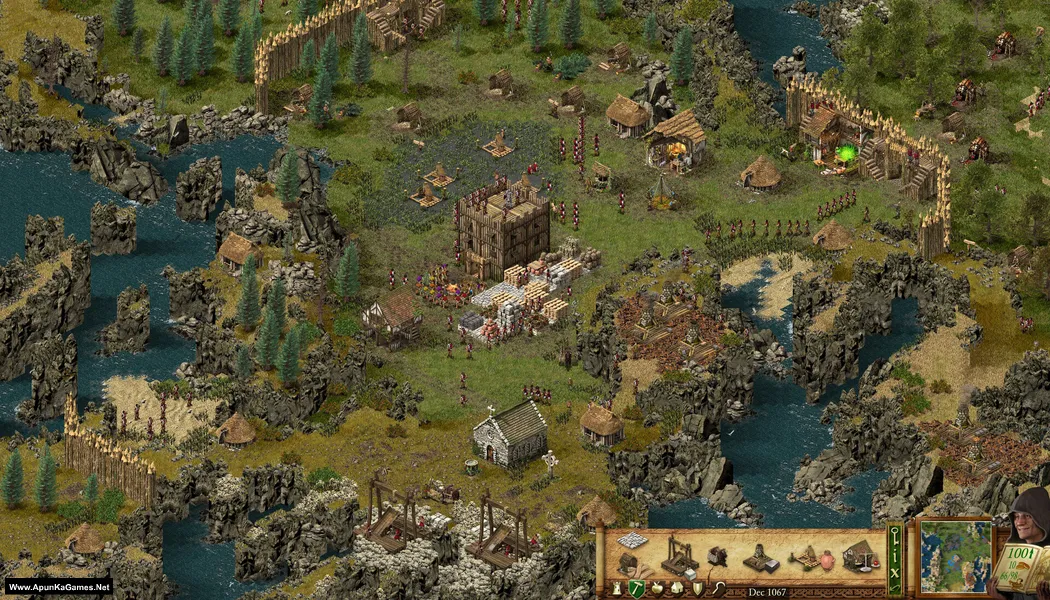
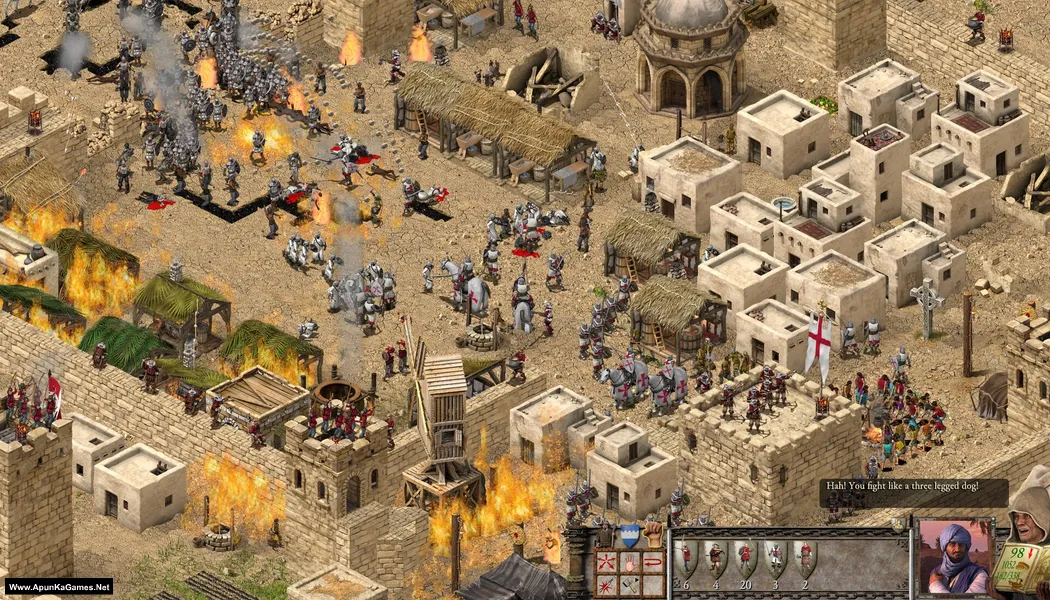
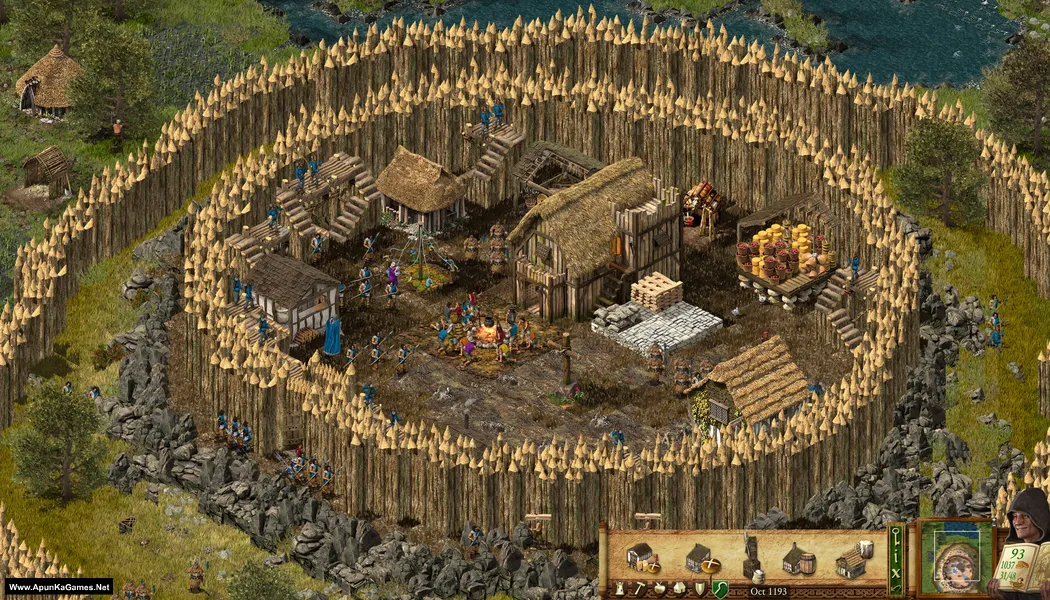
Stronghold: Definitive Edition (10.1 GB) is an Simulation, Strategy video game. Developed and published by FireFly Studios. It was released on November 7, 2023 for Windows. Stronghold: Definitive Edition revives the classic castle-building experience with enhanced visuals and improved gameplay. Build powerful fortresses, manage resources, and defend against enemy sieges. The gameplay blends strategic city management, medieval warfare, and tactical RTS combat for an immersive kingdom-building adventure.
Type of game: Simulation, Strategy
PC Release Date: November 7, 2023
Developer/Publishers: FireFly Studios
Stronghold: Definitive Edition (10.1 GB) is an Simulation, Strategy video game. Developed and published by FireFly Studios. It was released on November 7, 2023 for Windows. Stronghold: Definitive Edition revives the classic castle-building experience with enhanced visuals and improved gameplay. Build powerful fortresses, manage resources, and defend against enemy sieges. The gameplay blends strategic city management, medieval warfare, and tactical RTS combat for an immersive kingdom-building adventure.
Before downloading make sure that your PC meets minimum system requirements.
Minimum System Requirements
- OS: Windows 7/8/10/11 (64-Bit)
- Processor: Intel Core™ i3-3220 or equivalent
- RAM: 6 GB
- Hard Disk: 12 GB available space
- Graphics Card: 2GB VRAM (for 1080p) or 3GB VRAM (for 1440p) or 4GB VRAM (for 4k)
- Network: Broadband Internet connection
- DirectX: Version 11
Screenshots
How to Install?
- Extract the file using Winrar. (Download Winrar)
- Open “Stronghold Definitive Edition” folder, double click on “Setup” and install it.
- After installation complete, go to the folder where you extract the game.
- Open “RUNE” folder, copy all files and paste it where you install the game.
- Then double click on “Stronghold 1 Definitive Edition.exe” to play the game. Done!
Complete Installation Video Tutorial?
We provide complete game installation videos to guarantee that every game works perfectly. Unlike other websites where you download blindly and hope for the best, we show you real proof. Our step-by-step installation videos clearly demonstrate the game running successfully, so you know exactly what you’re getting. With us, there’s no guesswork—only verified, 100% working games you can trust.
Trust / Proof
- 100% Working – Tested by Us
- Game Verified Before Upload
- Working Gameplay Shown
- No Fake Files
- Installed Successfully on Our PC
How to Download?
If your don’t know how to Download this game, just Click Here!
If your don’t know how to Download this game, just Click Here!
Game Size: 10.1 GB
Password: www.apunkagames.net or apunkagames

Hi sir I have download game and install it but I have facing problem in it.game is start but it stick in logo how can fix it please help me sir
Watch the video guide how to download, install and play the game.