
Paranormal HK Game – Overview – Download – Free – PC – Specs – Screenshots – Installation Guide
Type of game: Psychological Horror
PC Release Date: January 6, 2020
Developer/Publishers: Ghostpie Studio, Gamera Games
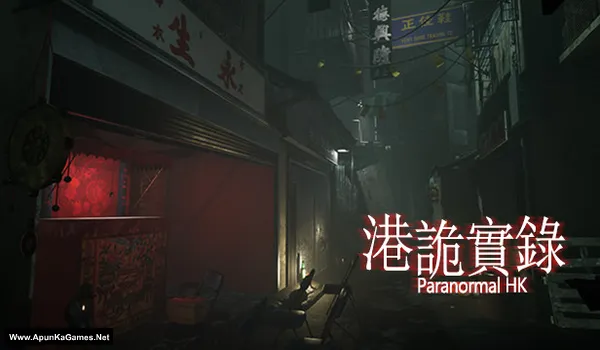
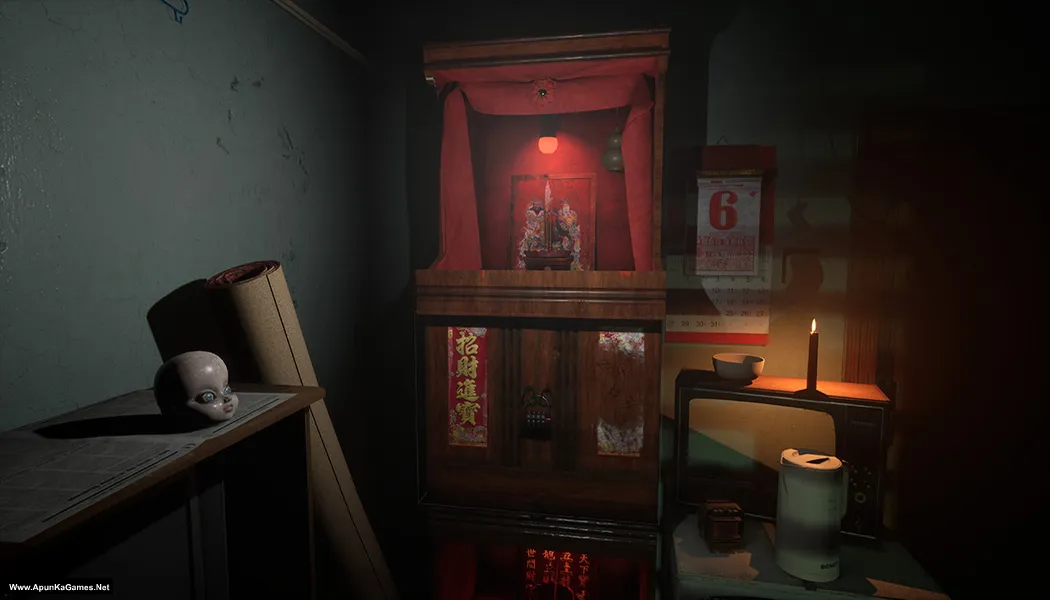
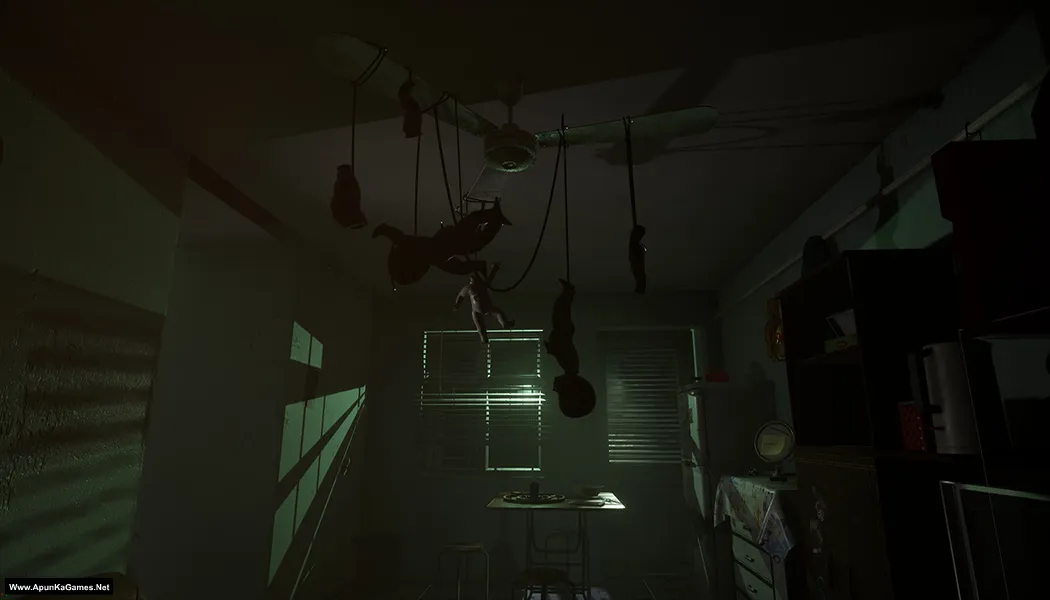
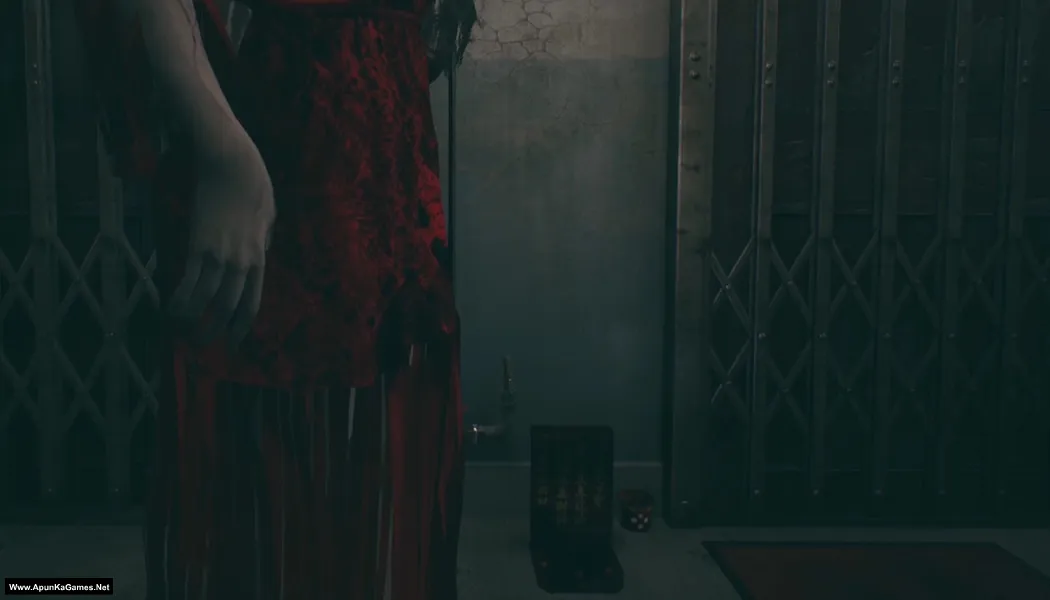
Paranormal HK (5.92 GB) is a first-person psychological horror game set in a haunted Hong Kong apartment building. Players explore dark corridors, investigate paranormal events, and uncover disturbing secrets while searching for clues about missing residents. The gameplay focuses on immersive exploration, environmental storytelling, and terrifying supernatural encounters, creating a tense atmosphere. With realistic visuals and creepy sound design, it delivers a chilling PC horror experience for players who enjoy story-driven ghost investigations.
Type of game: Psychological Horror
PC Release Date: January 6, 2020
Developer/Publishers: Ghostpie Studio, Gamera Games
Paranormal HK (5.92 GB) is a first-person psychological horror game set in a haunted Hong Kong apartment building. Players explore dark corridors, investigate paranormal events, and uncover disturbing secrets while searching for clues about missing residents. The gameplay focuses on immersive exploration, environmental storytelling, and terrifying supernatural encounters, creating a tense atmosphere. With realistic visuals and creepy sound design, it delivers a chilling PC horror experience for players who enjoy story-driven ghost investigations.
Before downloading make sure that your PC meets minimum system requirements.
Minimum System Requirements
- OS: Windows 7/10 (64-bit)
- Processor: Intel i5-4460 or AMD FX-6300
- RAM: 8 GB
- Hard Disk: 15 GB available space
- Graphics Card: NVIDIA GeForce GTX 760 or AMD Radeon™ R7 260x with 2GB Video RAM
- DirectX: Version 11
Screenshots
How to Install?
- Extract the file using Winrar. (Download Winrar)
- Open “Paranormal HK” folder, double click on “Setup” and install it.
- After installation complete, go to the folder where you extract the game
- Open “PLAZA” folder, copy all files and paste it where you install the game.
- Then go to “PuzzleGame\Binaries\Win64″ folder, launch using “PuzzleGame-Win64-Shpping.exe” to play!
Complete Installation Video Tutorial?
We provide complete game installation videos to guarantee that every game works perfectly. Unlike other websites where you download blindly and hope for the best, we show you real proof. Our step-by-step installation videos clearly demonstrate the game running successfully, so you know exactly what you’re getting. With us, there’s no guesswork—only verified, 100% working games you can trust.
Trust / Proof
- 100% Working – Tested by Us
- Game Verified Before Upload
- Working Gameplay Shown
- No Fake Files
- Installed Successfully on Our PC
How to Download?
If your don’t know how to Download this game, just Click Here!
If your don’t know how to Download this game, just Click Here!
Game Size: 5.92 GB
Password: www.apunkagames.net or apunkagames

I have i5 8th gen 8gb ram intel uhd gpu and a ssd will i be able to play this game
Based on your specs:
CPU: Intel Core i5 8th Gen → ✅ Good for most modern games, including indie horror titles.
RAM: 8GB → ⚖️ Bare minimum, but playable if no heavy background apps are running.
GPU: Intel UHD (integrated) → ⚠️ This is the limiting factor. Paranormal HK is not very demanding, but integrated graphics may struggle with higher settings. You might need to run it on low graphics.
SSD: ✅ Helps with faster loading and smoother experience.
Verdict: You can probably play Paranormal HK, but expect to use low settings and possibly a lower resolution (720p or 900p) for smoother performance.
Bro when I click the game icon (in the destop or in files) it just redirect me to steam and it says error no licence
Watch the video how to download, install and play the game.