
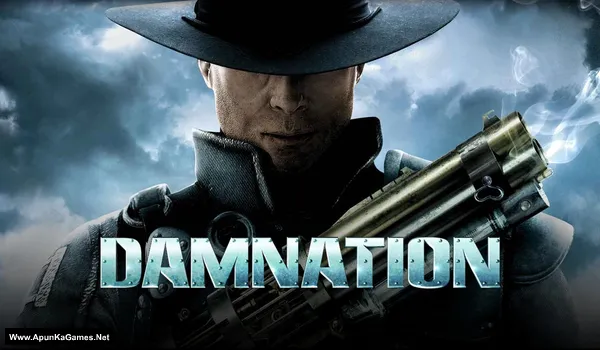
Damnation (video game) Game – Overview – Free Download – PC – Specs – Screenshots – Free
Type of game: Action-adventure
PC Release Date: May 22, 2009
Developer/Publishers: Blue Omega Entertainment, Point of View, Inc. Codemasters
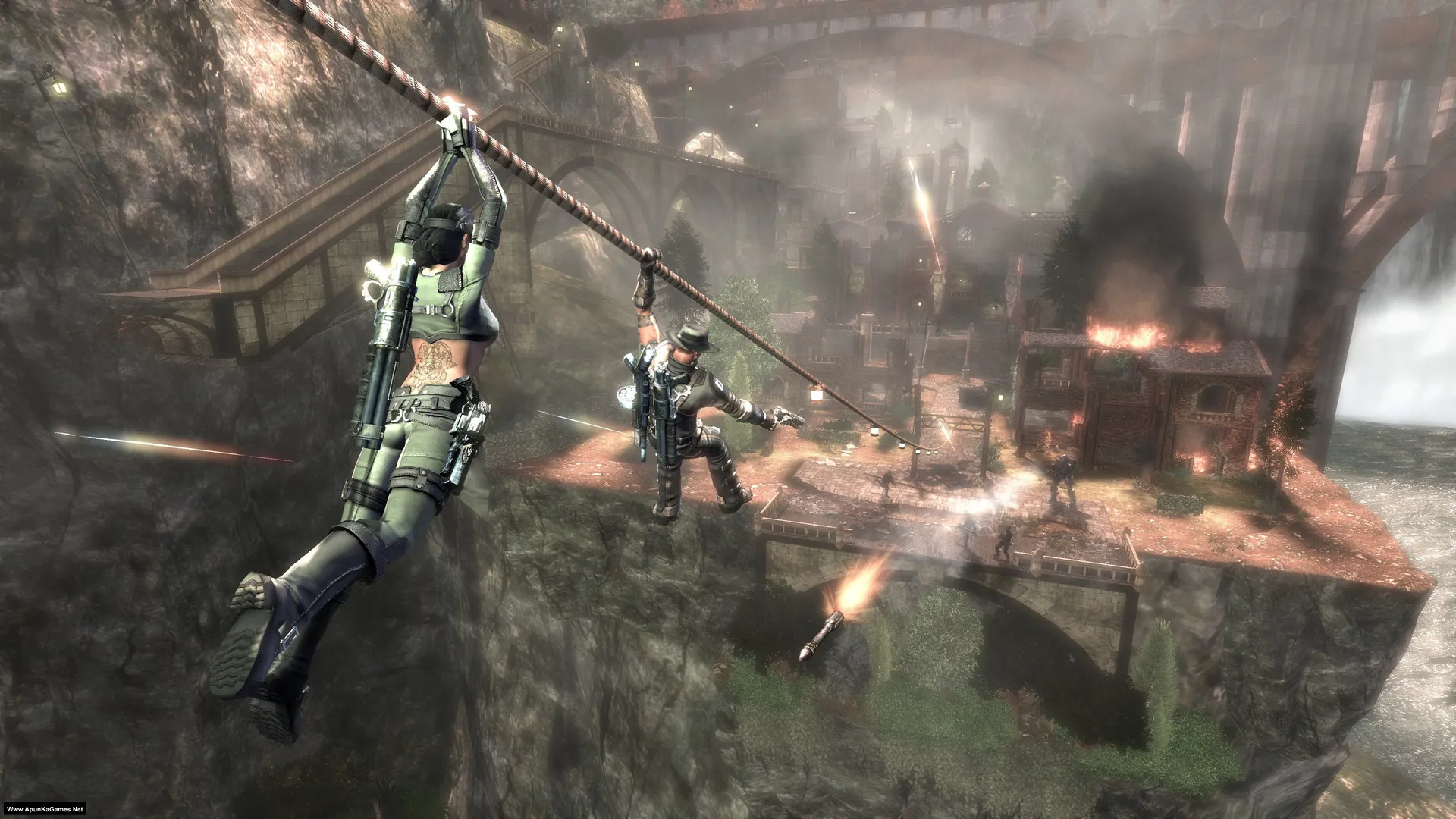
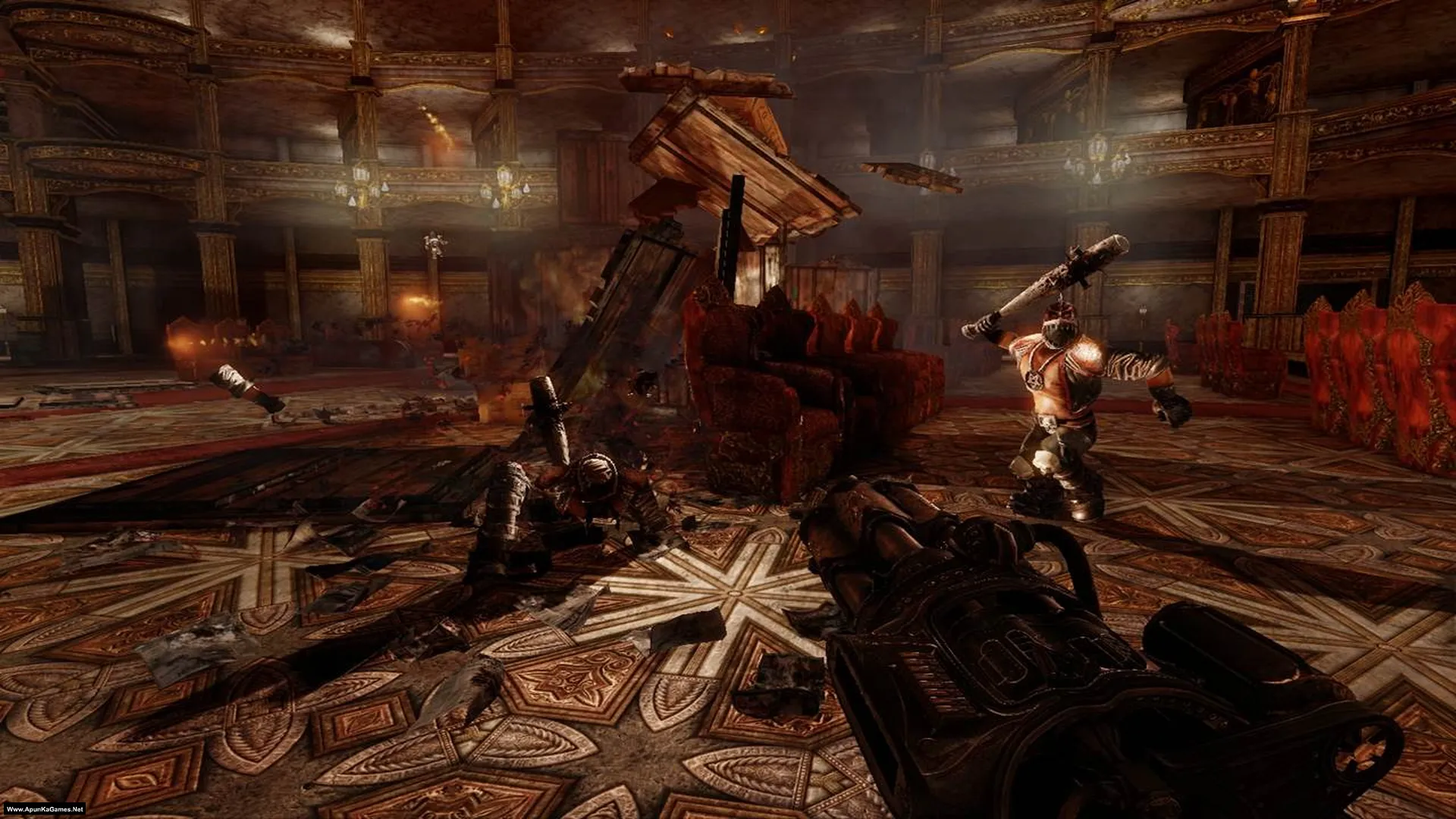
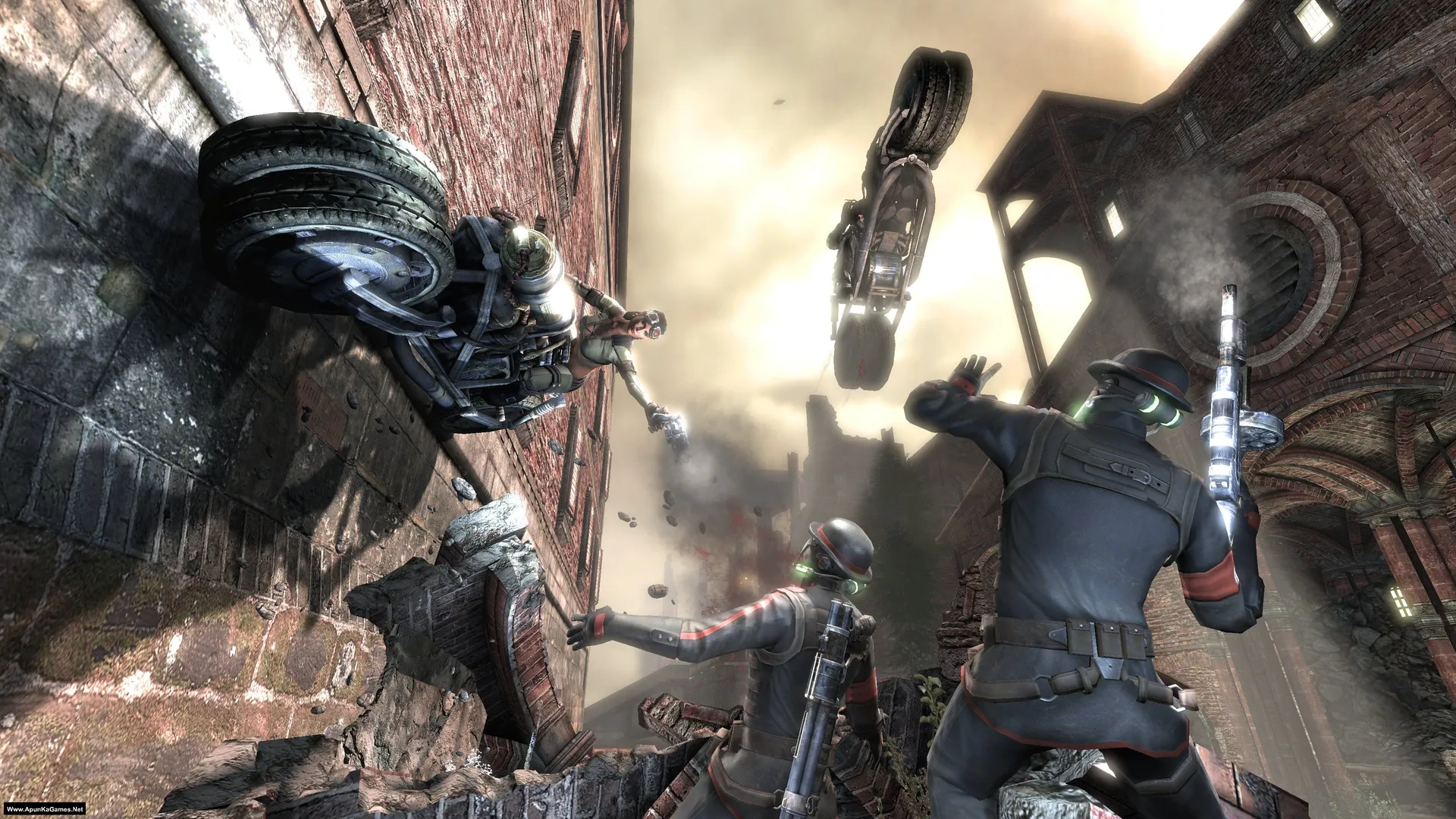
Damnation (3.93 GB) is an Action-Shooting video game. Developed and published by Blue Omega Entertainment, Point of View, Inc. Codemasters. It was released on May 22, 2009 for Windows. Damnation is a steampunk-themed action shooter set in a dark alternate world torn by war. Gameplay blends fast gunfights, cover-based shooting, and vertical platforming with grappling hooks and acrobatic movement.
Type of game: Action-adventure
PC Release Date: May 22, 2009
Developer/Publishers: Blue Omega Entertainment, Point of View, Inc. Codemasters
Damnation (3.93 GB) is an Action-Shooting video game. Developed and published by Blue Omega Entertainment, Point of View, Inc. Codemasters. It was released on May 22, 2009 for Windows. Damnation is a steampunk-themed action shooter set in a dark alternate world torn by war. Gameplay blends fast gunfights, cover-based shooting, and vertical platforming with grappling hooks and acrobatic movement.
Before downloading make sure that your PC meets minimum system requirements.
Minimum System Requirements
- OS: Windows XP/Vista SP1
- Processor: 2.8 GHz Pentium or AMD™ equivalent
- RAM: 1 GB
- Hard Disk: 10 GB available space
- Graphics Card: 128 MB, GeForce 7600 / Radeon X1300 or above
- DirectX: Version 9.0c
Screenshots
How to Install?
- Extract the file using Winrar. (Download Winrar)
- Open “Damnation” folder, double click on “setup” and press up arrow to install it.
- After installation complete, go to the folder where you install the game.
- Open “Binaries” folder, double click on “DamnGame.exe” to play the game. Done!
How to Download?
If your don’t know how to Download this game, just Click Here!
If your don’t know how to Download this game, just Click Here!
Game Size: 3.93 GB
Password: www.apunkagames.net or apunkagames
