
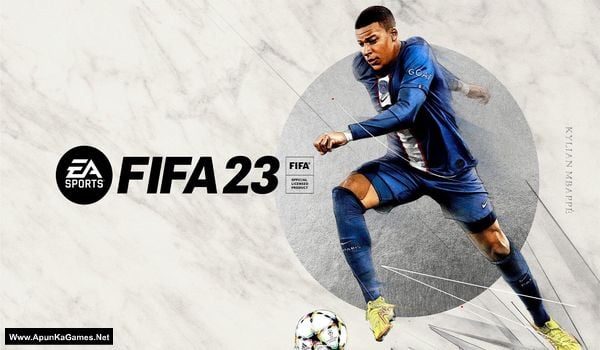
FIFA 23 v1.0.82.43747 + World Cup LE + 3 Bonus Soundtracks Game – Overview – Free Download – PC – Specs – Screenshots – Free
Type of game: Sports
PC Release Date: September 30, 2022
Developer/Publishers: EA Vancouver, EA Romania, EA Sports
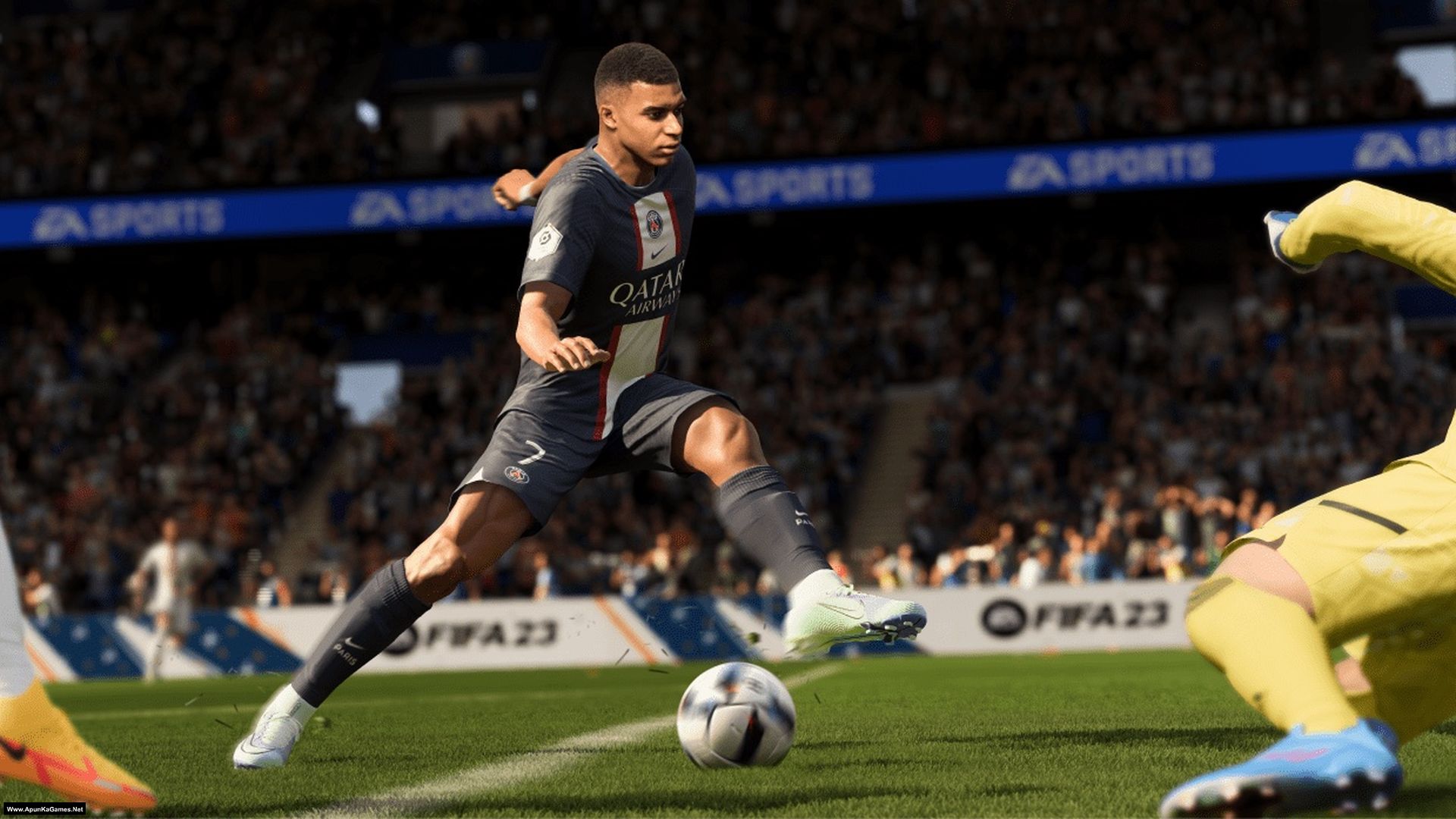
EA SPORTS FIFA 23 (55 GB) is an Football Sports video game. Developed and published by EA Vancouver, EA Romania, EA Sports. It was released on September 30, 2022 for Windows. FIFA 23 is a realistic football (soccer) simulation game with upgraded HyperMotion2 technology that uses real match data to deliver smoother, more lifelike player movement and over 6,000 true-to-life animations. Gameplay shines with enhanced ball physics, refined dribbling and shooting, cross-play support, and deeper modes like Ultimate Team and Career, making matches feel more immersive and tactically rich.
Type of game: Sports
PC Release Date: September 30, 2022
Developer/Publishers: EA Vancouver, EA Romania, EA Sports
EA SPORTS FIFA 23 (55 GB) is an Football Sports video game. Developed and published by EA Vancouver, EA Romania, EA Sports. It was released on September 30, 2022 for Windows. FIFA 23 is a realistic football (soccer) simulation game with upgraded HyperMotion2 technology that uses real match data to deliver smoother, more lifelike player movement and over 6,000 true-to-life animations. Gameplay shines with enhanced ball physics, refined dribbling and shooting, cross-play support, and deeper modes like Ultimate Team and Career, making matches feel more immersive and tactically rich.
Before downloading make sure that your PC meets minimum system requirements.
Minimum System Requirements
- OS: Windows 10 (64‑bit)
- Processor: Intel Core i5 6600k or AMD Ryzen 5 1600
- RAM: 8 GB
- Hard Disk: 100 GB available space
- Graphics Card: 4 GB, NVIDIA GeForce GTX 1050 Ti or AMD Radeon RX 570
- DirectX: Version 11
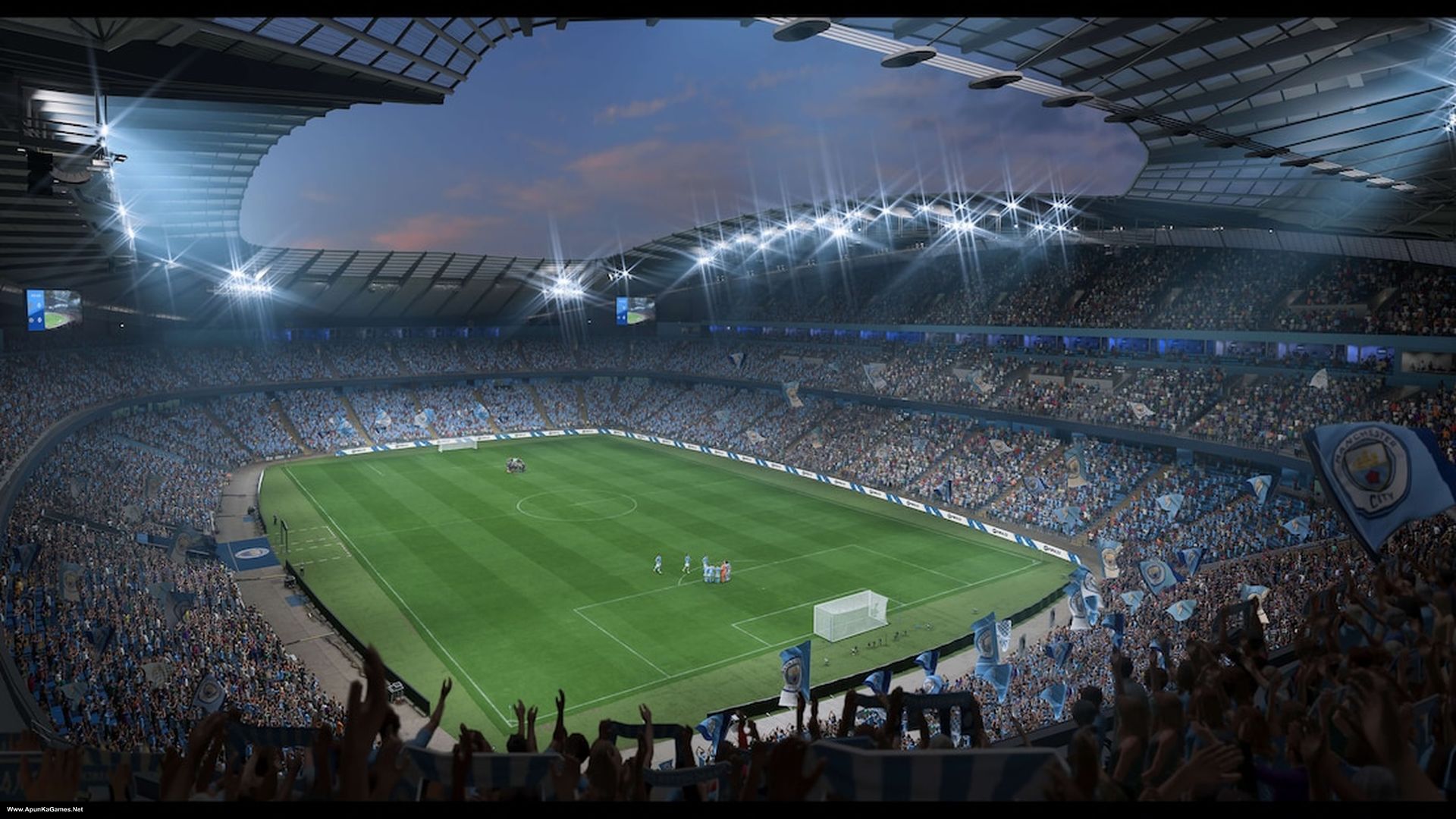
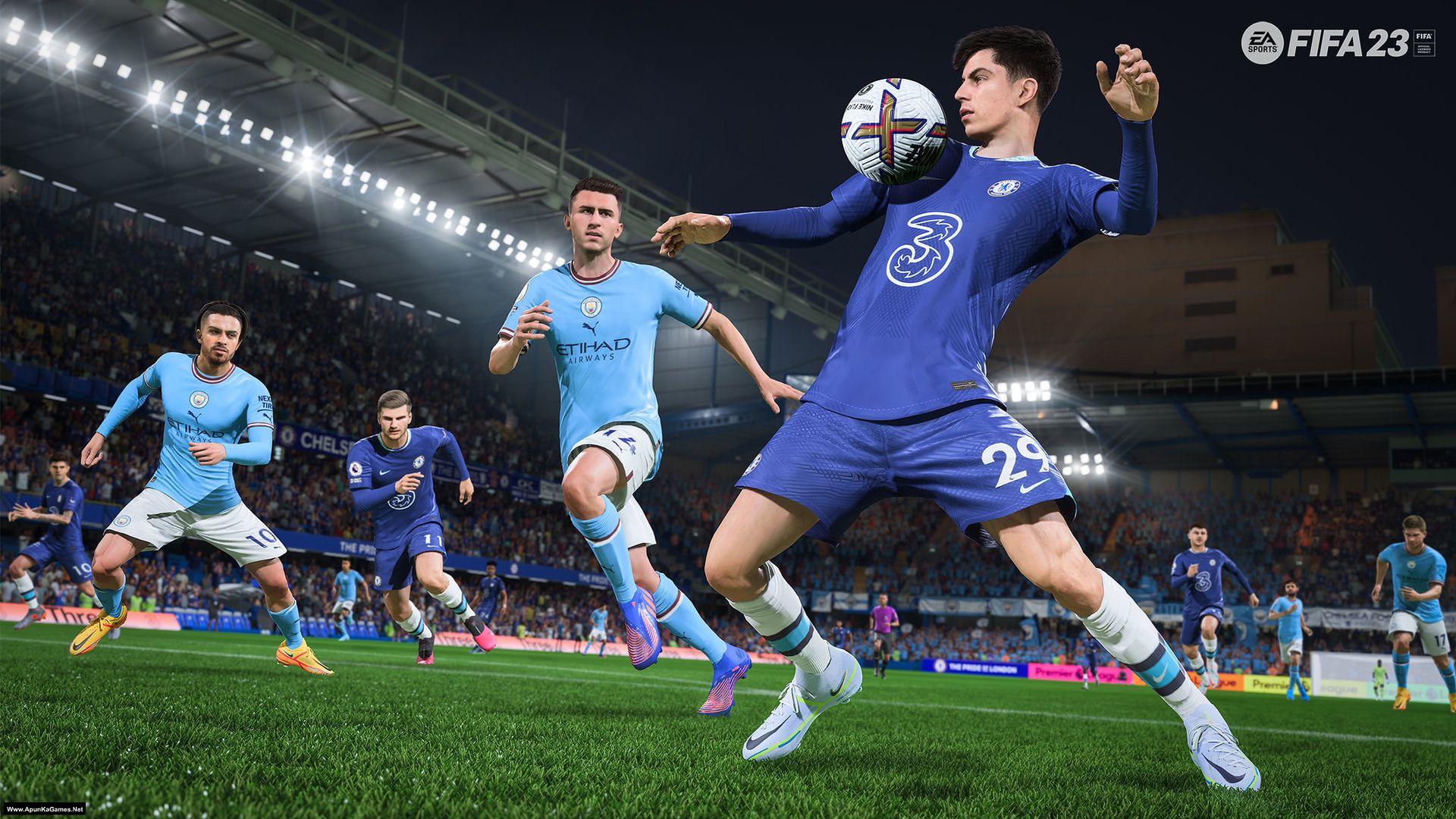
Screenshots
How to Install?
- Extract the file using Winrar. (Download Winrar)
- Open “FIFA 23” folder, double click on “Setup” and install it.
- After installation complete, go to the folder where you extract the game.
- Open “MD5” folder, copy all files and paste it where you install the game.
- Then double click on “Game” icon to play the game. Done!
How to Download?
If your don’t know how to Download this game, just Click Here!
If your don’t know how to Download this game, just Click Here!
Game Size: 55 GB
Password: www.apunkagames.net or apunkagames

Love it
Much appreciated!
please what is the password for wath dogs 1
Type these passwords one by one (make sure Caps Lock is off) or just copy and paste it.
apunkagames
www.apunkagames.netwww.apunkagames.comHow you made cause to me isn’t opening, I started early in the morning till now nothing done
yes
Can it work on redmi 14c
For Pc br
good
We appreciate it!
PART 10 DAN PART 12 GAK BISA DOWNLOAD BOS Q
PLIS PENCERAHANNYA
Please check again now. Cancel all active downloads in IDM. If you try to download multiple parts at the same time, it may cause errors. The file locker does not support multiple downloads, so you must download one part at a time.
Please the game doesn’t save , what can I do?
Commentary working please?
I haven’t played this game myself, but it’s a full setup and should work properly.
Hy guy, this versio have Portuguese language?
Hi.. Interface Language: English, French, Italian, German, Spanish – Spain, Arabic, Czech, Danish, Dutch, Japanese, Korean, Norwegian, Polish, Portuguese – Portugal, Portuguese – Brazil, Russian, Simplified Chinese, Spanish – Latin America, Swedish, Traditional Chinese, Turkish
Audio Language: English, French, Italian, German, Spanish – Spain, Arabic, Dutch, Japanese, Polish, Portuguese – Brazil, Russian, Chinese, Spanish – Latin America
Can you explain how to install it please after downloading
Yes — before extraction and installation, turn off your antivirus, because it can block DLL files.
01. Copy all 12 parts into a single new folder. Then extract only Part 1 — all parts will be extracted automatically.
02. Open the ‘FIFA 23’ folder, double-click on ‘setup,’ and wait for the installation to complete.
03. Once the installation is 100% complete, go to the desktop.
04. Then launch the game from the desktop “Game” icon to start playing. Done!
is it cracked
Yes.
Bonsoir Les fichiers contenus dans le dossier «MD5» après les avoir copié où est-ce que je les colle svp ?
Forget it — just run the game after installation using the desktop game icon to play!
my first time here and i appreciate you bro for not only giving us games for free but for also responding to every single comment 👏👏👏👏👏
Sorry for the very late reply… Thank you so much, brother 👏❤️
Your support truly means a lot. I’m really glad you’re enjoying the content and the quick responses. We always try our best to help everyone and reply to every comment.
Stay connected, more updates coming soon 🙌
is the multiplayer available?
I didn’t checked but i think yes!
thanks
Pls upload FC 26
Noted… soon!
Does the game really run on DirectX 11 video cards?
Yes.
Please, EA officially said the game will run on DirectX 12 hardware. So please, can you confirm if this particular version runs on DirectX 11?. I’m asking because the setup is so huge and I don’t want to waste time on it if my it’s strictly DirectX 12. It’d mean a lot to me if I can hear from you soon.
We have also provided instructions about the game on our website. If your system requirements match the game requirements, then you can play the game.😊
I have FIFA 21 Ultimate edition but it can run due to EA account issues, can you review that one as well?
…Plus, I downloaded COD-BO 6 and the “game” application is also a batch file…can you please rectify these. Because I’m a huge fan of your work.
COD Black Ops 6 starts from !start_sp24.bat — yes, it’s a batch file, and you’re right about that. I’m playing the game myself, and it’s a 100% working setup. As for FIFA 21 – Ultimate Edition, we updated the setup 2–3 months ago, but I’ll check it again and make an installation video as soon as we can. Thank you so much, brother — really means a lot. I appreciate your support and I’ll keep doing my best for you.
When are you uploading fc 24,25 or 26 bro
Noted! brother we will add these games soon as we can. Thanks for your support 👍
Bro can you add F1 24 or 25
Already noted brother.. we will add soon!
I want to find out how to connect a controller since it doesn’t have an in-game setting nor a “settings.exe” application to do so….
I want to also find out if the controller support is executable from the live editor
Hello!
Commentary language is fixed in Arabic there blur in audio section when trying to change it to another language. How can I change it please help.
Download DS4 window you’ll be able to manage your controller
Hi am trying to download and am seeing size as 6.83gb for the compressed file is that correct please?
The total size of the game is 55 GB, and each part is 5 GB in size 👍
My ucom gamepad is not working for this fifa 23 while it is working properly for fifa 19 from this site…. What should i do?
Train Sim World 3 is already upload also we will find our best to upload this game with all DLCs.
Hey 👋 I knw U have a lot on head games to upload replys, making for us videos IAM just requesting if you could upload the latest FIFA games EA FC 24,25,26 and PES e-football 22,23,24,25,26 if U could or any of them I’d be much humbled if U replied 🙏
Hey 👋 Brother, thank you so much for your request and support ❤️
We understand you’re asking for the latest EA FC (FIFA) and eFootball (PES) games like FC 24, FC 25, FC 26 and PES/eFootball 22–26.
We will try our best to upload these games if we find proper working versions 👍
These are large and updated titles, so it may take some time to arrange stable setups, but we’ve noted your request.
Thanks again for your patience and support 🙏🎮
when is it coming out
We’re currently focusing on updating and fixing older game setups that are no longer working properly. Many of those games are very popular, and a lot of users have requested that we fix the old setups first. That’s why new requested games are taking a little longer. Once we’ve finished updating the older games, we’ll continue uploading more requested titles. We hope you understand, and thank you for your patience and support! ❤️
Is this the latest update of the game
does it need any account to play
hi
Hey.👋
Eu acho que de for para publicar uma versão do FC 26 tem de ser essa última onde disponibilizou-se novas caras, o Neymar, Times brasileiros oficiais, etc. Essa última actualização da copa do mundo é a ideal.
E acerca do FC 27 eu recomendo esperar até 2028.
Não que eu esteja a disser o que devem fazer, só estou a dar a minha opinião porque eu recomendo este site para amigos meus e olha que eu sou recente 😅.
Thanks, brother! ❤️ We really appreciate your suggestion and support. We’ll keep your advice in mind for FC 26 and FC 27. Happy gaming! 🎮😊