
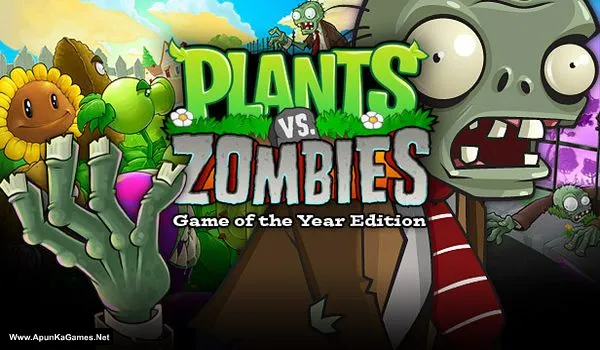
Plants vs. Zombies Game of the Year Edition Game – Overview – Free Download – PC – Specs – Screenshots – Free
Type of game: Strategy
PC Release Date: May 5, 2009
Developer/Publishers: PopCap Games, Inc., Electronic Arts
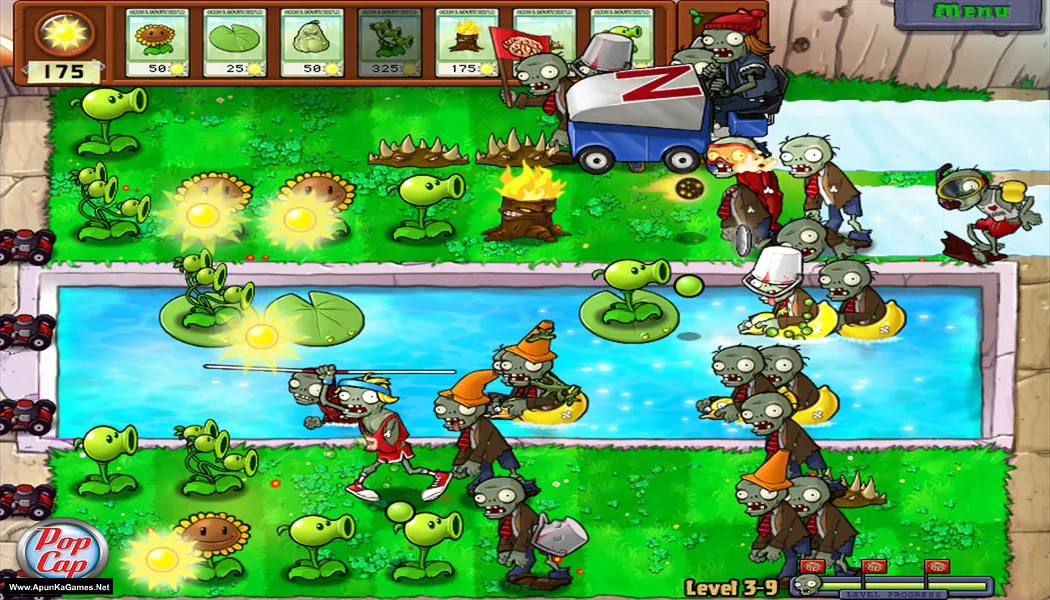
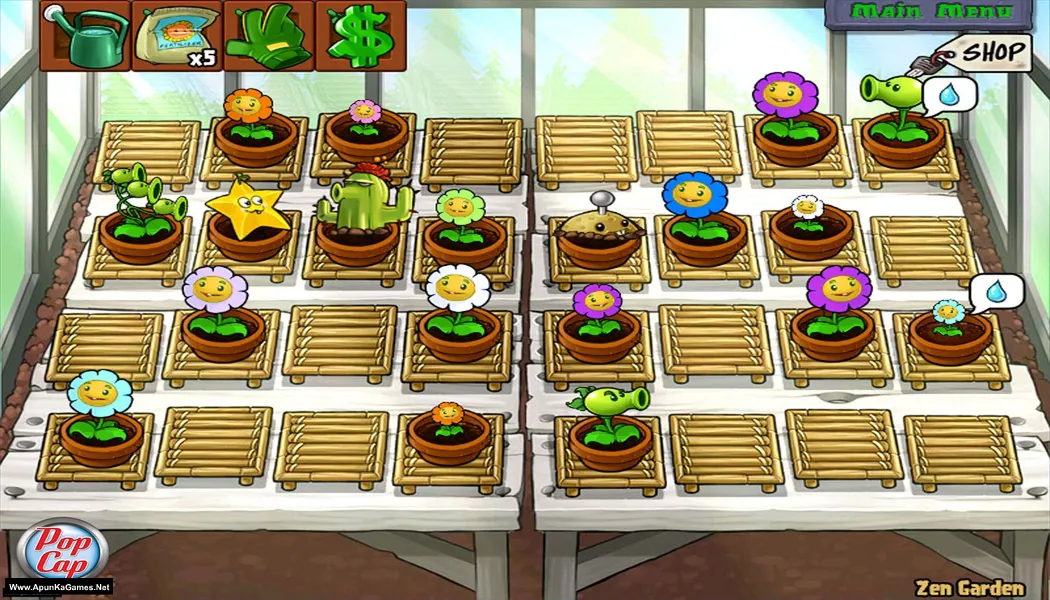
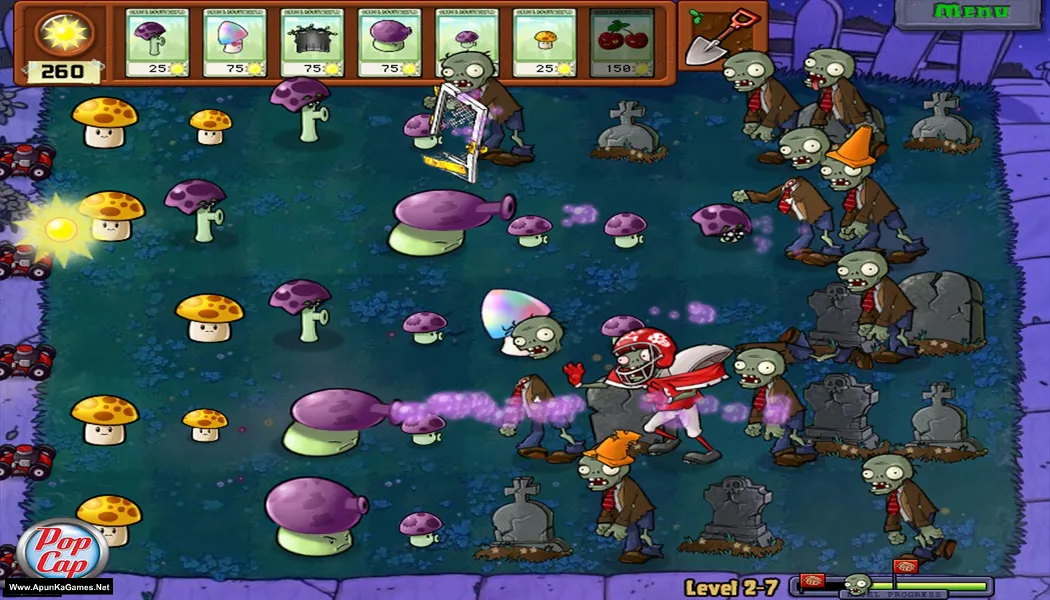
Plants vs. Zombies GOTY Edition (88 MB) is a fun and strategic tower defense game where players defend their garden from waves of quirky zombies using a variety of plants with unique abilities. Plan your defenses, upgrade plants, and tackle challenging levels across different game modes. The gameplay focuses on strategy, timing, and resource management, delivering an engaging PC casual strategy experience for fans of fun and tactical games.
Type of game: Strategy
PC Release Date: May 5, 2009
Developer/Publishers: PopCap Games, Inc., Electronic Arts
Plants vs. Zombies GOTY Edition (88 MB) is a fun and strategic tower defense game where players defend their garden from waves of quirky zombies using a variety of plants with unique abilities. Plan your defenses, upgrade plants, and tackle challenging levels across different game modes. The gameplay focuses on strategy, timing, and resource management, delivering an engaging PC casual strategy experience for fans of fun and tactical games.
Before downloading make sure that your PC meets minimum system requirements.
Minimum System Requirements
- OS: Windows XP/Vista/7
- Processor: 1.2 GHz+
- RAM: 1 GB
- Hard Disk: 100 MB available space
- Graphics Card: 128 MB of vram, 16-bit or 32-bit color quality
- DirectX: 8 or later
Screenshots
How to Install?
- Extract the file using Winrar. (Download Winrar)
- Open “Plants vs. Zombies GOTY Edition” >> “Game” folder.
- For English Language: extract “main_en” and copy and paste into the main “Game” folder and replace it.
- Then double click on “PlantsVsZombies.exe” to play the game. Done!
Complete Installation Video Tutorial?
We provide complete game installation videos to guarantee that every game works perfectly. Unlike other websites where you download blindly and hope for the best, we show you real proof. Our step-by-step installation videos clearly demonstrate the game running successfully, so you know exactly what you’re getting. With us, there’s no guesswork—only verified, 100% working games you can trust.
Trust / Proof
- 100% Working – Tested by Us
- Game Verified Before Upload
- Working Gameplay Shown
- No Fake Files
- Installed Successfully on Our PC
How to Download?
If your don’t know how to Download this game, just Click Here!
If your don’t know how to Download this game, just Click Here!
Game Size: 88 MB
Password: www.apunkagames.net or apunkagames
