
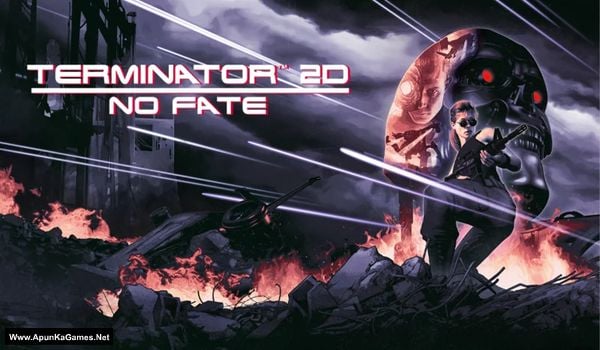
Terminator 2D: No Fate Game – Overview – Free Download – PC – Specs – Screenshots – Free
Type of game: Action
PC Release Date: December 12, 2025
Developer/Publishers: Bitmap Bureau, Reef Entertainment
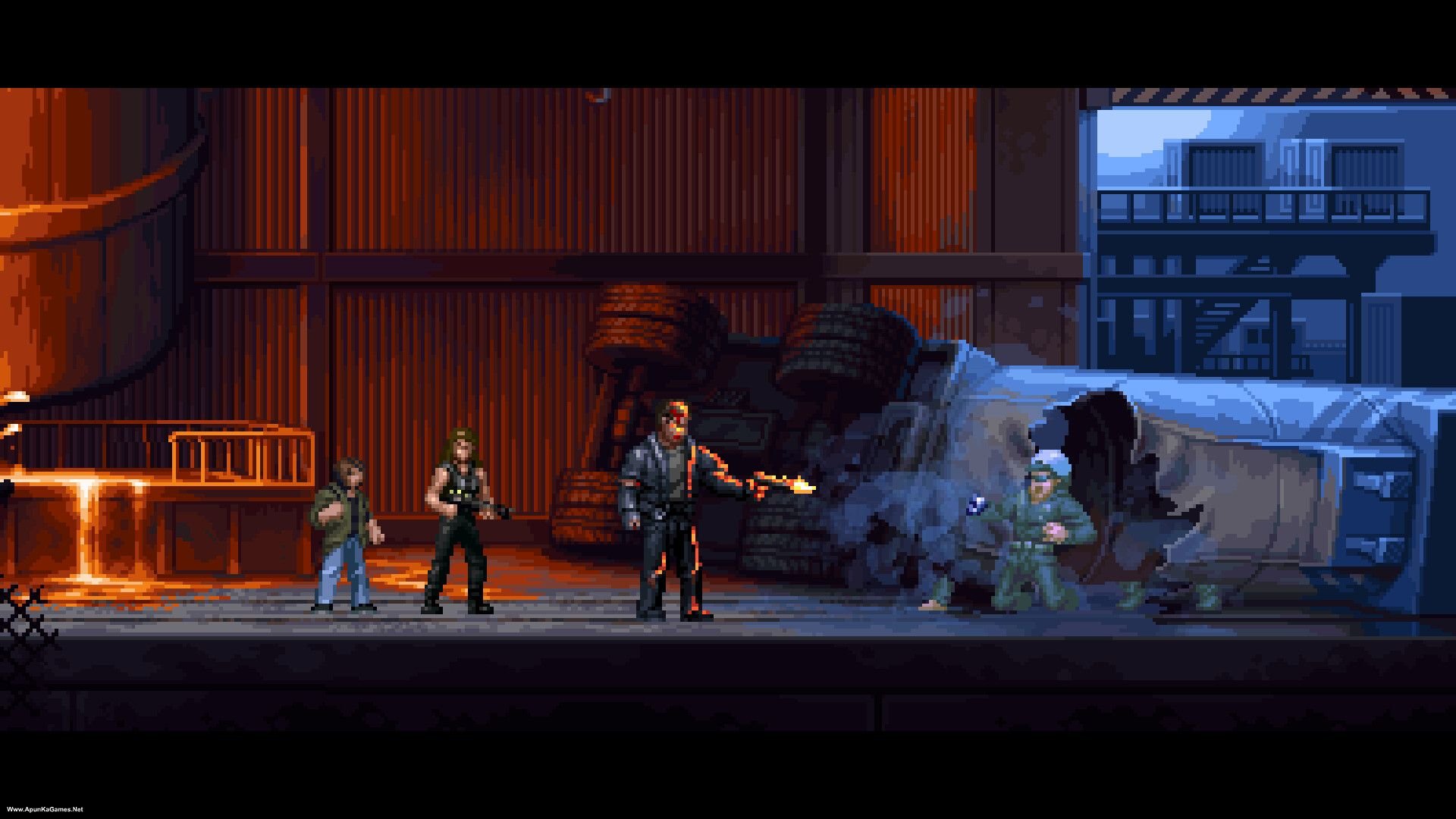
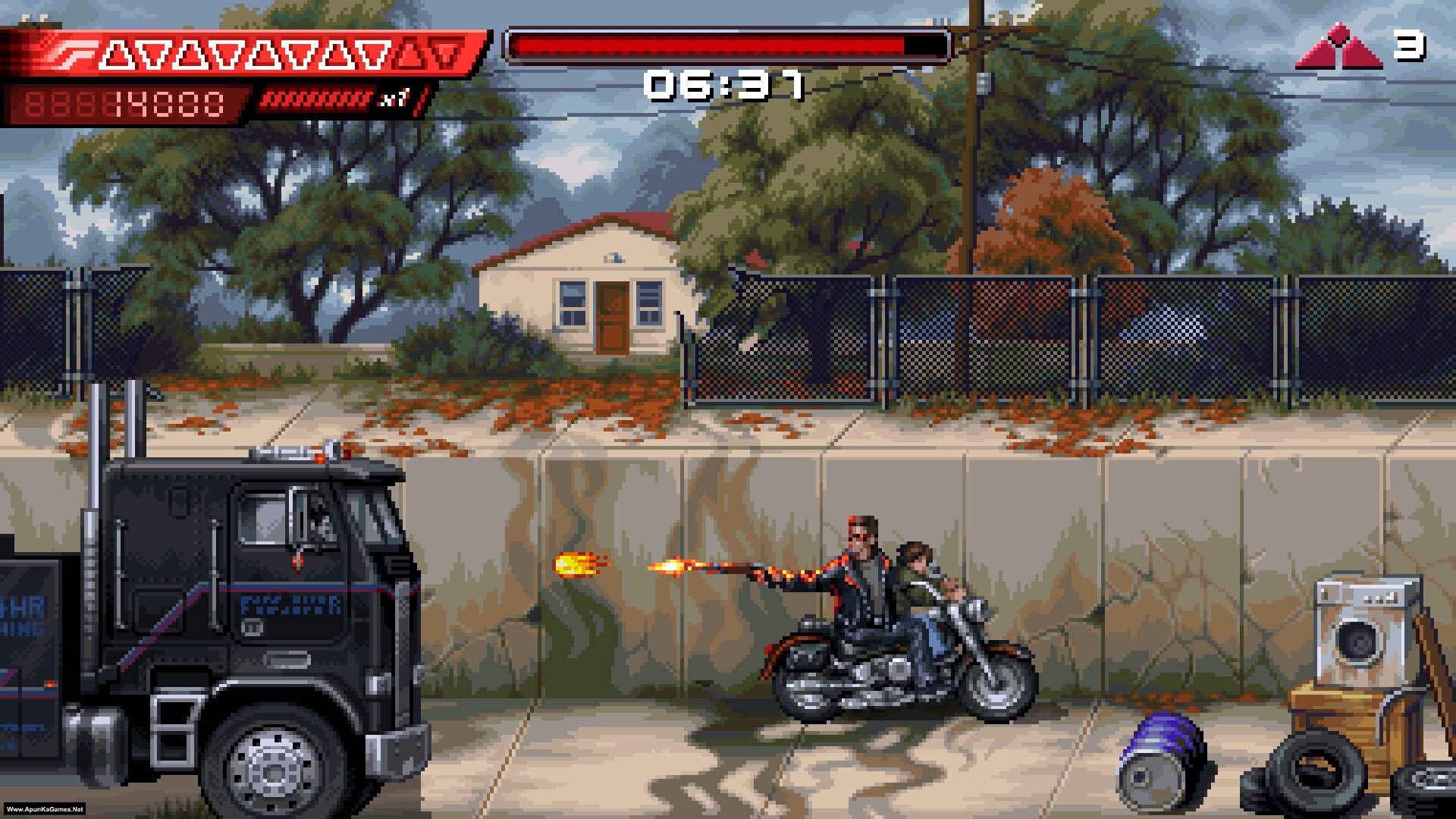
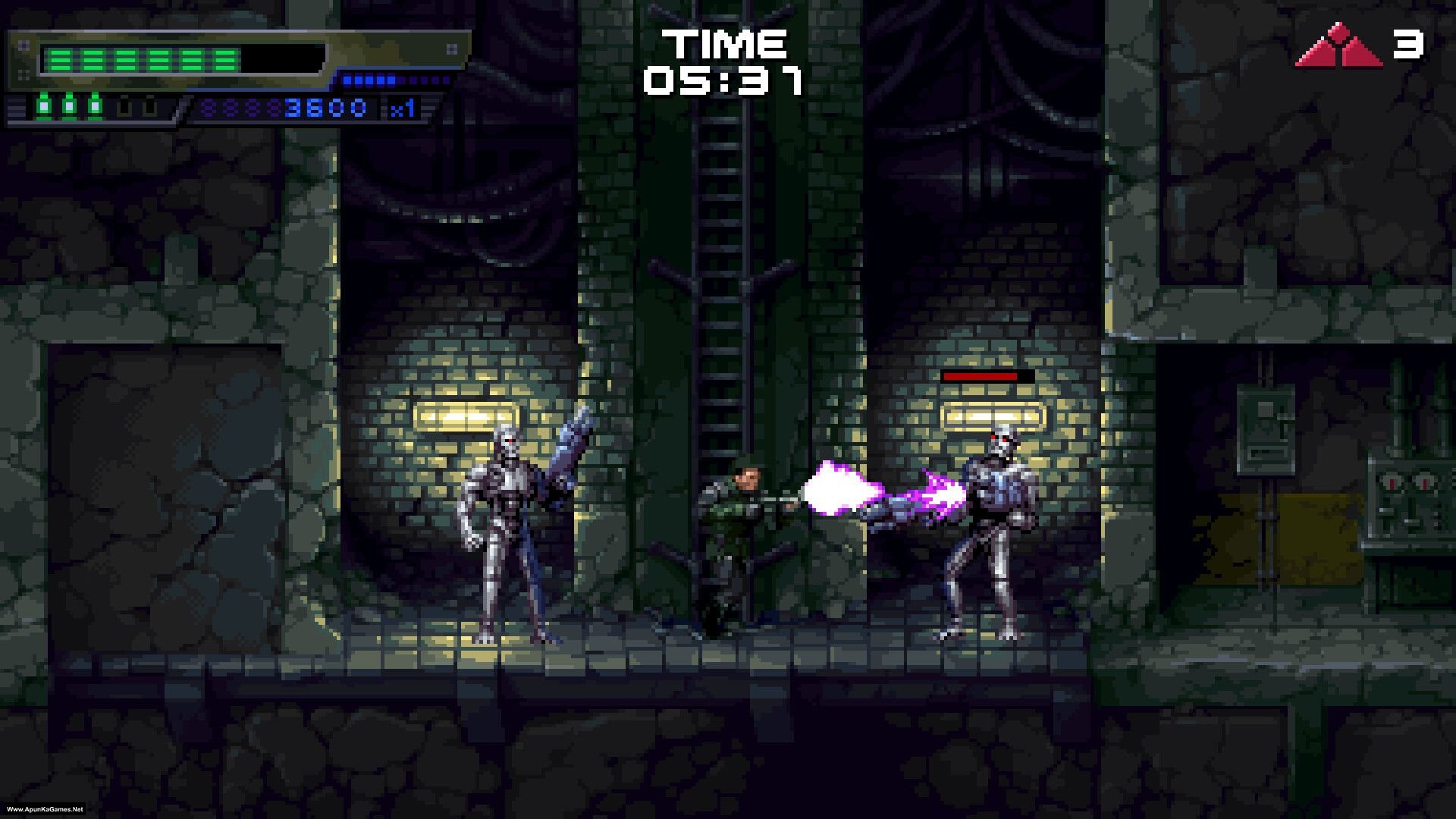
Terminator 2D: No Fate (531 MB) is an Action video game. Developed and published by Bitmap Bureau, Reef Entertainment. It was released on December 12, 2025 for Windows. Terminator 2D: NO FATE is a retro-inspired 2D action game that lets you relive and expand the Terminator 2 story through fast-paced side-scrolling combat and iconic characters like Sarah Connor, John Connor, and the T-800. The gameplay blends run-and-gun shooting, melee, and boss battles across varied levels, with branching paths and multiple endings that reward exploration and replayability.
Type of game: Action
PC Release Date: December 12, 2025
Developer/Publishers: Bitmap Bureau, Reef Entertainment
Terminator 2D: No Fate (531 MB) is an Action video game. Developed and published by Bitmap Bureau, Reef Entertainment. It was released on December 12, 2025 for Windows. Terminator 2D: NO FATE is a retro-inspired 2D action game that lets you relive and expand the Terminator 2 story through fast-paced side-scrolling combat and iconic characters like Sarah Connor, John Connor, and the T-800. The gameplay blends run-and-gun shooting, melee, and boss battles across varied levels, with branching paths and multiple endings that reward exploration and replayability.
Before downloading make sure that your PC meets minimum system requirements.
Minimum System Requirements
- OS: Windows 10 version 21H1 (build 19043) or newer
- Processor: Intel Core i5 (x86, x64 architecture with SSE2 instruction set support, ARM64)
- RAM: 4 GB
- Hard Disk: 1 GB available space
- Graphics Card: 1 GB VRAM
- DirectX: Version 10
Screenshots
How to Install?
- Extract the file using Winrar. (Download Winrar)
- Open “Terminator 2D: No Fate” folder, double click on “Setup” and install it.
- After installation complete, go to the folder where you extract the game.
- Open “RUNE” folder, copy all files and paste it where you install the game.
- Then double click on “Game” icon to play the game. Done!
Complete Installation Video Tutorial? We provide complete game installation videos to guarantee that every game works perfectly. Unlike other websites where you download blindly and hope for the best, we show you real proof. Our step-by-step installation videos clearly demonstrate the game running successfully, so you know exactly what you’re getting. With us, there’s no guesswork—only verified, 100% working games you can trust.
Trust / Proof
- 100% Working – Tested by Us
- Game Verified Before Upload
- Working Gameplay Shown
- No Fake Files
- Installed Successfully on Our PC
How to Download?
If your don’t know how to Download this game, just Click Here!
If your don’t know how to Download this game, just Click Here!
Game Size: 531 MB
Password: www.apunkagames.net or apunkagames
