
Call of Duty: Black Ops Cold War (2020) Campaign Game – COD: BOCW – Overview – Free Download – PC – Specs – Screenshots – Free
Type of game: Action, First-person shooter
PC Release Date: November 13, 2020
Developer/Publishers: Treyarch, Raven Software, Activision
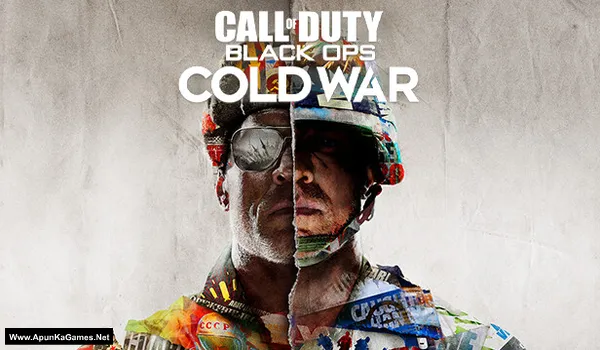
Call of Duty: Black Ops Cold War (Campaign) (78.8 GB) is an First-person shooter video game. Developed and published by Treyarch, Raven Software, Activision. It was released on November 13, 2020 for Windows. Call of Duty: Black Ops Cold War delivers a gripping Cold War-era campaign packed with espionage and action. Experience fast-paced multiplayer battles and the fan-favorite Zombies mode. Smooth gunplay, cinematic missions, and intense firefights create a thrilling FPS experience.
Type of game: Action, First-person shooter
PC Release Date: November 13, 2020
Developer/Publishers: Treyarch, Raven Software, Activision
Call of Duty: Black Ops Cold War (Campaign) (78.8 GB) is an First-person shooter video game. Developed and published by Treyarch, Raven Software, Activision. It was released on November 13, 2020 for Windows. Call of Duty: Black Ops Cold War delivers a gripping Cold War-era campaign packed with espionage and action. Experience fast-paced multiplayer battles and the fan-favorite Zombies mode. Smooth gunplay, cinematic missions, and intense firefights create a thrilling FPS experience.
Before downloading make sure that your PC meets minimum system requirements.
Minimum System Requirements
- OS: Windows 10 64-bit (v.1803 or higher)
- Processor: Intel Core™ i3-4340 or AMD FX-6300*
- RAM: 8 GB
- Hard Disk: 175 GB available space
- Graphics Card: NVIDIA GeForce GTX 670 / NVIDIA GeForce GTX 1650 or AMD Radeon™ HD 7950
- Network: Broadband Internet connection
- DirectX: Version 12
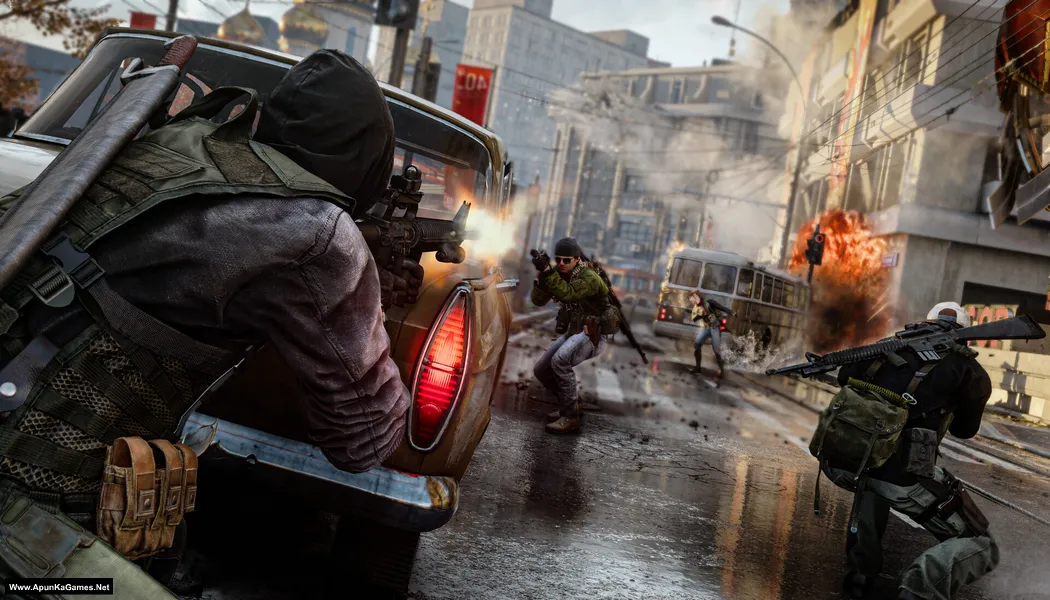
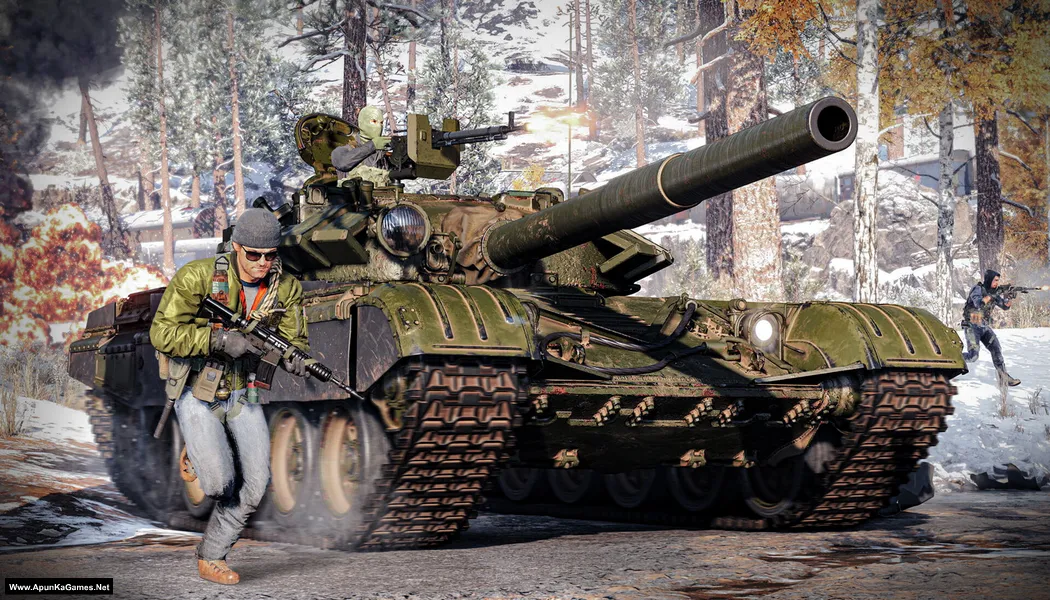
Screenshots

How to Install?
- Extract the file using Winrar. (Download Winrar)
- Open “Call of Duty BO Cold War (Campaign)” folder, double click on “setup” and install it.
- Once the installation is 100% complete, go to the desktop.
- Then launch the game from the desktop “Game” icon to start playing. Done!
How to Download?
If your don’t know how to Download this game, just Click Here!
If your don’t know how to Download this game, just Click Here!
Game Size: 78.8 GB
Password: www.apunkagames.net or apunkagames

Please upload Black Myth Wukong
Not Cracked Yet!
downloading not working
Cancel all the active downloads in IDM and then click on part 1. Wait 1st part to finish then start 2nd download. At one time 1 part. Thefilelocker can’t support multiple download so you have to download one by one! Try downloading the parts at a different time, such as late at night or during the day when website traffic is low.
Bro Plz Call Of Duty Warzone Bhi upload karain Plz plz
It’s not a free game — you need to purchase it to play.
This game is also not free
Yes but it’s cracked that’s why it’s available here. BTW Call of duty: Warzone is free to play on steam. If you wanna play, just make account on steam and download and enjoy the game. No need to buy or crack.
The game is not starting after installation. May be the reason is that this game is now not available free on battle.net.
Can you share what can be done regarding this as the game starts loading but never actually starts:
This is the error I get in a pop-up window and the scan and repair does not appear on battle.net website neither we can add this game manually, may be because this game is now chargeable on battle.net:
Fatal Error
X
Unfortunately, the application has unexpectedly stopped working.
Trying a ‘Scan and Repair’ might solve the issue.
If the problem persists, please reach out to the online support:
https://support.activision.com/black-ops-cold-war
Error Code: 0xC0000005 (0x0) N
Signature: EC9D9732-29E558DD-CA206FEC-778D2356
Location: 0x141A68F5D (15931218/15931218)
Scan and Repair
Close
This error usually appears when game files are missing, corrupted, or blocked by antivirus. First, make sure your antivirus or Windows Defender is disabled during installation, because it may delete some crack or game files. Re-extract the game files and reinstall the setup again, then make sure you copy the crack files into the game directory and replace them properly. Also try running the game as administrator and make sure your Visual C++ Redistributables and DirectX are updated. If the problem still continues, the download may be incomplete, so try redownloading the game files again.
hi mate. same problem here. all the other COD games had no problems. but this one still persist after redownloading, reinstalling and re-cracking. note that there is no crack folder in the downloaded files. the only crack file that i found was after i installed the game , was a winrar file in the installed folder (t9_crack_v3) . it had anly the file (discord_games_sdk.dll) . I copy paste it , buit no success. can you please help???
Brother, sorry you’re still facing this issue. Since you already re-downloaded, reinstalled, and tried the available crack file but the game still is not working, it looks like the problem is likely with that release or with missing/corrupted game files. Also, if the crack folder is incomplete and only includes discord_games_sdk.dll, that usually means the package may be broken or not fully uploaded. We will check this properly from our side and try to provide a working fix or updated files soon.
hi mate. same problem here. all the other COD games had no problems. but this one still persist after redownloading, reinstalling and re-cracking. note that there is no crack folder in the downloaded files. the only crack file that i found was after i installed the game , was a winrar file in the installed folder (t9_crack_v3) . it had anly the file (discord_games_sdk.dll) . I copy paste it , buit no success. can you please help???
Brother, sorry you’re still facing this issue. Since you already re-downloaded, reinstalled, and tried the available crack file but the game still is not working, it looks like the problem is likely with that release or with missing/corrupted game files. Also, if the crack folder is incomplete and only includes discord_games_sdk.dll, that usually means the package may be broken or not fully uploaded. We will check this properly from our side and try to provide a working fix or updated files as soon as we can.
thanks for the reply mate. very nice of you
You’re welcome. We will update soon.
i need a new game to play
please upload igi rigen
Sorry brother. Not released yet!
After extracting files and clicking on setup it opens but after that no option is visible to install
downloaded 2 times
It’s dodi repack. You just have to run the setup. Then click on the green line at the bottom where it says “Press UP to unlock the setup” and simply press the UP arrow key on your keyboard to unlock it. In simple words: run the setup, then press the UP arrow key from your keyboard 👍
It’s repack. You just have to run the setup. Then click on the green line at the bottom where it says “Press UP to unlock the setup” and simply press the UP arrow key on your keyboard to unlock it. In simple words: run the setup, then press the UP arrow key from your keyboard 👍
When downloaded and extracted the “Call of Duty Black Ops Cold War Campaign PC Game” folder, and then ran “Call of Duty Black Ops Cold War Campaign PC Game.exe”, it asks for license agreement, and then proceed for installation for 1 min, and then says Installed and Click Finish to close the window.
After then nothing happens. I do not find any game installed in my laptop. What’s the issue?
It’s Dodi repack brother. first download all parts and paste them into one new folder then extract only part 1 and automatically all parts will be extracted!
01. Run setup.exe and when it’s open, just click on bottom green line on setup and press “UP” arrow button from your keyboard to unlock the setup.
02. Then install the game (It will take 10 to 15 mint). after install finished 100%.
03. Run the game from desktop icon to play!
When i downloaded the zip file “Call of Duty Black Ops Cold War Campaign PC Game.zip”, extracted it , it was having only two files : 1.: .Store 2. Call of Duty Black Ops Cold War Campaign PC Game.exe
When I launch on Call of Duty Black Ops Cold War Campaign PC Game.exe, it does not lends to COD Black OPS Cold War Setup page (where I can click the up arrow to install). It just shows some other ‘charityengine’ setup, thats it. There is no install options coming for game.
Note: I have disabled the antivirus already.
Please help.
You are not downloading the original setup files brother 👍 The game is not in a ZIP file, it comes in RAR parts. Each part is 5 GB and the total parts are 16. Total game size is 78.8 GB. Please download all original RAR parts properly from the post, then put them into one folder and extract Part 1 only.
The download link is not working brother….. Kindly fix it…. This error is showing…
“akglinks.com… can’t reach this page…”
I tried VPN also but still the same issue. Please fix this. Thank You!
Now check brother… fixed! you can download now!
Bro does this include zombies as well?
Brother only (Campaign).
Thank you brother 🙏🫂
Welcome.
Will this run on
Windows 11 Home.
AMD Ryzen 3 PRO 3200G with Radeon Vega Graphics (3.60 GHz)
RAM 8.00 GB
Graphics card AMD Radeon(TM) Vega 8 Graphics (2 GB)
Will I be able to do install and run it?
Brother, Call of Duty: Black Ops Cold War (Campaign) is also too demanding for your PC. You can try installing it, but with your Ryzen 3 PRO 3200G, Vega 8 Graphics (2GB), and 8GB RAM, don’t expect smooth gameplay. It may run at very low settings and low FPS, or it may not be playable in some areas. 👍