
Halo Wars 2: Complete Edition v1.11.2931.2 + All DLCs Game – Overview – Free Download – PC – Specs – Screenshots – Free
Type of game: Action, Strategy
PC Release Date: September 26, 2017
Developer/Publishers: 343 Industries / Creative Assembly, Microsoft Studios
Halo Wars 2 Complete Edition (17.3 GB) is an Action, Strategy video game. Developed and published by 343 Industries / Creative Assembly, Microsoft Studios. It was released on September 26, 2017 for Windows. Halo Wars 2 Complete Edition delivers fast-paced real-time strategy set in the Halo universe. Command powerful units, build bases, and lead tactical battles against fierce enemies. The complete edition includes all DLC, expanded campaigns, and intense multiplayer warfare. Included DLCs:
Type of game: Action, Strategy
PC Release Date: September 26, 2017
Developer/Publishers: 343 Industries / Creative Assembly, Microsoft Studios
Halo Wars 2 Complete Edition (17.3 GB) is an Action, Strategy video game. Developed and published by 343 Industries / Creative Assembly, Microsoft Studios. It was released on September 26, 2017 for Windows. Halo Wars 2 Complete Edition delivers fast-paced real-time strategy set in the Halo universe. Command powerful units, build bases, and lead tactical battles against fierce enemies. The complete edition includes all DLC, expanded campaigns, and intense multiplayer warfare. Included DLCs:
- Halo Wars 2 (Base Game)
- Halo Wars 2 – Season Pass
- Awakening the Nightmare
- Sergeant John Forge leader
- Morgan Kinsano leader
- Colony leader
- Sergeant Major Avery Johnson leader
- Commander Jerome-092 leader
- Arbiter Ripa ‘Moramee leader
- Serina leader
- Yapyap the Destroyer leader
- Operation: SPEARBREAKER DLC Campaign
- Awakening the Nightmare DLC Campaign
Before downloading make sure that your PC meets minimum system requirements.
Minimum System Requirements
- OS: Windows 10 (64-bit, v14393.0 or higher)
- Processor: Intel Core i5-2500 / AMD FX-4350
- RAM: 6 GB
- Hard Disk: 50 GB available space
- Graphics Card: 4 GB, NVIDIA GeForce GTX 650 Ti / AMD Radeon HD 7750 / Intel HD 520
- DirectX: Version 11
Screenshots
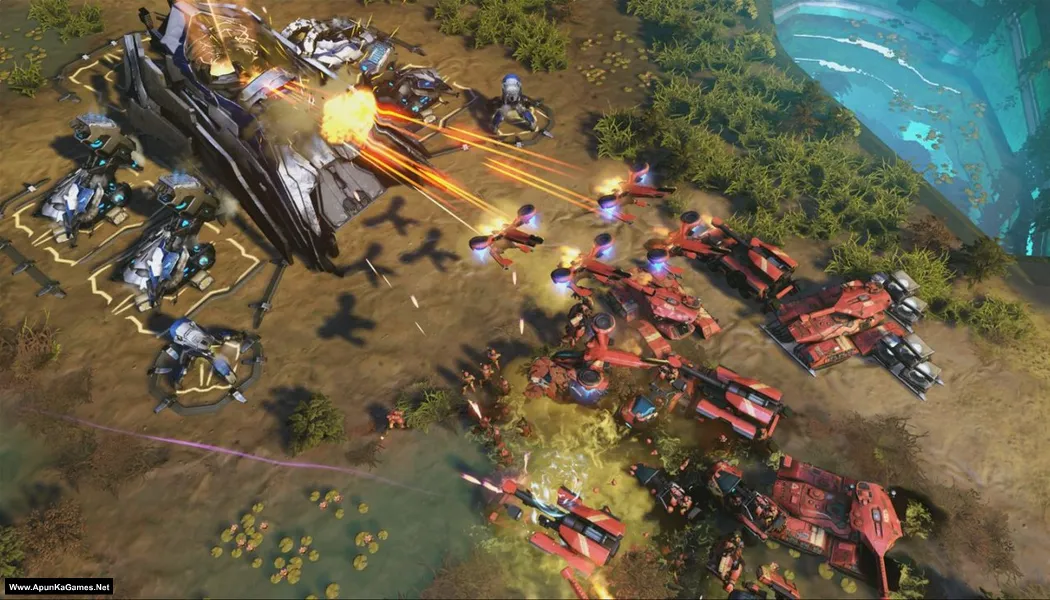
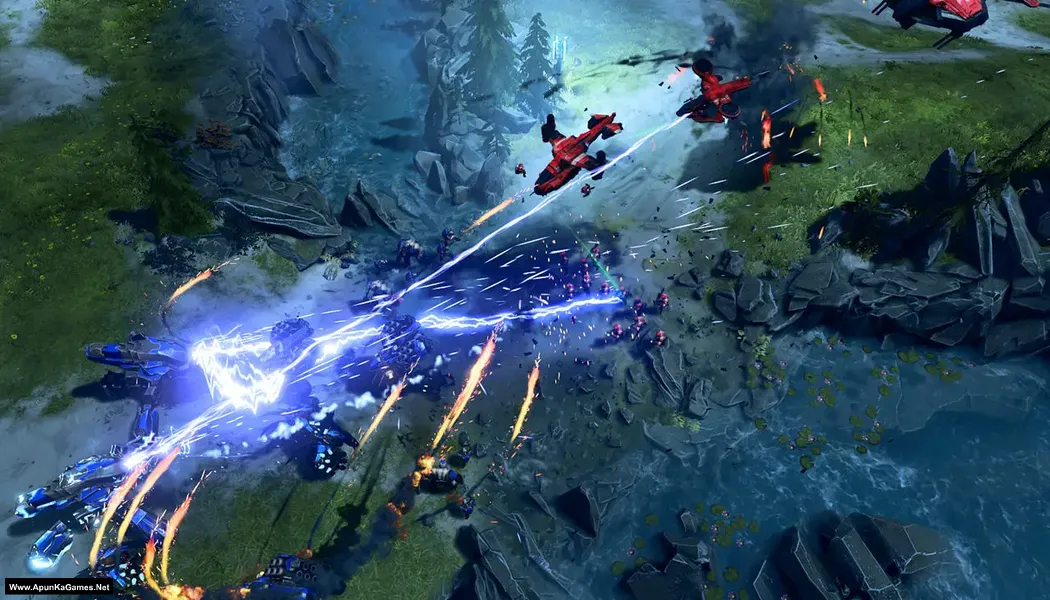
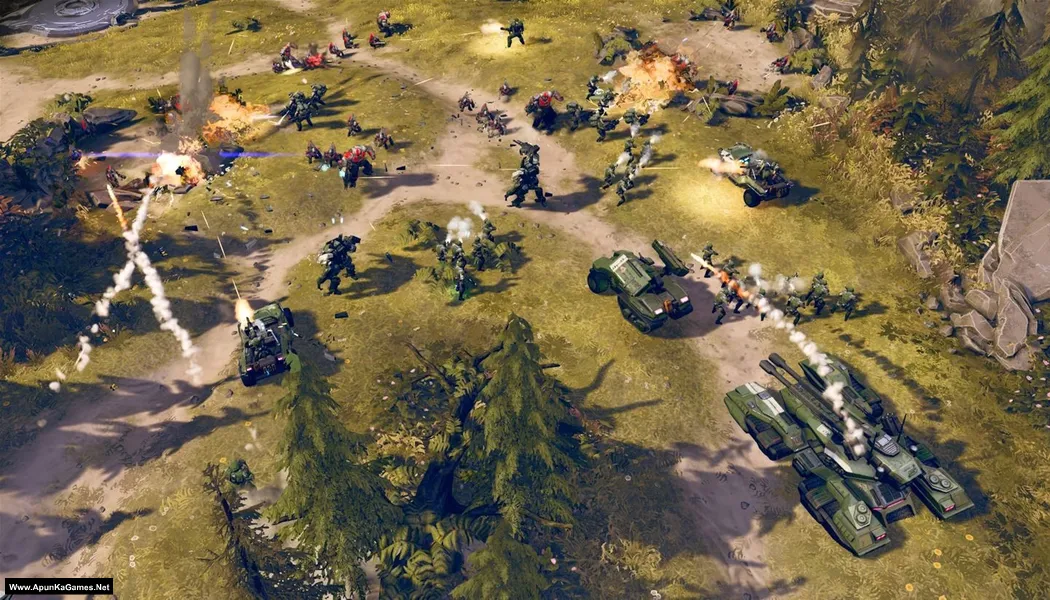
How to Install?
- Extract the file using Winrar. (Download Winrar)
- Open “Halo Wars 2: Complete Edition” folder, double click on “setup” and install it.
- After installation complete, go to the Start Menu.
- Run the game using the Start Menu “Halo Wars 2.exe” to play the game.
- Create an Xbox account for Halo Wars 2. When the game asks for an in-game Xbox account, enter your Gmail there so you can play the campaign. Done!
How to Download?
If your don’t know how to Download this game, just Click Here!
If your don’t know how to Download this game, just Click Here!
Game Size: 17.3 GB
Password: www.apunkagames.net or apunkagames
