
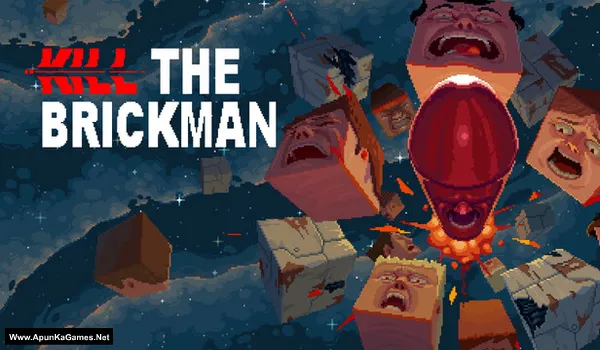
Kill the Brickman Game – Overview – Free Download – PC – Specs – Screenshots – Free
Type of game: Action-Strategy
PC Release Date: August 21, 2025
Developer/Publishers: Doonutsaur, poncle presents
Kill the Brickman (120 MB) is an Action-Strategy video game. Developed and published by Doonutsaur, poncle presents. It was released on August 21, 2025 for Windows. Kill the Brickman delivers fast-paced arcade action with challenging platforming stages. Dodge obstacles, defeat enemies, and master precise movements to survive intense levels. Retro-inspired gameplay, quick reflex mechanics, and dynamic challenges create an addictive experience.
Type of game: Action-Strategy
PC Release Date: August 21, 2025
Developer/Publishers: Doonutsaur, poncle presents
Kill the Brickman (120 MB) is an Action-Strategy video game. Developed and published by Doonutsaur, poncle presents. It was released on August 21, 2025 for Windows. Kill the Brickman delivers fast-paced arcade action with challenging platforming stages. Dodge obstacles, defeat enemies, and master precise movements to survive intense levels. Retro-inspired gameplay, quick reflex mechanics, and dynamic challenges create an addictive experience.
Before downloading make sure that your PC meets minimum system requirements.
Minimum System Requirements
- OS: Windows 10 (64‑bit)
- Processor: Intel Pentium 4 processor or later that’s SSE2 capable
- RAM: 8 GB
- Hard Disk: 1 GB available space
- Graphics Card: GeForce GTX 750 / Radeon R7 260X
- DirectX: Version 11
Screenshots
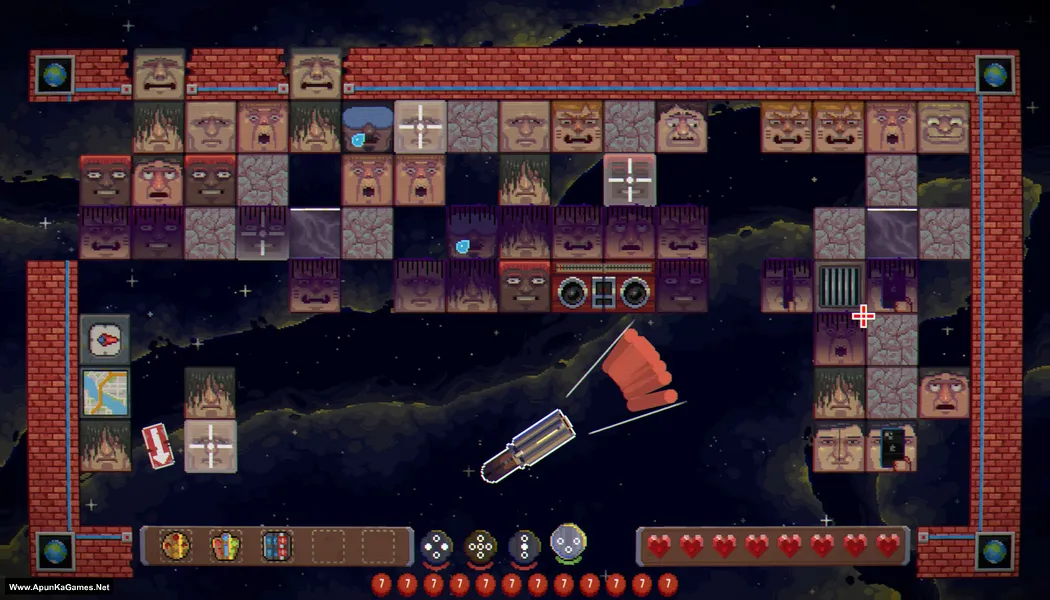
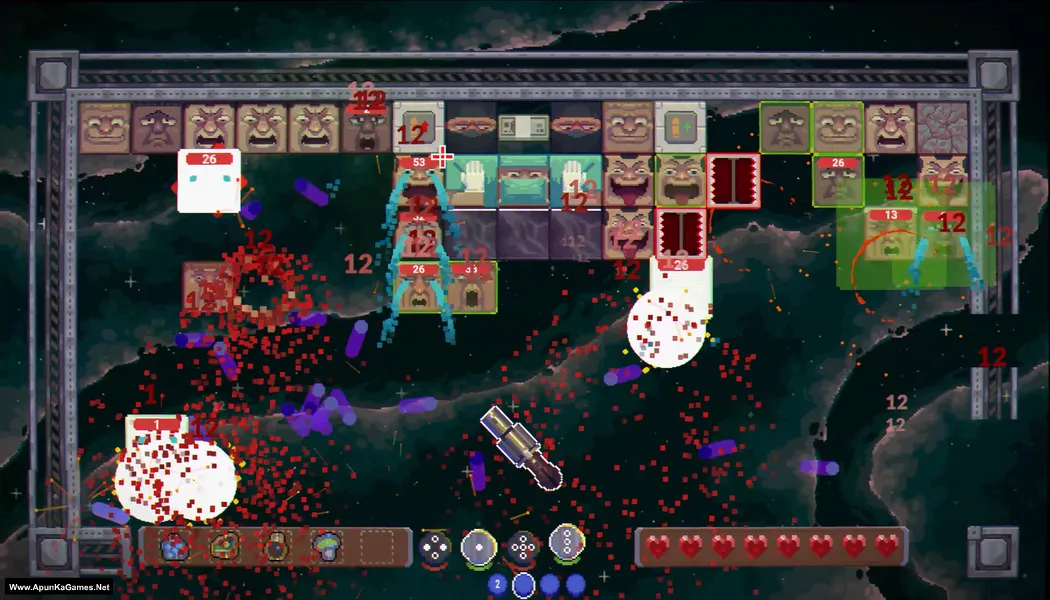
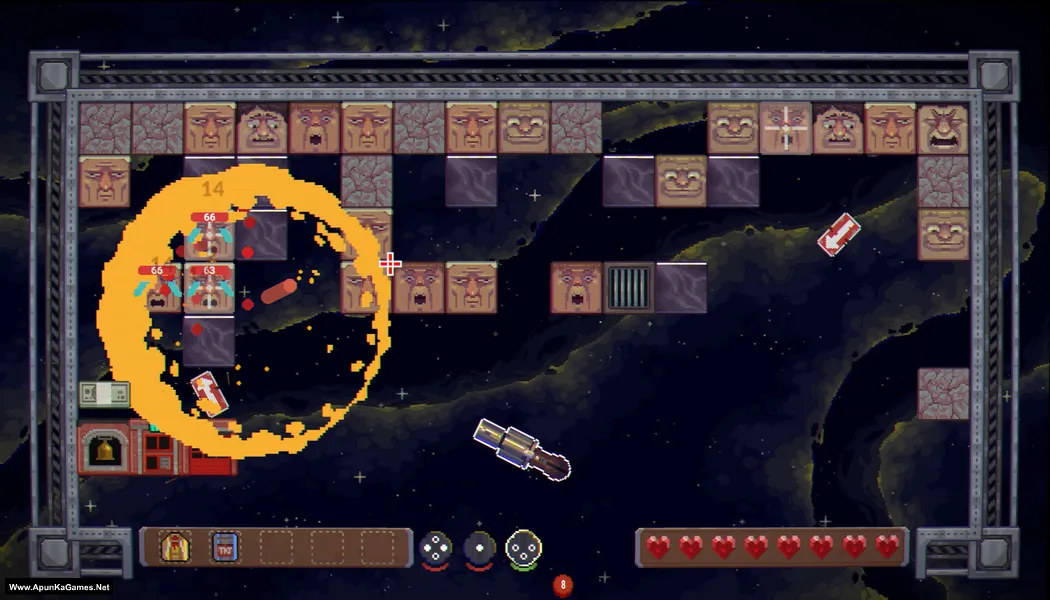
How to Install?
- Extract the file using Winrar. (Download Winrar)
- Open “Kill the Brickman” >> “Game” folder.
- Then double click on “KillTheBrickman” icon to play the game. Done!
How to Download?
If your don’t know how to Download this game, just Click Here!
If your don’t know how to Download this game, just Click Here!
Game Size: 120 MB
Password: www.apunkagames.net or apunkagames
