
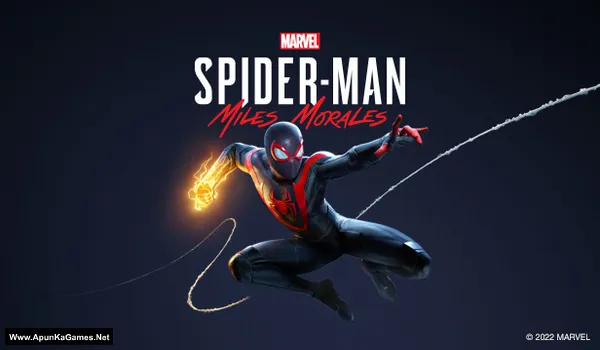
Marvel’s Spider-Man: Miles Morales v3.617.1.0 + DLCs Game – Overview – Free Download – PC – Specs – Screenshots – Free
Type of game: Action-adventure
PC Release Date: November 18, 2022
Developer/Publishers: Insomniac Games, Nixxes Software, PlayStation Publishing LLC
Marvel’s Spider-Man: Miles Morales (36.7 GB) is an Action-adventure video game. Developed and published by Insomniac Games, Nixxes Software, PlayStation Publishing LLC. It was released on November 18, 2022 for Windows. Marvel’s Spider-Man: Miles Morales delivers a thrilling superhero adventure as Miles protects New York City with new bio-electric and camouflage powers. The game features fast-paced combat, smooth web-swinging traversal, and a heartfelt story campaign. With additional suits, side missions, and extra content, it offers an expanded open-world experience packed with action and style.
Type of game: Action-adventure
PC Release Date: November 18, 2022
Developer/Publishers: Insomniac Games, Nixxes Software, PlayStation Publishing LLC
Marvel’s Spider-Man: Miles Morales (36.7 GB) is an Action-adventure video game. Developed and published by Insomniac Games, Nixxes Software, PlayStation Publishing LLC. It was released on November 18, 2022 for Windows. Marvel’s Spider-Man: Miles Morales delivers a thrilling superhero adventure as Miles protects New York City with new bio-electric and camouflage powers. The game features fast-paced combat, smooth web-swinging traversal, and a heartfelt story campaign. With additional suits, side missions, and extra content, it offers an expanded open-world experience packed with action and style.
- DLCs: Pre-purchase Entitlements
- Two-suit pack, including the T.R.A.C.K. Suit, and Into the Spider-Verse Suit
- Early access to the Gravity Well gadget
- hree Skill Points to unlock some abilities from the start of the game.
Before downloading make sure that your PC meets minimum system requirements.
Minimum System Requirements
- OS: Windows 10 64-bit 1909
- Processor: Intel Core i3-4160, 3.6 GHz or AMD equivalent
- RAM: 8 GB
- Hard Disk: 75 GB available space
- Graphics Card: NVIDIA GTX 950 or AMD Radeon RX 470
- DirectX: Version 12
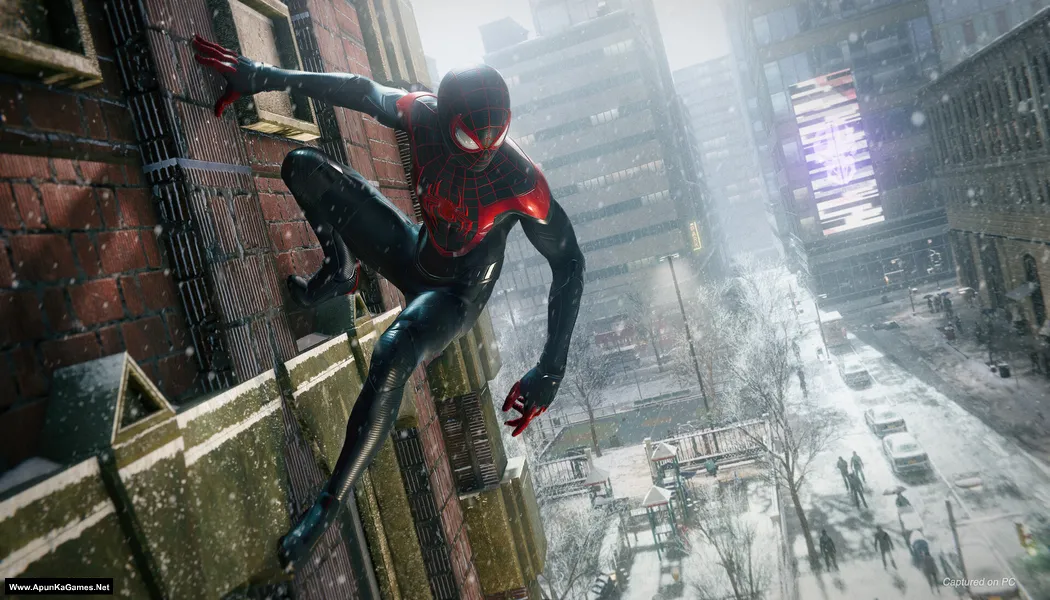
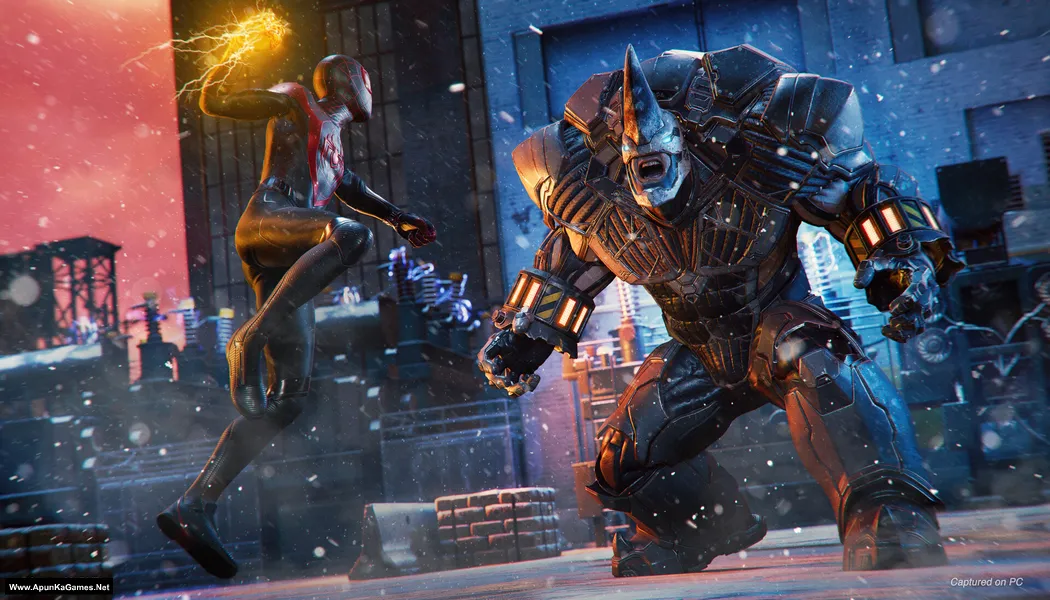
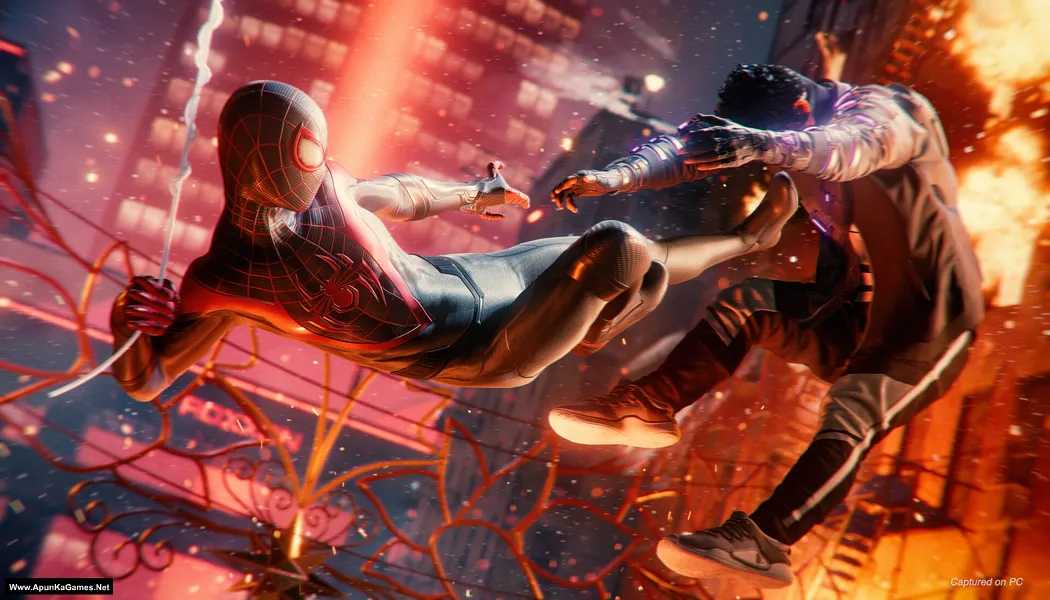
Screenshots
How to Install?
- Extract the file using Winrar. (Download Winrar)
- Open “Marvel’s Spider-Man: Miles Morales” folder, double click on “setup” and install it.
- Once the installation is 100% complete, go to the desktop.
- Then launch the game from the “desktop” or “Start Menu” game icon to start playing. Done!
How to Download?
If your don’t know how to Download this game, just Click Here!
If your don’t know how to Download this game, just Click Here!
Game Size: 36.7 GB
Password: www.apunkagames.net or apunkagames

Thanks for the game brother ❣️
do your games have virus i thought all your games had virus
Brother, it’s not a virus. Those are crack files, and Windows Defender or your antivirus may flag or quarantine them because they don’t support cracked files. Temporarily turn off your antivirus/Defender during extraction and installation, then add the game folder to your antivirus exclusions before turning it back on. 👍
I am waiting for this bro thanks ❣️
We really appreciate your patience, bro! ❣️ Thanks for waiting — it means a lot to us! 🎮🔥
BRO I CANT UNINSTALL IT THE UNISTALL FILE IS MISSING
Brother Download These Files and extract it. Then copy and paste the “ISDone_x86” and “unarc_x86” files into both of these folders:
C:\Windows\System32
C:\Windows\SysWOW64
It will solve your problem it’s not setup fault. Just download extract and paste these files into your windows.
Yar ye Part 7 and part 8 download ni hota Not Found
The requested URL was not found on this server.
ye aajata he 5gb wala parts me
plz bro mene 25 gb download krliya he or ab yaha per ye issue aara he
All links are fine. Download from TheFileLocker, but remember to download the parts one by one. First, wait for Part 6 to finish downloading completely, then click on Part 7, complete the captcha, and start the next download. If you try downloading multiple parts at the same time in IDM, the next part may give an error. 👍
Thank you for the game 🎮 Admin
You’re most welcome brother 🎮🙂
Enjoy the game and have fun! If you face any issue, just let me know!
MATLAB SETUP PE CLICK KARTE HI JO POSTER ATA HE WAHI PE RUK JATA HE
Bhai setup pe samny likha hua hota hai k aap apny keyboard sy “Up” arrow button press karain taky setup unlock ho. Phr install kr lo!
Bro please upload rider republic🩶
Noted brother! Tomorrow we will upload this game. Stay tuned 😊
the game does not work help me pls when am extracting the game does not work pls help meeeee
Check your folder and make sure you have downloaded all parts of the game completely. Also ensure that your WinRAR version is updated. Before extracting, temporarily disable your antivirus to avoid any errors during the extraction process. 🎮
Bhaiya please upload Marvel’s Spider-Man 2 PC Game 🎮 Full Version for PC
Already published on our website brother!
Sir please ghost recon break point game upload
Sorry brother not cracked yet!
bro is it working now?
Yes!
bro apple thefileslocker wale jo bhi link hen, mere liye worl nhin kr rhe, link generate hi nhin hota, na hi download start hota
Wait for 1st parts to finish then click on 2nd download. All links are fine just download one by one. cancel all the active downloads in IDM and then click Part 1 it will download 100%.
Hello Admin thank you so much for the game The game works Admin thank you so much for the game 🎮
Happy to hear the game works! Thank you so much for your feedback and support! 😊🎮
yo apunka can i run it on my pc?
my spec-gtx 9602gb 16gbram and i5 7500
Yes brother, you can run Marvel’s Spider-Man: Miles Morales on your PC, but with some limitations. Your GTX 960 2GB is close to minimum requirements, so you’ll need to play on very low settings, preferably at 720p for smoother performance. Your RAM and CPU are fine, but the low VRAM may cause stuttering on higher settings. Turn off ray tracing and keep textures low for the best experience. It’s playable, but don’t expect high graphics.
Bro can you provide single file link downloads for every game like large games like this because your server is fast
Sure bro, right now we are focusing on installation videos. Many people have slow internet, so that’s why we split the files into parts so everyone can download them easily.
HELO CAN I GET AN INSTALLATION VIDEO GAME IS JUST OPENING AND CLOSING
Ok bro we can check it first and then resolve your issue as soon as we can. Also we will upload video gudie for you after resolve your issue.
controller not detect in game how to fix this problem
its stuck on dodi repacks loadin screen
Just click on the setup screen or at the bottom where the green line is shown, then press the UP arrow key on your keyboard to unlock the setup. Simple 👍
bro getting “unrarc.dll error 11” again and again upon installing setup
We will update video guide soon we’ll already resolved your issue.
Bro when is the video guide coming?
We will upload it as soon as we can.
Thanks for the game bro i’ve have almost finished it just the last mission is pending after the final fight when miles goes to absorb the reactor energy the game crashes i even try playing that part on the lowest settings but it keeps crashing is there any way to fix it
ps thanks again for the game
Glad you’re almost at the end 👍
That crash during the final mission (when Miles absorbs reactor energy) is usually caused by a script/streaming load crash, GPU driver issue, or corrupted save checkpoint.
Try this in order: First, restart your PC and update your graphics drivers, then run the game as administrator. Lower settings further (especially shadows, textures, and ray tracing if enabled) and switch to windowed mode for that mission.
If it still crashes, reload an earlier checkpoint and replay the mission segment—sometimes the save gets slightly corrupted near scripted sequences. Also make sure no background overlays (Discord, recording tools, etc.) are running.
bhai game install to ho gyi lag bhi jati hai menu screen p phir screen black ho jati hai aisa q
Brother, this usually happens when the game loads but your graphics driver or GPU settings can’t handle the next scene, so it turns black 👍
Try these fixes: update your GPU drivers, run the game as Administrator, and lower resolution before launching if possible. Also disable overlays like Discord/GeForce and make sure your DirectX is updated.
If it still goes black after the menu, it’s most likely a driver or hardware compatibility issue with your system 👍