
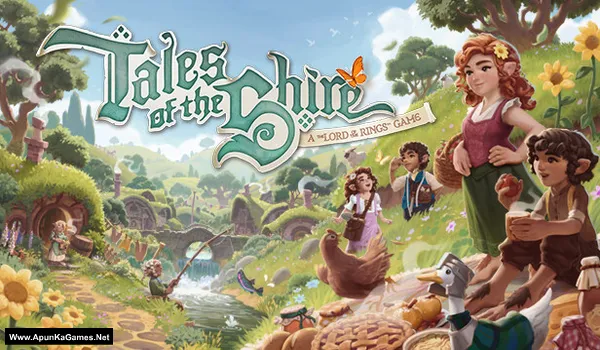
Tales of the Shire: A The Lord of The Rings Game – Overview – Free Download – PC – Specs – Screenshots – Free
Type of game: RPG, Simulation
PC Release Date: July 29, 2025
Developer/Publishers: Wētā Workshop, Fictions
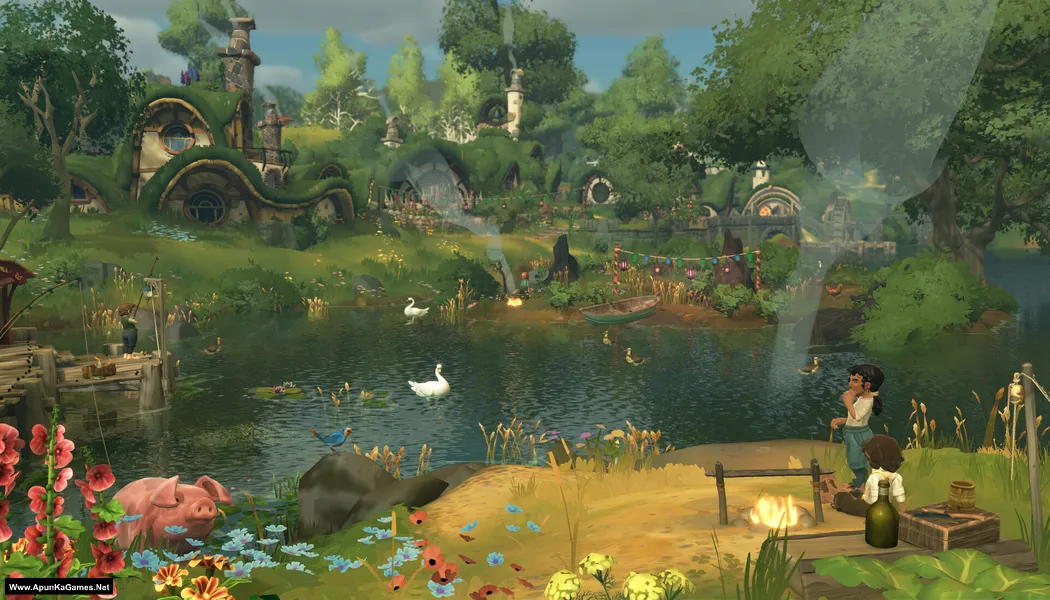
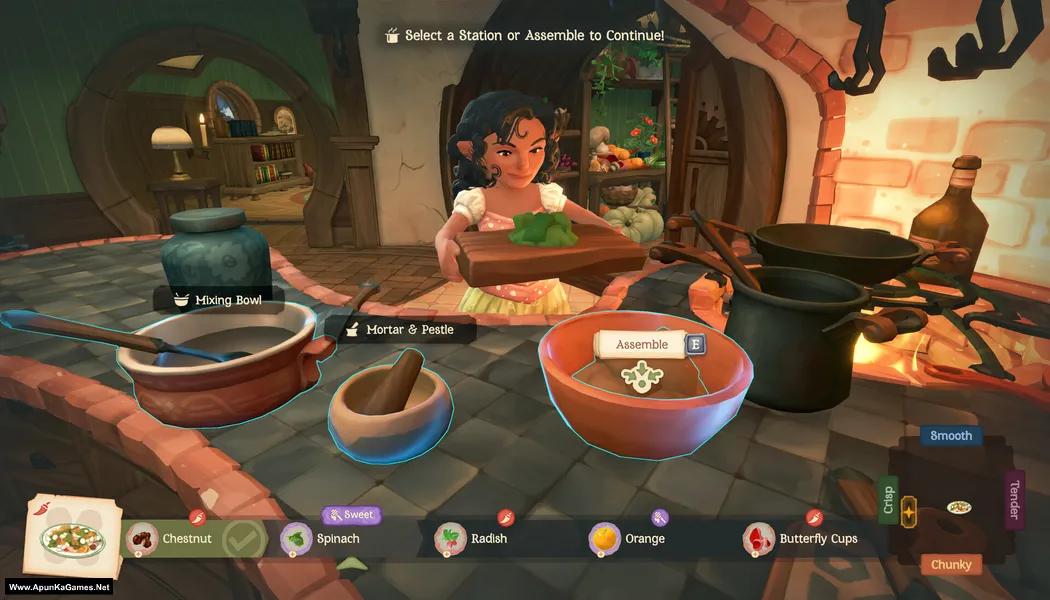
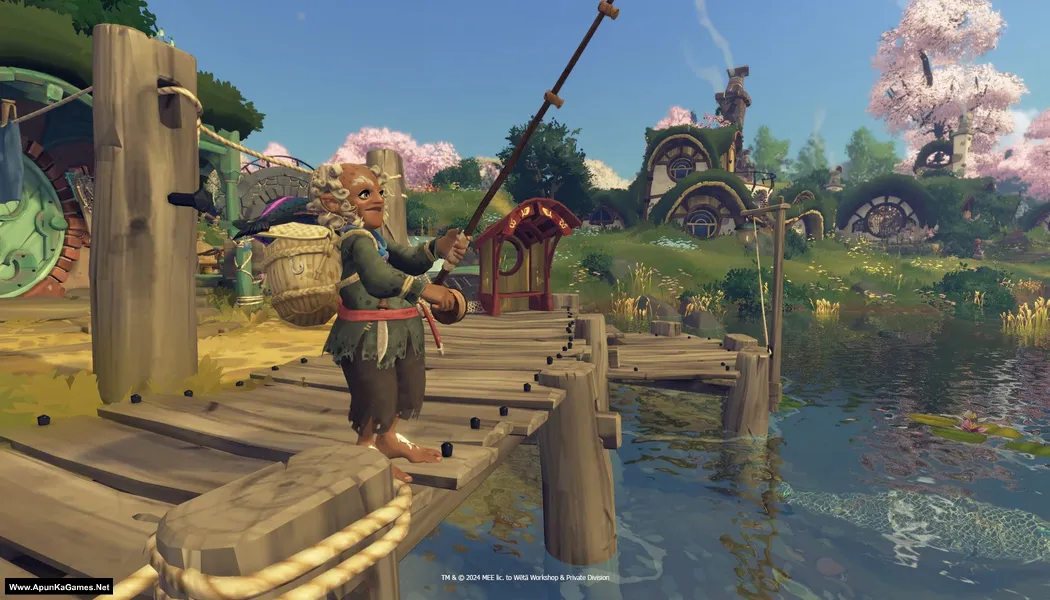
Tales of the Shire: A The Lord of The Rings Game (2.10 GB) is an RPG, Simulation video game. Developed and published by Wētā Workshop, Fictions. It was released on July 29, 2025 for Windows. Tales of the Shire: A The Lord of the Rings Game offers a cozy life-sim adventure set in Middle-earth. Farm, cook, fish, and build friendships in the peaceful Shire. Relaxed gameplay, charming quests, and Hobbit life activities create a warm and immersive experience.
Type of game: RPG, Simulation
PC Release Date: July 29, 2025
Developer/Publishers: Wētā Workshop, Fictions
Tales of the Shire: A The Lord of The Rings Game (2.10 GB) is an RPG, Simulation video game. Developed and published by Wētā Workshop, Fictions. It was released on July 29, 2025 for Windows. Tales of the Shire: A The Lord of the Rings Game offers a cozy life-sim adventure set in Middle-earth. Farm, cook, fish, and build friendships in the peaceful Shire. Relaxed gameplay, charming quests, and Hobbit life activities create a warm and immersive experience.
Before downloading make sure that your PC meets minimum system requirements.
Minimum System Requirements
- OS: Windows 10 (64‑bit)
- Processor: Intel Core i5-7600K or AMD Ryzen 3 1200
- RAM: 16 GB
- Hard Disk: 4 GB available space
- Graphics Card: NVIDIA GeForce GTX 770, 4 GB or AMD Radeon R9 270X, 4 GB or Intel Arc A580, 8 GB
- DirectX: Version 11
Screenshots
How to Install?
- Extract the file using Winrar. (Download Winrar)
- Open “Tales of the Shire A The Lord of The Rings Game” >> “Game” folder.
- Then double click on “TotS.exe” to play the game. Done!
Complete Installation Video Tutorial?
We provide complete game installation videos to guarantee that every game works perfectly. Unlike other websites where you download blindly and hope for the best, we show you real proof. Our step-by-step installation videos clearly demonstrate the game running successfully, so you know exactly what you’re getting. With us, there’s no guesswork—only verified, 100% working games you can trust.
Trust / Proof
- 100% Working – Tested by Us
- Game Verified Before Upload
- Working Gameplay Shown
- No Fake Files
- Installed Successfully on Our PC
How to Download?
If your don’t know how to Download this game, just Click Here!
If your don’t know how to Download this game, just Click Here!
Game Size: 2.10 GB
Password: www.apunkagames.net or apunkagames
