
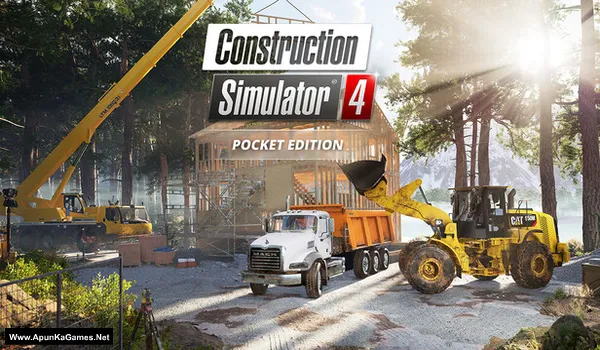
Construction Simulator 4 – Pocket Edition Game – GOG – Overview – Download – Free – PC – Specs – Screenshots – Installation Guide
Type of game: Simulation
PC Release Date: November 13, 2025
Developer/Publishers: astragon Development
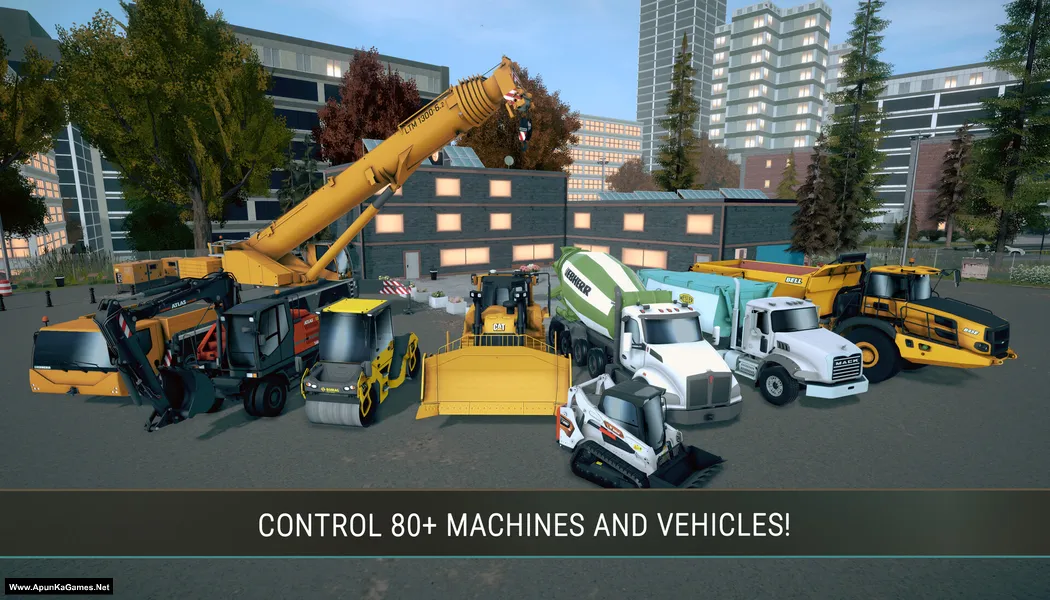
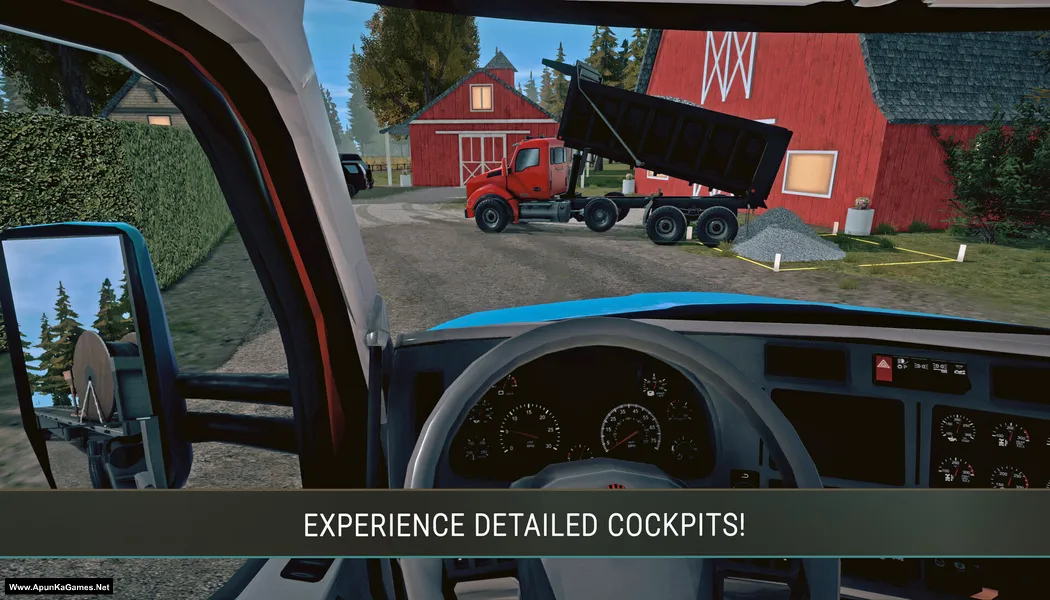
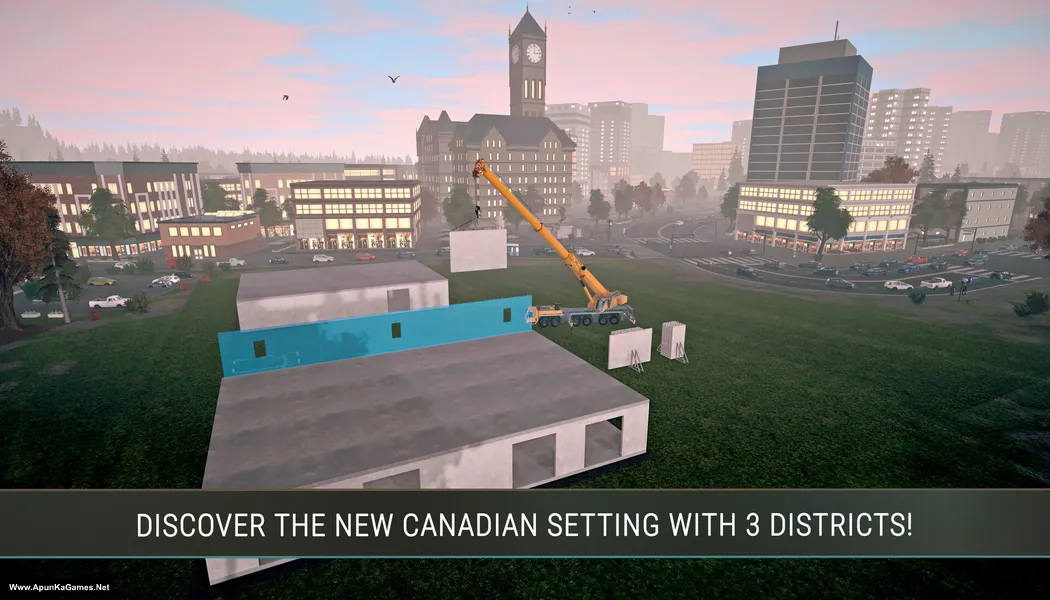
Construction Simulator 4 – Pocket Edition (1.38 GB) is a realistic construction simulation where players operate heavy machinery and manage building projects across detailed environments. Drive excavators, cranes, and trucks while completing contracts like road construction and infrastructure development. The gameplay focuses on operating licensed construction vehicles, planning projects, and expanding your company, delivering an engaging PC construction simulator experience for players who enjoy realistic vehicle controls, management elements, and large-scale building tasks.
Type of game: Simulation
PC Release Date: November 13, 2025
Developer/Publishers: astragon Development
Construction Simulator 4 – Pocket Edition (1.38 GB) is a realistic construction simulation where players operate heavy machinery and manage building projects across detailed environments. Drive excavators, cranes, and trucks while completing contracts like road construction and infrastructure development. The gameplay focuses on operating licensed construction vehicles, planning projects, and expanding your company, delivering an engaging PC construction simulator experience for players who enjoy realistic vehicle controls, management elements, and large-scale building tasks.
Before downloading make sure that your PC meets minimum system requirements.
Minimum System Requirements
- OS: Windows 7/8/10 (64‑bit)
- Processor: Intel Core2 Quad Q6600 @ 2.40GHz or AMD Phenom II X3 720
- RAM: 4 GB
- Hard Disk: 3 GB available space
- Graphics Card: AMD Radeon HD 6850 1GB VRAM or Nvidia GeForce GTX 460 768MB VRAM or Intel HD 520
- Network: Broadband Internet connection
- DirectX: Version 11
Screenshots
How to Install?
- Extract the file using Winrar. (Download Winrar)
- Open “Construction Simulator 4 – Pocket Edition” folder, double click on “setup” and install it.
- After installation complete, go to the folder where you install the game.
- Open folder, double click on “Game” icon to play the game. Done!
How to Download?
If your don’t know how to Download this game, just Click Here!
If your don’t know how to Download this game, just Click Here!
Game Size: 1.38 GB
Password: www.apunkagames.net or apunkagames
