
Resident Evil 7 Biohazard Gold Edition + All DLCs Game – Overview – Download – Free – PC – Specs – Screenshots – Installation Guide
Type of game: Survival Horror
PC Release Date: December 12, 2017
Developer/Publishers: CAPCOM Co., Ltd.
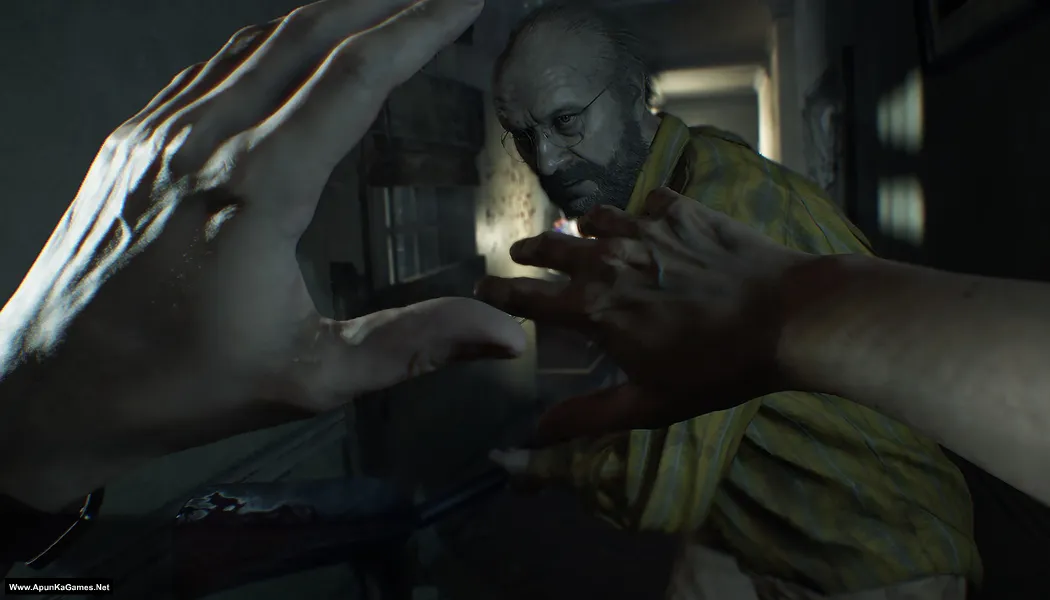
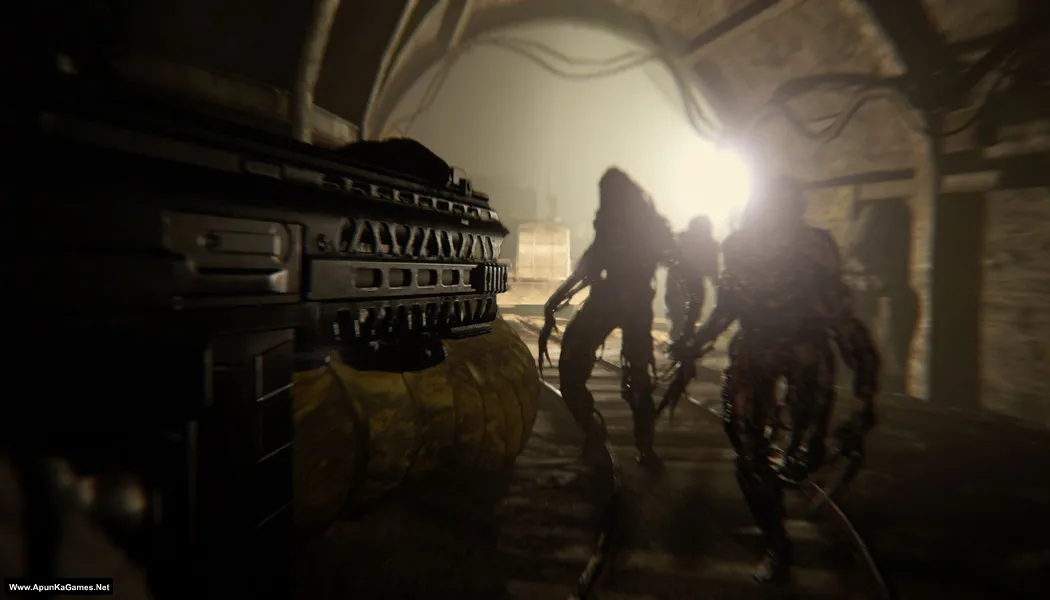
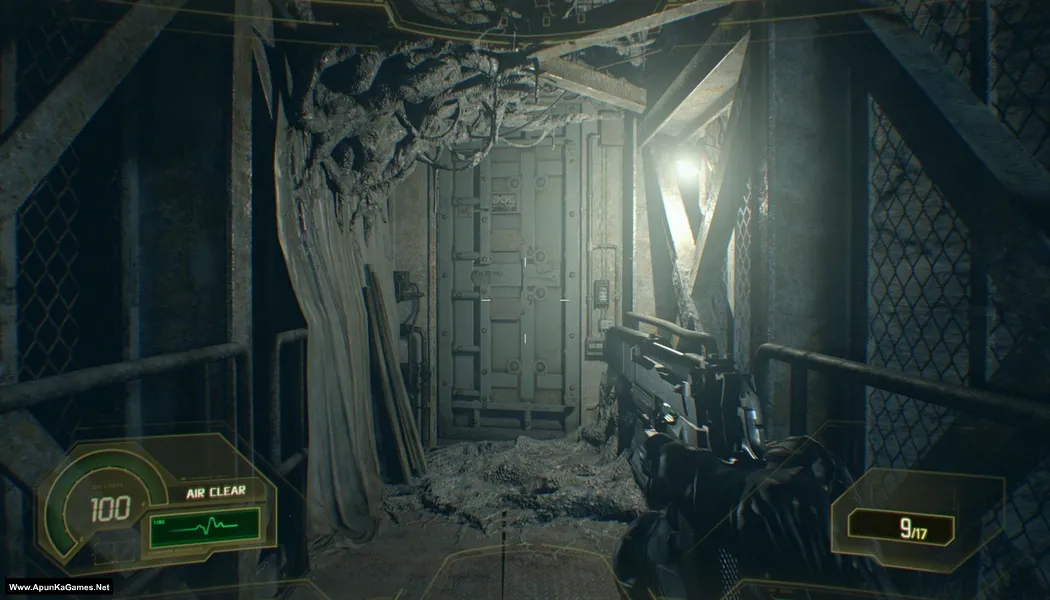
Resident Evil 7 Biohazard Gold Edition (24.8 GB) is a survival horror game that puts players in a terrifying first-person experience inside the creepy Baker family mansion. Play as Ethan Winters while searching for your missing wife and uncovering disturbing secrets. Explore dark locations, solve puzzles, and fight horrifying enemies using limited resources. The gameplay focuses on intense survival mechanics, atmospheric horror, and story-driven exploration. The Gold Edition includes all DLCs and extra story content, delivering a complete PC horror experience.
Type of game: Survival Horror
PC Release Date: December 12, 2017
Developer/Publishers: CAPCOM Co., Ltd.
Resident Evil 7 Biohazard Gold Edition (24.8 GB) is a survival horror game that puts players in a terrifying first-person experience inside the creepy Baker family mansion. Play as Ethan Winters while searching for your missing wife and uncovering disturbing secrets. Explore dark locations, solve puzzles, and fight horrifying enemies using limited resources. The gameplay focuses on intense survival mechanics, atmospheric horror, and story-driven exploration. The Gold Edition includes all DLCs and extra story content, delivering a complete PC horror experience.
Before downloading make sure that your PC meets minimum system requirements.
Minimum System Requirements
- OS: Windows 10 (64-BIT Required)
- Processor: Intel Core i5-4460, 2.70GHz or AMD FX™-6300 or better
- RAM: 8 GB
- Hard Disk: 50 GB available space
- Graphics Card: NVIDIA GeForce GTX 960 or AMD Radeon™ RX 460
- DirectX: Version 12
Screenshots
How to Install?
- Extract the file using Winrar. (Download Winrar)
- Open “Resident Evil 7 – Gold Edition” folder, double click on “setup” and install it.
- After installation complete, go to the folder where you install the game.
- Open folder, double click on “re7.exe” to play the game. Done!
How to Download?
If your don’t know how to Download this game, just Click Here!
If your don’t know how to Download this game, just Click Here!
Game Size: 24.8 GB
Password: www.apunkagames.net or apunkagames

Hi, I just want to ask if you could make a 800mb parts so I can download it fast, I just want to play the dlcs now because I already finished the original part of the game thank you.
We will try, brother, but first we need to recover many deleted game links. After that, we will update and optimize the parts for easier downloading. Thanks for your understanding.
To the ApunKaGames Admin,
First, thank you for providing such a great variety of games. I’ve noticed lately that some links for Action games are no longer working (showing deleted or broken page errors). If you have a moment, please update these links.
I’d also like to request a new feature: a “System Compatibility Match.” Having a tool that helps us see if our laptop/PC configuration matches the game’s requirements would be a huge help and make the site even better. Thank you!
Thank you so much for your kind words and for supporting the site, it really means a lot! I appreciate you pointing out the broken Action game links—I’ll definitely check them and update anything that’s not working as soon as possible. Also, when downloading in parts, try downloading them one by one to avoid errors.
Your suggestion about a “System Compatibility Match” is a great idea, and I’ll definitely keep it in mind for future improvements. Thanks again for your feedback and support! 👍
Hi apunkagames, may I ask, after I extracted the file and wanted to install the game from the setup, I was just stuck on the Resident Evil 7 image that says Dodi Repacks 2018. How do I continue the installation process? Thank you in advance.
Brother, it’s simple. When the DODI repack setup opens, you’ll see a green line at the bottom—just click on that line and press the “Up” arrow key on your keyboard to unlock it. Done 👍
Hi apun ka games!
50 gb free space mentioned on web but it takes 80 or above when I install it.
Why?
Brother, the free space mentioned on the website is usually the final installed game size. During installation, extra temporary space is also required for extraction and setup files, which is why it can temporarily use 80 GB or more. After the installation is complete, you can delete the setup/extracted files and the used space should decrease 👍
hi while in setup phase it showing RE7biohazard\re_chunk_000.pak error occure while trying to copy a file the source is corrupted when i ignore this then same error occute with chunk_001.pak
Brother, this error usually means one of the setup files is corrupted or wasn’t downloaded completely. Please verify that all parts were downloaded successfully, then extract Part 1 again. Also, turn off your antivirus/Windows Defender before extracting and installing, as it may corrupt or quarantine files. If the same error appears after that, re-download the part containing the damaged file and try again. 👍 100% working setup!
I just wanted to say that i appreciate the crew that made it possible for us to play this game , it working perfectly, thank you so much for ur efforts , keep up the work.
Thanks a lot for your kind words and support! ❤️ It truly means a lot to the whole team. We’re really happy to hear the game is working perfectly for you. Enjoy the game, and we’ll keep doing our best to bring you more great releases. Have fun and happy gaming! 🎮😊