

Kohan: Immortal Sovereigns Game – Overview – Download – Free – PC – Specs – Screenshots – Installation Guide
Type of game: Strategy
PC Release Date: March 15, 2001
Developer/Publishers: Lootmax Games, TimeGate Studios, Big Bad Wolf, Inc.
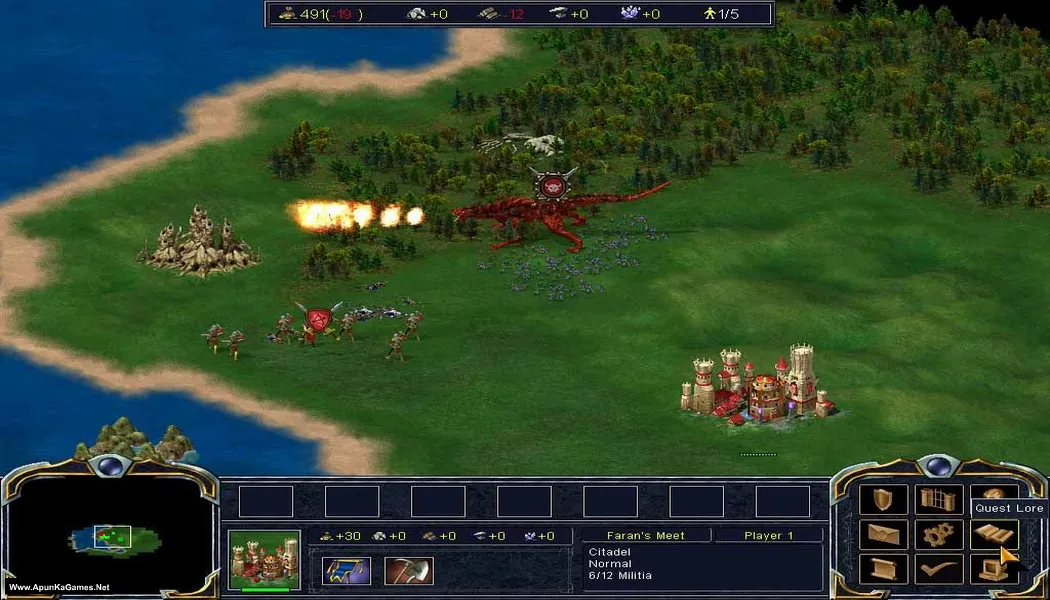
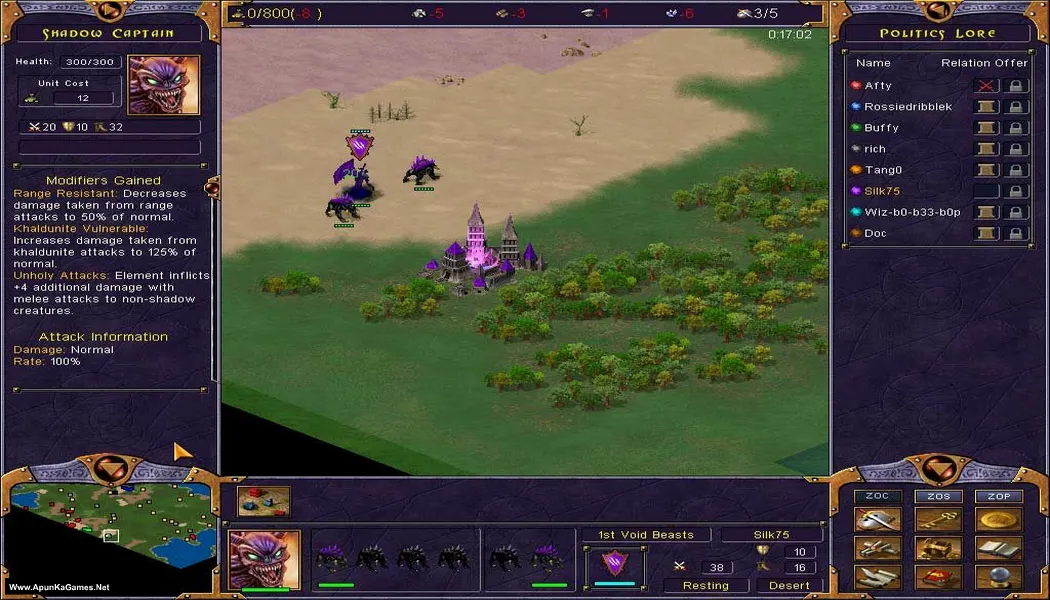
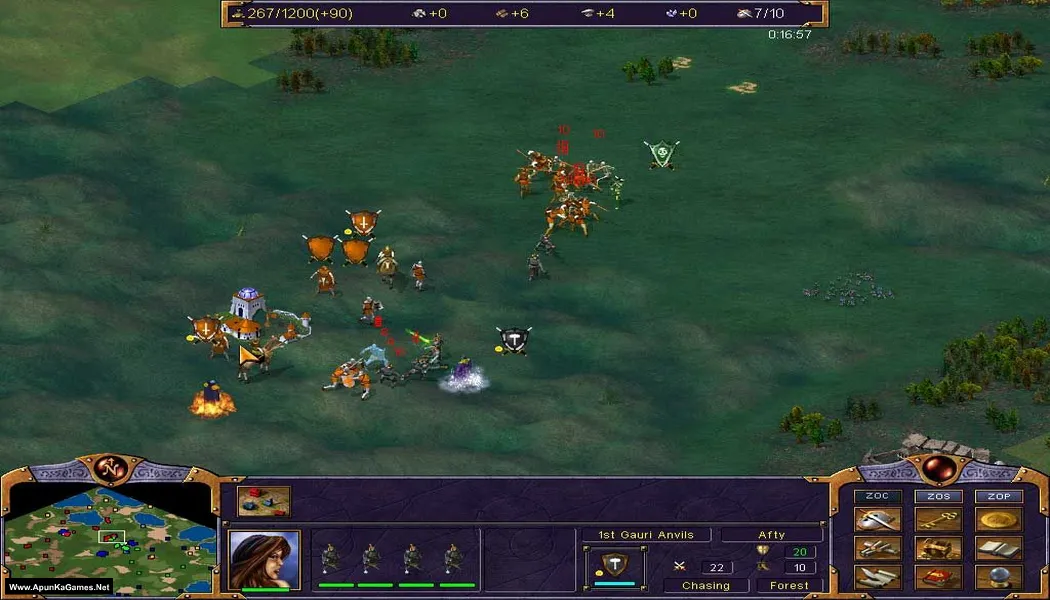
Kohan: Immortal Sovereigns (383 MB) is a classic real-time strategy game where players build powerful kingdoms, manage resources, command armies, and lead their immortal heroes into epic battles. Set in the fantasy world of Khaldun, the game combines traditional RTS mechanics with unique squad-based combat, strategic planning, and deep empire management. Recruit powerful units, conquer enemy territories, defend your lands, and experience a legendary strategy adventure perfect for fans of classic RTS games on PC.
Type of game: Strategy
PC Release Date: March 15, 2001
Developer/Publishers: Lootmax Games, TimeGate Studios, Big Bad Wolf, Inc.
Kohan: Immortal Sovereigns (383 MB) is a classic real-time strategy game where players build powerful kingdoms, manage resources, command armies, and lead their immortal heroes into epic battles. Set in the fantasy world of Khaldun, the game combines traditional RTS mechanics with unique squad-based combat, strategic planning, and deep empire management. Recruit powerful units, conquer enemy territories, defend your lands, and experience a legendary strategy adventure perfect for fans of classic RTS games on PC.
Before downloading make sure that your PC meets minimum system requirements.
Minimum System Requirements
- OS: Windows 98/SE/Me/2000/XP/Vista/7
- Processor: Pentium IV 1.5 GHz or AMD Athlon equivalent
- RAM: 256 MB
- Hard Disk: 700 MB available space
- Graphics Card: 64 MB NVIDIA GeForce 3 / ATI Radeon 8500 or equivalent
- DirectX: Version 9.0b
Screenshots
How to Install?
- Extract the file using Winrar. (Download Winrar)
- Open “Kohan: Immortal Sovereigns” >> “Game” folder.
- Then double click on “Kohan.exe” to play the game. Done!
How to Download?
If your don’t know how to Download this game, just Click Here!
If your don’t know how to Download this game, just Click Here!
Kohan: Immortal Sovereigns Download
Click Here to Download This Game
Game Size: 383 MB
Password: www.apunkagames.net or apunkagames
Click Here to Download This Game
Game Size: 383 MB
Password: www.apunkagames.net or apunkagames
