
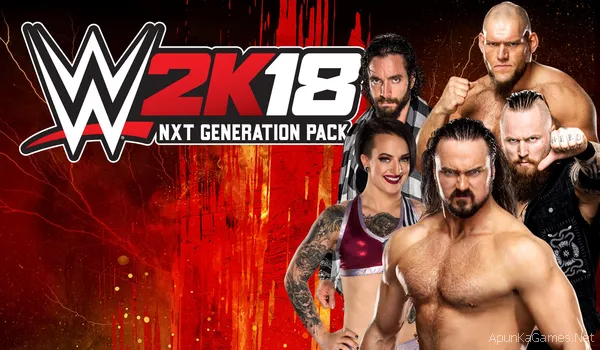
 WWE 2K18 – Overview – Free Download – PC – Specs – Screenshots – Installation Video
Type of game: Sports game
PC Release Date: October 17, 2017
Developer/Publishers: Yuke’s, Visual Concepts / 2K Games, 2K Sports
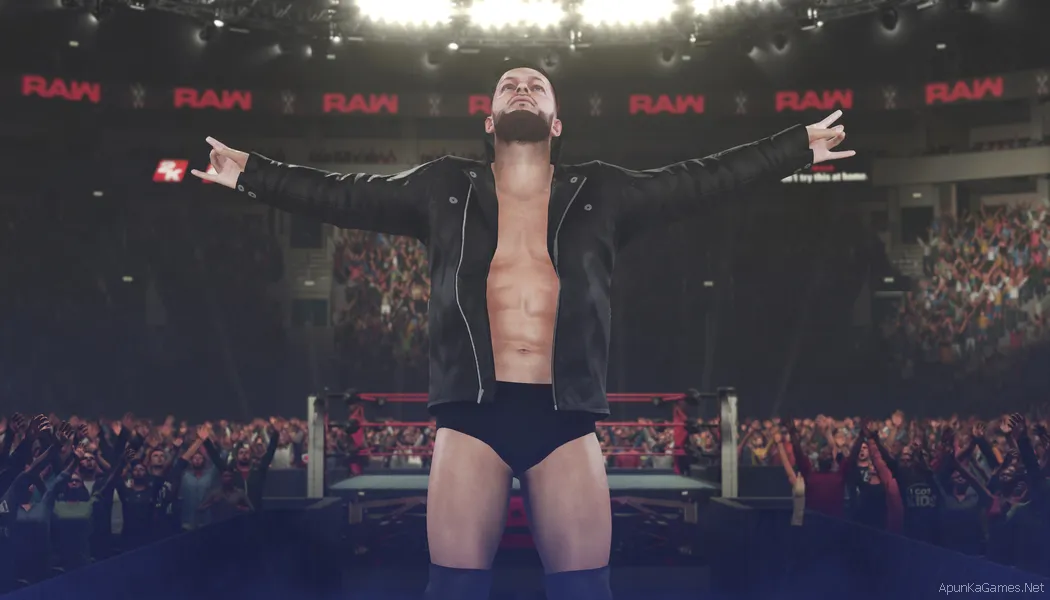
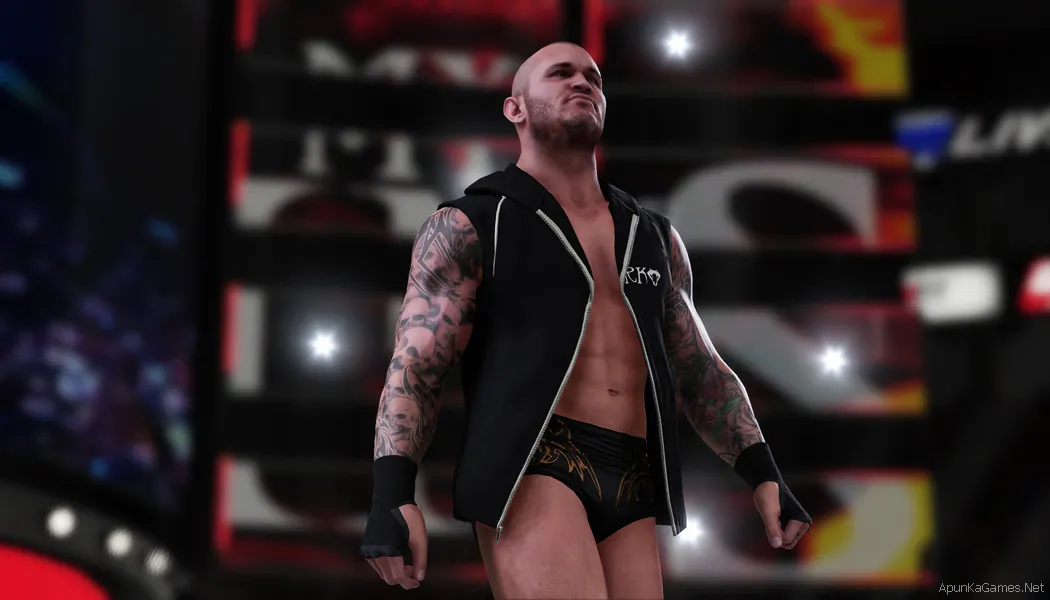
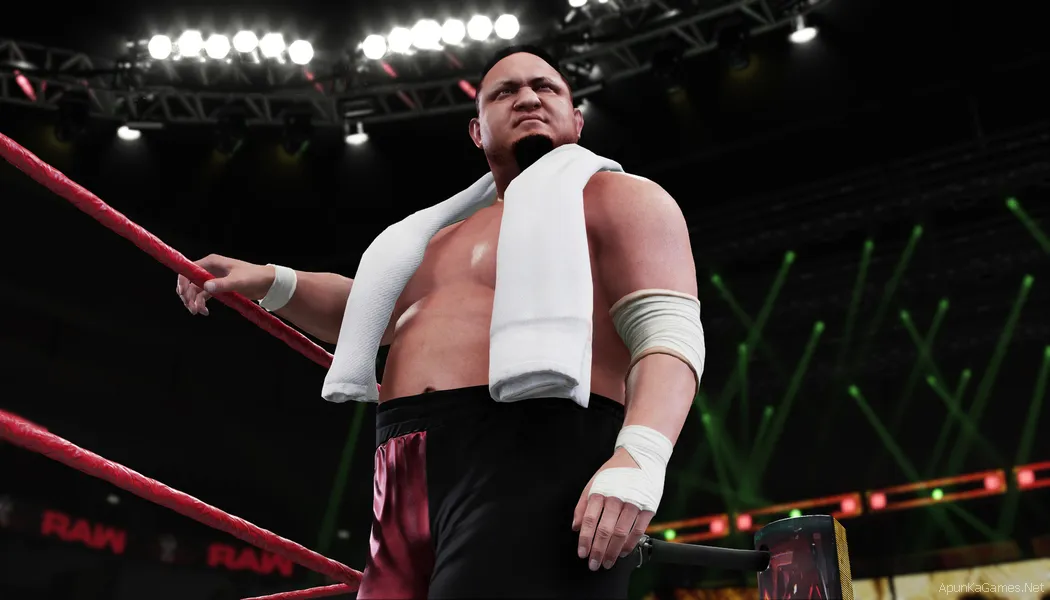
WWE 2K18 is a professional wrestling simulation video game developed by Yuke’s and Visual Concepts and published by 2K Sports. Released in 2017, the game continues the popular WWE 2K franchise and introduces improved gameplay, better visuals, and one of the largest rosters in the series. The PC version allows players to experience authentic WWE action featuring current Superstars, NXT competitors, and legendary wrestlers.The game includes more than 200 playable characters, including stars such as Roman Reigns, John Cena, Seth Rollins, AJ Styles, and Brock Lesnar. Legendary wrestlers like The Undertaker and Triple H are also part of the roster. WWE 2K18 offers multiple match types including singles, tag team, ladder matches, Royal Rumble, and Hell in a Cell, all recreated with detailed arenas and crowd reactions.
Minimum System Requirements
- OS: Windows 7Vista/8 (64-bit)
- Processor: Intel Core i5-3550 / AMD FX 8150
- RAM: 4 GB
- Hard Drive: 50 GB available space
- Video Card: GeForce GTX 670 / Radeon HD 7850
- Sound Card: DirectX 9.0c compatible
- DirectX: Version 11
How to Install?
- Extract the file using Winrar. (Download Winrar)
- Open “WWE 2K18” folder, double click on “Setup” and install it.
- After installation complete, go to the folder where you install the game.
- Open folder, double click on “WWE2K18_x64” icon to play the game. Done!
If your don’t know how to Download this game, just Click Here!
Click Here to Download This Game
Game Size: 26.8 GB
Password: www.apunkagames.net or apunkagames

Password?
WHATS THE PASSWORD PLZ
PLZ
When wwe 2k22 will come on this website
whats the password
Password kya hai
This game not run perfectly on my hp victus 24gb ddr5 ram rtx 3050 6gb intel i5 hx 14th gen this run in slow motion
Your PC is powerful enough to run WWE 2K18 easily, so slow motion is not a hardware issue. It usually happens due to FPS or refresh rate problems—make sure the game runs at 60 FPS, enable V-Sync, use the RTX 3050 instead of integrated graphics, and set your display to 60Hz.
WORKING GR8
THANKS
You’re welcome. Glad it’s working well 👍