
 Don Bradman Cricket 17 – Overview – Free Download – PC – Specs – Screenshots – Installation Video
Type of game: Sports
PC Release Date: January 16, 2017
Developer/Publishers: Big Ant Studios, Tru Blu Entertainment
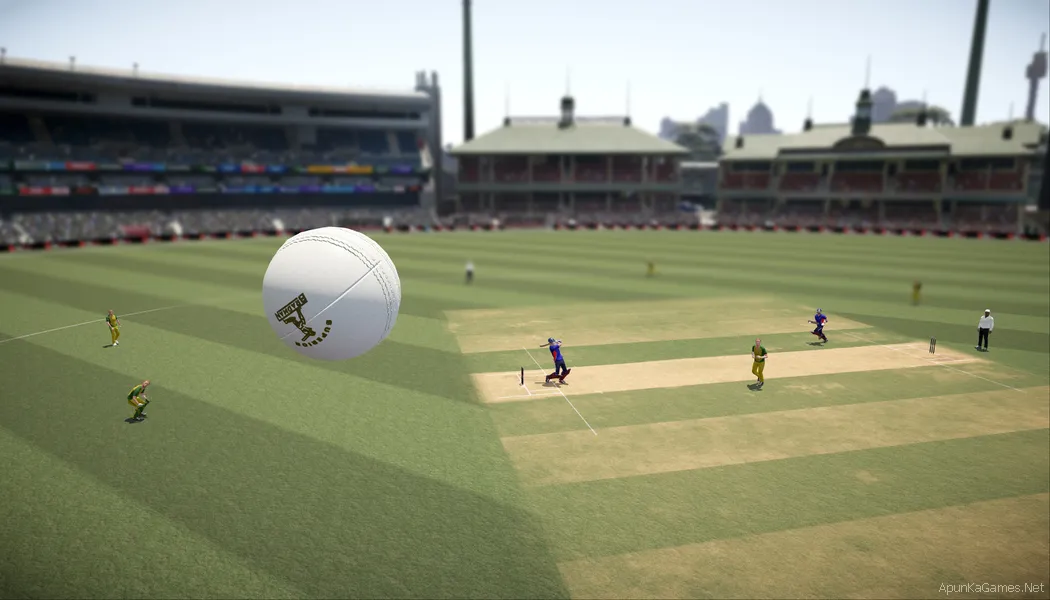
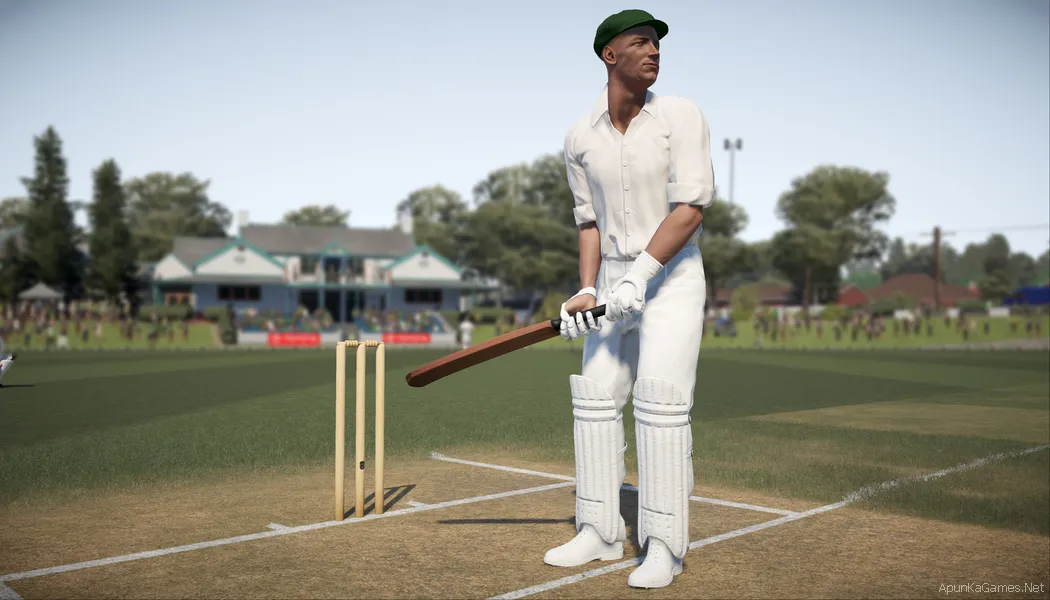
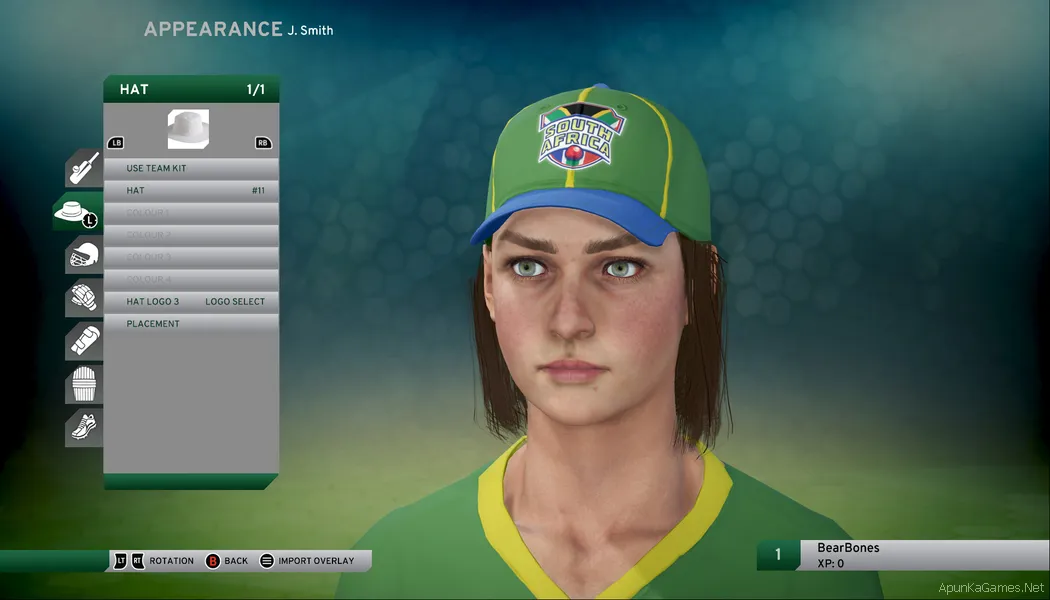
Don Bradman Cricket 17 is a cricket simulation game developed by Big Ant Studios. The game offers a realistic cricket experience with improved batting, bowling, and fielding mechanics. Players can compete in international matches, domestic tournaments, and career mode where they create a custom player and rise through the ranks. Featuring detailed stadiums, team customization, and dynamic gameplay, Don Bradman Cricket 17 delivers an immersive cricket experience for fans of the sport on PC.
Before downloading make sure that your PC meets minimum system requirements.
Minimum System Requirements
Minimum System Requirements
- OS: Windows 7 (x64) or higher
- Processor: Intel Core i3-3210 / AMD Athlon II X4 555
- RAM: 4 GB
- Hard Drive: 11 GB available space
- Video Card: Radeon HD 6670 or NVIDIA Geforce GT710 with Min 1GB
- Network: Broadband Internet connection
- DirectX: Version 11
Screenshots
How to Install?
- Extract the file using Winrar. (Download Winrar)
- Open “Don Bradman Cricket 17” >> “DBC17” folder.
- Then double click on “cricket17” icon to play the game. Done!
How to Download?
If your don’t know how to Download this game, just Click Here!
If your don’t know how to Download this game, just Click Here!
Don Bradman Cricket 17 Free Download
Game Size: 8.71 GB
Password: www.apunkagames.net or apunkagames

what is passwordof this game.
https://www.apunkagames.net
how to play with keyboard?
KEYBOARD SPLITTER INSTALL DO AND PASSWORD http://www.apunkagames.com
what is the password ?
SteamAPI_Init failed… How to resolve.
What is password?????
pass is “apunkagames” or “www.apunkagames.net”
mate 900mbs part fix them please
man fix the 9oo mbs parts plzz @ApunKaGames
You must be online in order to play how to slave bro
This game is 100% working setup. Please follow the instructions step by step: before extracting and installing the game, turn off your antivirus. After installation, you can turn it back on, as antivirus software may block DLL files. Please install all the required Microsoft Visual C++ Redistributables (2005–2022) from the Microsoft. Must needed!
01. Extract the file using Winrar.
02. Open “Don Bradman Cricket 17” >> “DBC17” folder.
03. Then double click on “SmartSteamLoader.exe” icon to play the game. Done!
What’s the password?
Type these passwords one by one (make sure Caps Lock is off) or just copy and paste it.
www.apunkagames.netapunkagames
www.apunkagames.com