
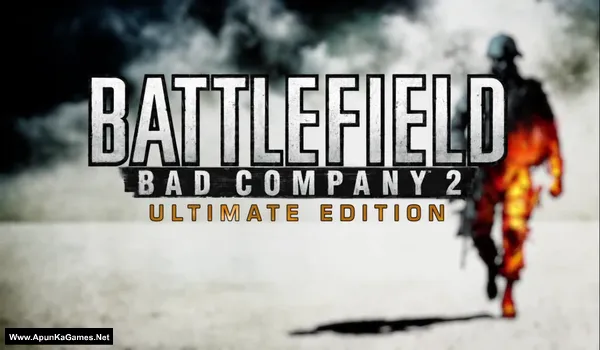
Battlefield: Bad Company 2 Ultimate Digital Edition V1.0 Build: 795745 + All DLCs Game – Overview – Free Download – PC – Specs – Screenshots – Free
Type of game: Action, First person Shooter
PC Release Date: March 2, 2010
Developer/Publishers: EA DICE, Electronic Arts
Battlefield: Bad Company 2 Ultimate Edition (4.77 GB) is an Action-FPS video game. Developed and published by EA DICE, Electronic Arts. It was released on March 2, 2010 for Windows. Battlefield: Bad Company 2 Ultimate Edition delivers explosive modern warfare with a cinematic single-player campaign and intense multiplayer battles. Players experience destructible environments, vehicles, and squad-based combat across large-scale maps. The package also includes Battlefield: Bad Company 2: Vietnam, adding iconic weapons, classic maps, and brutal Vietnam War action for an expanded battlefield experience.
Type of game: Action, First person Shooter
PC Release Date: March 2, 2010
Developer/Publishers: EA DICE, Electronic Arts
Battlefield: Bad Company 2 Ultimate Edition (4.77 GB) is an Action-FPS video game. Developed and published by EA DICE, Electronic Arts. It was released on March 2, 2010 for Windows. Battlefield: Bad Company 2 Ultimate Edition delivers explosive modern warfare with a cinematic single-player campaign and intense multiplayer battles. Players experience destructible environments, vehicles, and squad-based combat across large-scale maps. The package also includes Battlefield: Bad Company 2: Vietnam, adding iconic weapons, classic maps, and brutal Vietnam War action for an expanded battlefield experience.
Before downloading make sure that your PC meets minimum system requirements.
Minimum System Requirements
- OS: Windows XP/Vista/7
- Processor: Core 2 Duo @ 2.0GHz
- RAM: 2 GB
- Hard Disk: 15 GB available space
- Graphics Card: 256 MB (GeForce 7800 GT / ATI X1900)
- DirectX: Version 9.0c
Screenshots
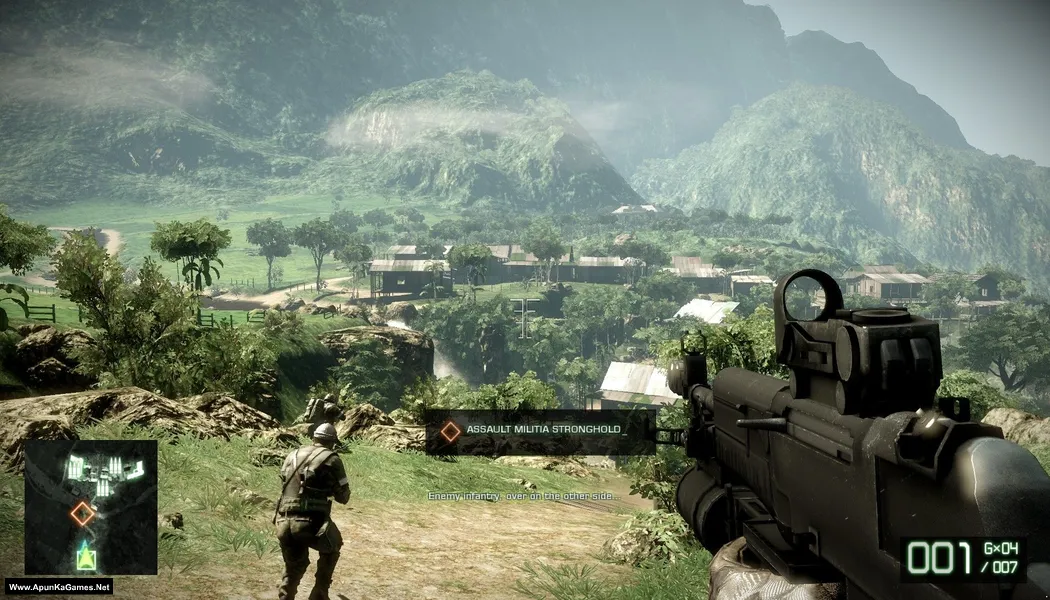
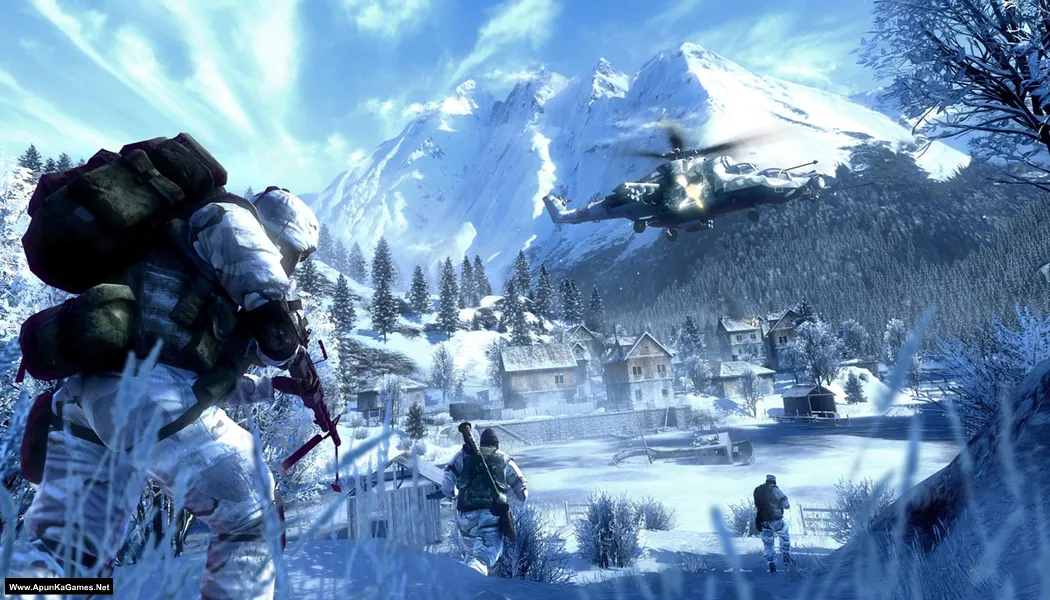
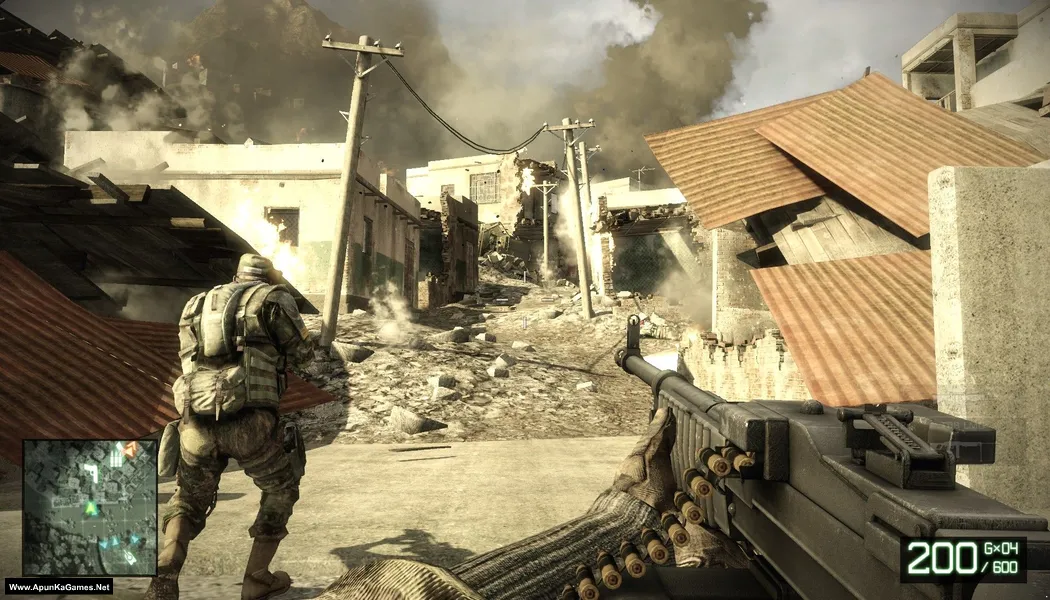
How to Install?
- Extract the file using Winrar. (Download Winrar)
- Open “Battlefield: Bad Company 2 UE” folder, double click on “setup” and install it.
- Once the installation is 100% complete, go to the desktop.
- Then launch the game from the desktop “Game” icon to start playing. Done!
How to Download?
If your don’t know how to Download this game, just Click Here!
If your don’t know how to Download this game, just Click Here!
Game Size: 4.77 GB
Password: www.apunkagames.net or apunkagames
