
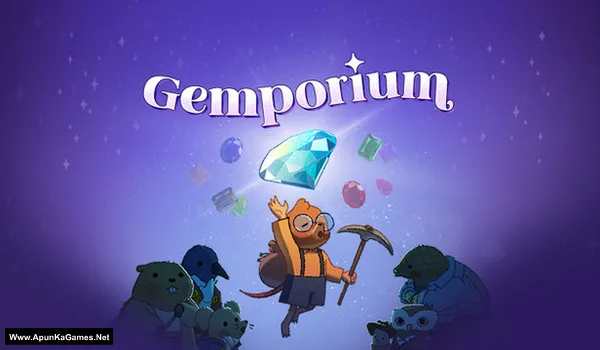
Gemporium: A Cute Mining Sim Game – Overview – Download – Free – PC – Specs – Screenshots – Installation Guide
Type of game: Simulation
PC Release Date: August 7, 2025
Developer/Publishers: Merge Conflict Studio
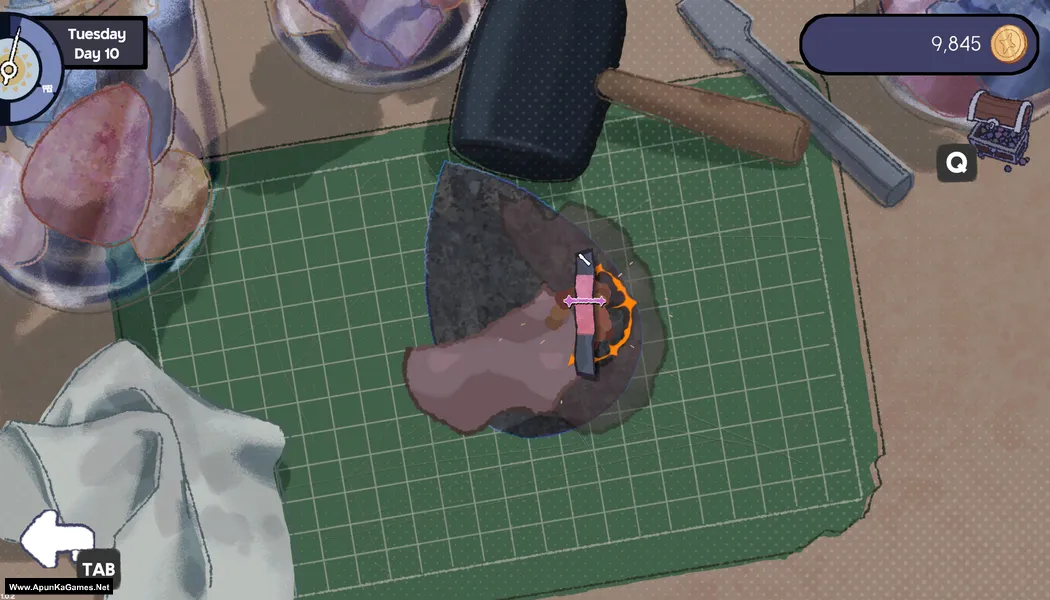
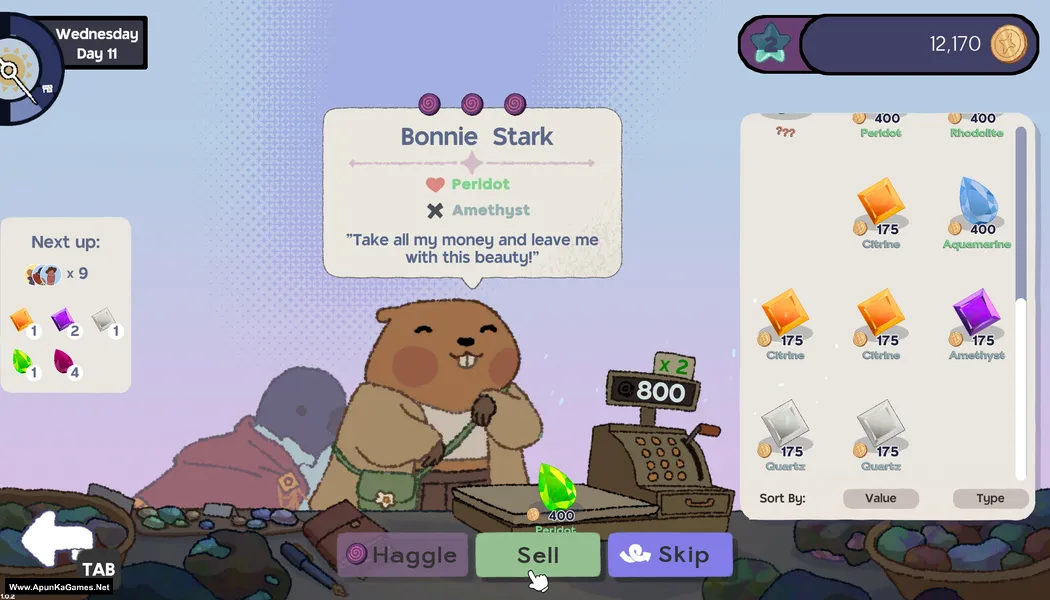
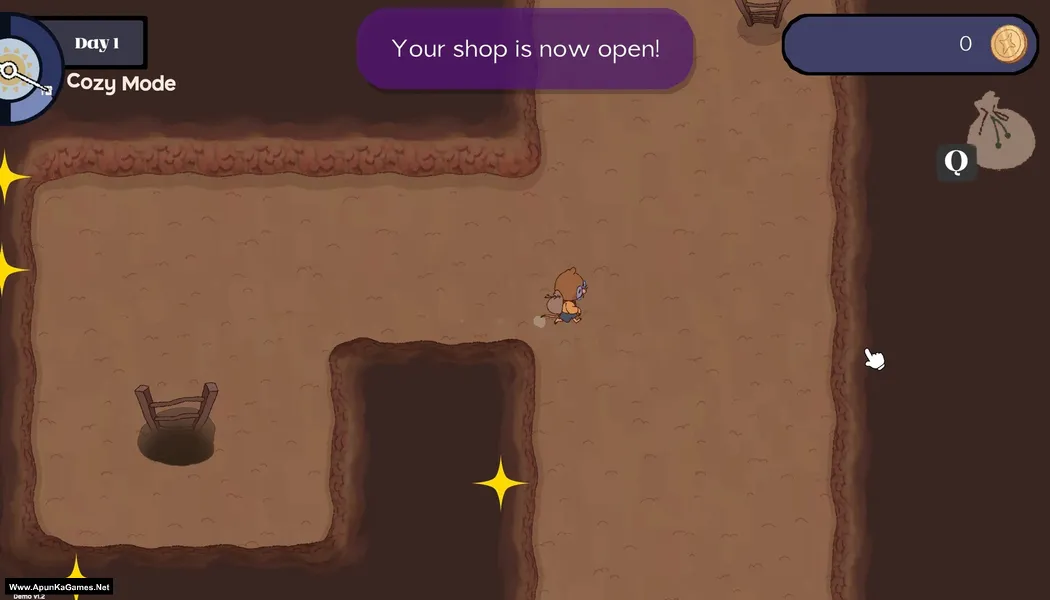
Gemporium: A Cute Mining Sim (185 MB) is a relaxing simulation game where players explore underground mines to collect gems, manage resources, and build a thriving gem shop. With cozy visuals and simple mechanics, the game focuses on mining, upgrading tools, and selling rare treasures for profit. Players can expand their shop and unlock new areas as they progress. Gemporium is perfect for PC players who enjoy casual mining games, cozy management sims, and chill gameplay experiences.
Type of game: Simulation
PC Release Date: August 7, 2025
Developer/Publishers: Merge Conflict Studio
Gemporium: A Cute Mining Sim (185 MB) is a relaxing simulation game where players explore underground mines to collect gems, manage resources, and build a thriving gem shop. With cozy visuals and simple mechanics, the game focuses on mining, upgrading tools, and selling rare treasures for profit. Players can expand their shop and unlock new areas as they progress. Gemporium is perfect for PC players who enjoy casual mining games, cozy management sims, and chill gameplay experiences.
Before downloading make sure that your PC meets minimum system requirements.
Minimum System Requirements
- OS: Windows 10
- Processor: Ryzen 1600x or Intel 7500k
- RAM: 8 GB
- Hard Disk: 1 GB available space
- Graphics Card: GTX 970
- DirectX: Version 11
Screenshots
How to Install?
- Extract the file using Winrar. (Download Winrar)
- Open “Gemporium A Cute Mining Sim” >> “Game” folder.
- Then double click on “Gemporium.exe” to play the game. Done!
How to Download?
If your don’t know how to Download this game, just Click Here!
If your don’t know how to Download this game, just Click Here!
Gemporium: A Cute Mining Sim Download
Click Here to Download This Game
Game Size: 185 MB
Password: www.apunkagames.net or apunkagames
Click Here to Download This Game
Game Size: 185 MB
Password: www.apunkagames.net or apunkagames
